Driver Software Functions
55
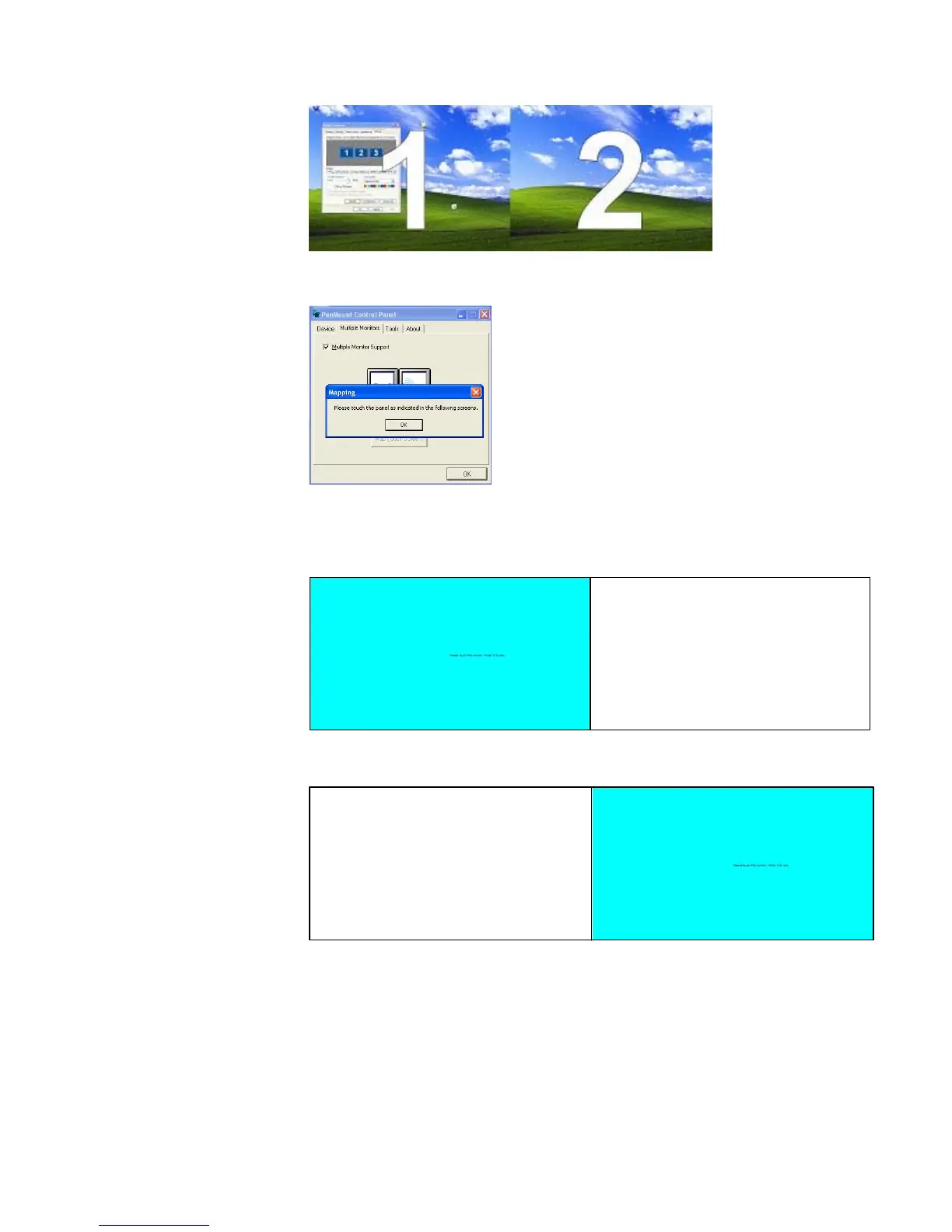
2. In PenMount Control Panel, under Multiple Monitors tag, click “Map
Touch screens” then click “OK”.
3. Then follow the screen instructions to match the controller with the touch
screen.
3-1. Click “S” to skip if you don’t use the touch function on that screen.
3-2. When it jumps to screen 2, touch it. If you don’t use touch function
on screen 2, press “S” to skip it.
4. Before calibrating the screens, finish the procedure of “Map touch
screens”.
5. Carry out Calibrate for each device in sequence.



 To Next Page