Install Drivers for 9000 Boards
48
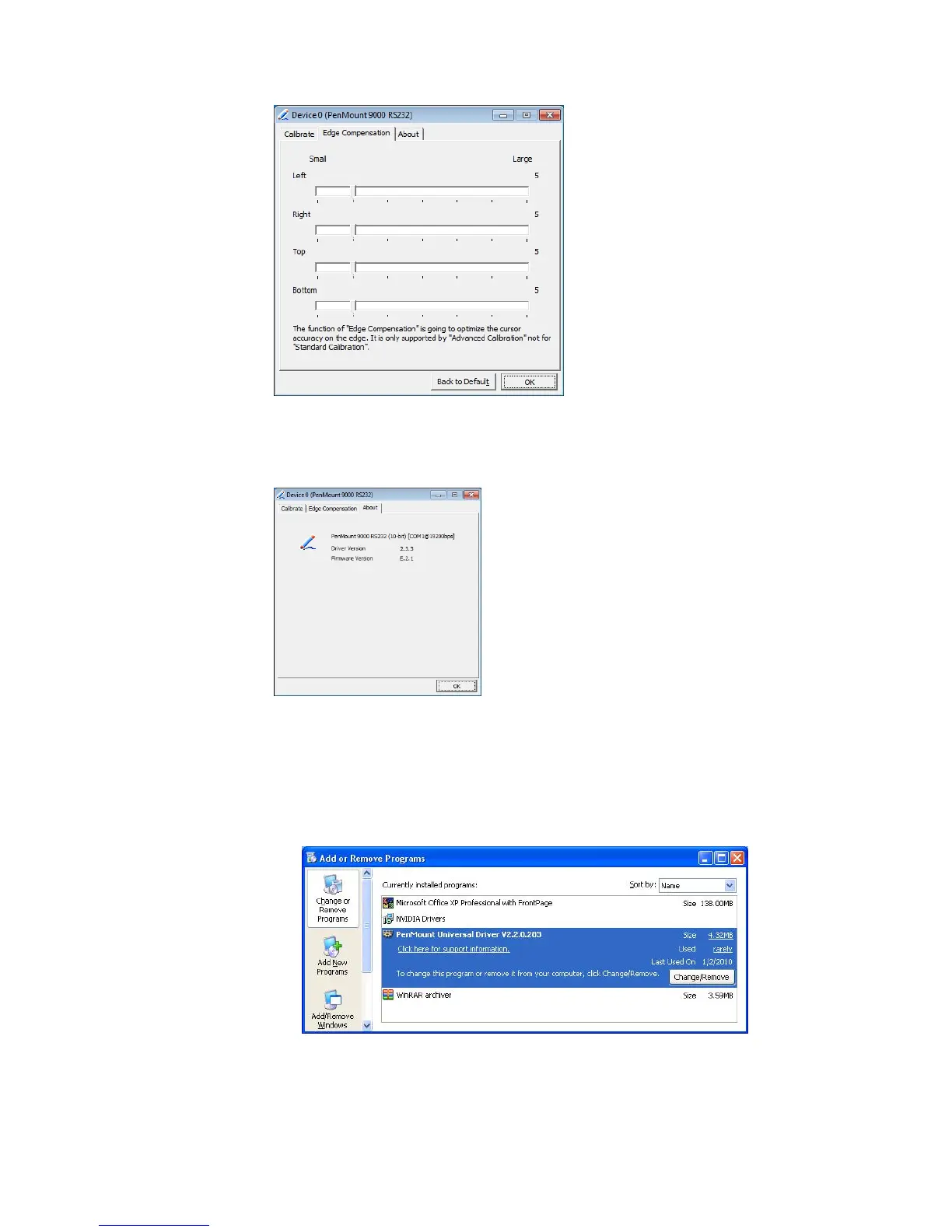
About
This panel displays information about the PenMount controller and driver
version
3.6.5. Uninstall PenMount Windows Universal Driver
1. Go to Control Panel. Click “Add/Remove program”. Select ”PenMount
Universal Driver”. Click “Change/Remove” button..
2. Select ‘Uninstall’ to remove PenMount Windows Universal Driver.



 To Next Page