Install Drivers for 9000 Boards
34
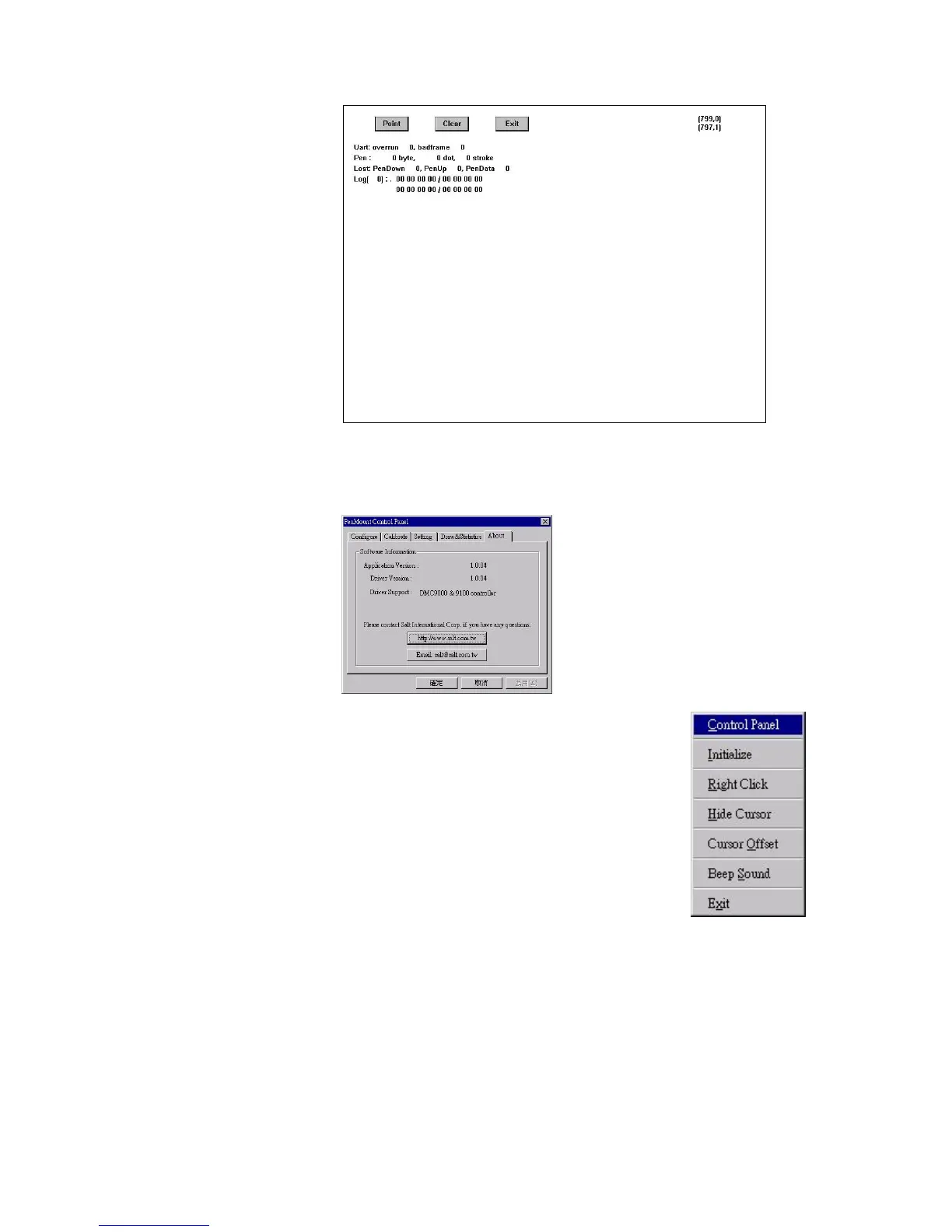
About
This panel displays information about PenMount controller and this
driver version.
3.5.2.2. PenMount Monitor Menu Icon
PenMount monitor icon (PM) appears in the
notification area of Windows NT system when
you turn on PenMount Monitor in PenMount
utilities. PenMount Monitor has the following
functions.
Initialize
This resets the PenMount controller chipset.
Normally, you do not need to use this function
because the Windows NT driver checks the
controller chipset automatically.
Right Click
When you select this function, a mouse icon
appears in the right-bottom of the screen. Click
this icon to switch between Right and Left
Button functions.



 To Next Page