Install Drivers for 9000 Boards
28
Configure Rotate Function
1. Install the rotation software package.
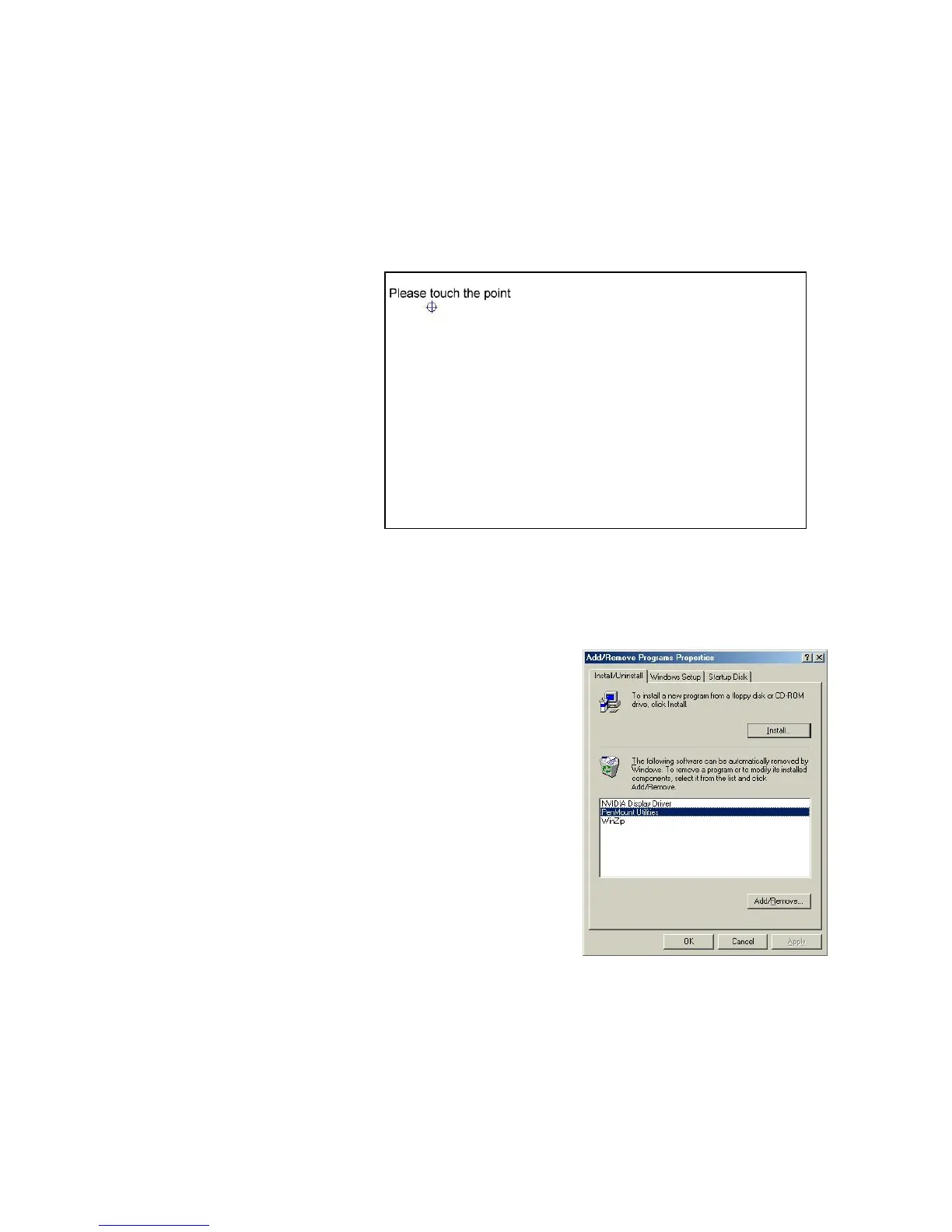
2. Choose rotate function (0°, 90°, 180°, 270°) in the 3rd party
software. The calibration screen appears automatically. Touch
this point and rotation is mapped.
NOTE: Rotate function will be disable if you use Monitor
Mapping.
3.4.3. Uninstall PenMount Windows 98/ME Driver
1. Exit PenMount Monitor (PM)
from the notification area.
2. Select ‘Uninstall’ utility from
‘Programs’ of ‘PenMount
Utilities’.
3. A message appears: “Are you
sure you want to completely
remove ‘PenMount Utilities’ and
all its components?”
4. Select ‘Yes’ to remove PenMount
Windows 98/ME Driver.
5. Reboot system and PenMount
Windows 98/ME Driver is removed from system.



 To Next Page