Install Drivers for 9000 Boards
23
3.4. Install PenMount Windows 98/ME Driver
Before installing PenMount Windows 98/ME Driver, you must have had Windows
98/ME system installed in your computer. You must also have installed either
PenMount 9026BH or 9036CH control board.
3.4.1. Install PenMount Windows 98/ME Driver
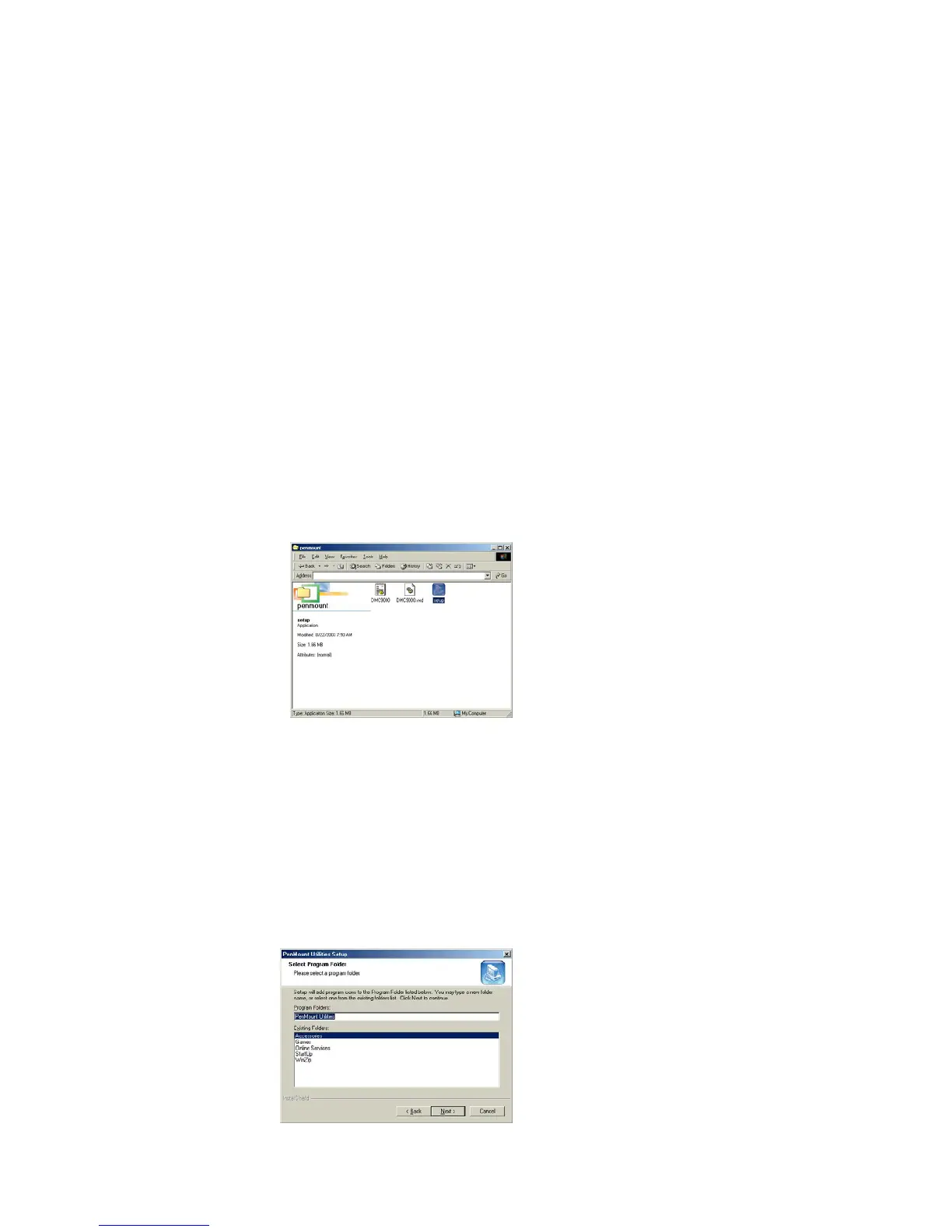
The content of PenMount Windows 98/ME Driver folder is listed below:
SETUP.EXE
DMC9000.INF
DMC9000.VXD
If you have an older version of PenMount Windows 98/ME Driver installed
in your system, remove it first and follow the steps below to install
PenMount Windows 98/ME Driver.
When system first detects the control board, a screen appears that shows
“Unknown Device”. Do not use this hardware wizard. Press Cancel.
Install PenMount Windows 98/ME Driver to your system from the
CD-ROM:
A welcome message for the PenMount utilities setup program appears.
Select “Next”.
A Software License Agreement screen appears. Select "Yes".
A information screen appears. Select "Next".
Choose Destination Location screen appears. To install PenMount utilities
into the folder: C:\Program Files\PenMount\Win9x, select "Next” or modify
the folder name to one you would like to use.
Select Program Folder screen appears. The default is "PenMount
Utilities". Select "Next” or change it.



 To Next Page