Driver Software Functions
57
4.4.1. Compare Functions
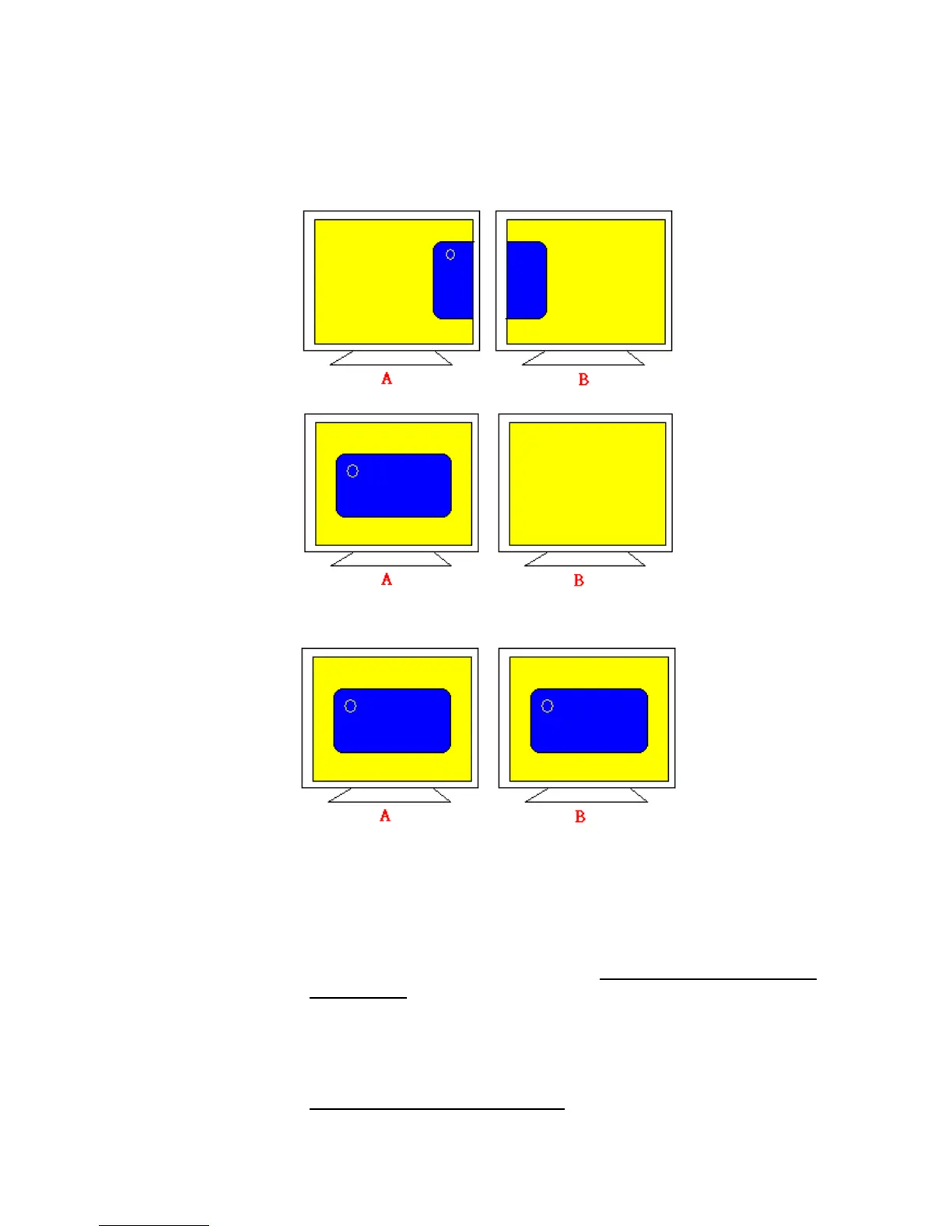
The differences of the functions between Multiple Monitors and Multiple
Devices are illustrated below.
or
Multiple Monitors function shown above extends the screen into 2 or more
monitors.
Multiple Devices function displays the same image on two or more monitors.
4.4.2. Requirements
To use Multiple Devices with PenMount Control Boards, you need to do the
following:
1. Configure your computer hardware. See Chapter 2: Install PenMount
9000 Control Boards on page 2.
2. Attach each PenMount Control Board to a different computer’s serial or
USB port.
3. Install the appropriate PenMount software driver in each computer— see
Chapter 3. Install Drivers for 9000 Boards on page 8.



 To Next Page