Driver Software Functions
61
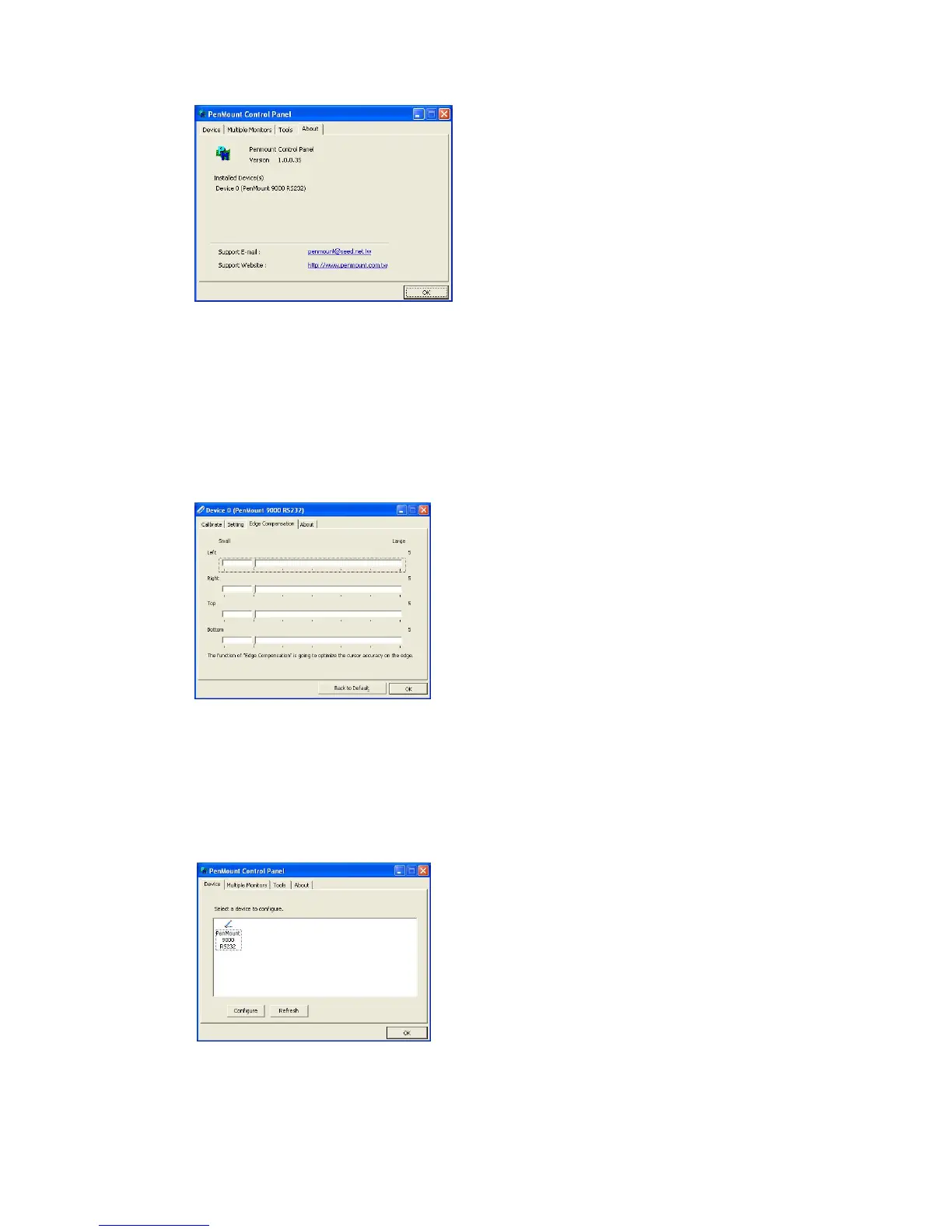
4.17. Edge Compensation
In PenMount Control Panel, when any of the detected PenMount device is selected and
the Configure button is clicked, you will be able to see the Edge Compensation tag,
which is for Advanced Calibration. You can adjust the settings from 0 to 30 for
accommodating the difference of each touch panel. (Note: Edge Compensation is only
supported by PenMount Windows Universal Driver (for Windows 2000/ XP/ XPE/ 2003/
VISTA/ 7/ 2008/ WES7/ 8)
4.18. Refresh
If you install PenMount driver package after( includes) 2.1.0.187, you can click the
Refresh button in PenMount Control Panel to detect the newly attached PenMount
devices. (Note: PenMount Windows Universal Driver only supports Refresh (for
Windows 2000/ XP/ XPE/ 2003/ VISTA/ 7/ 2008/ WES7/ 8).



 To Next Page