Install Drivers for 9000 Boards
30
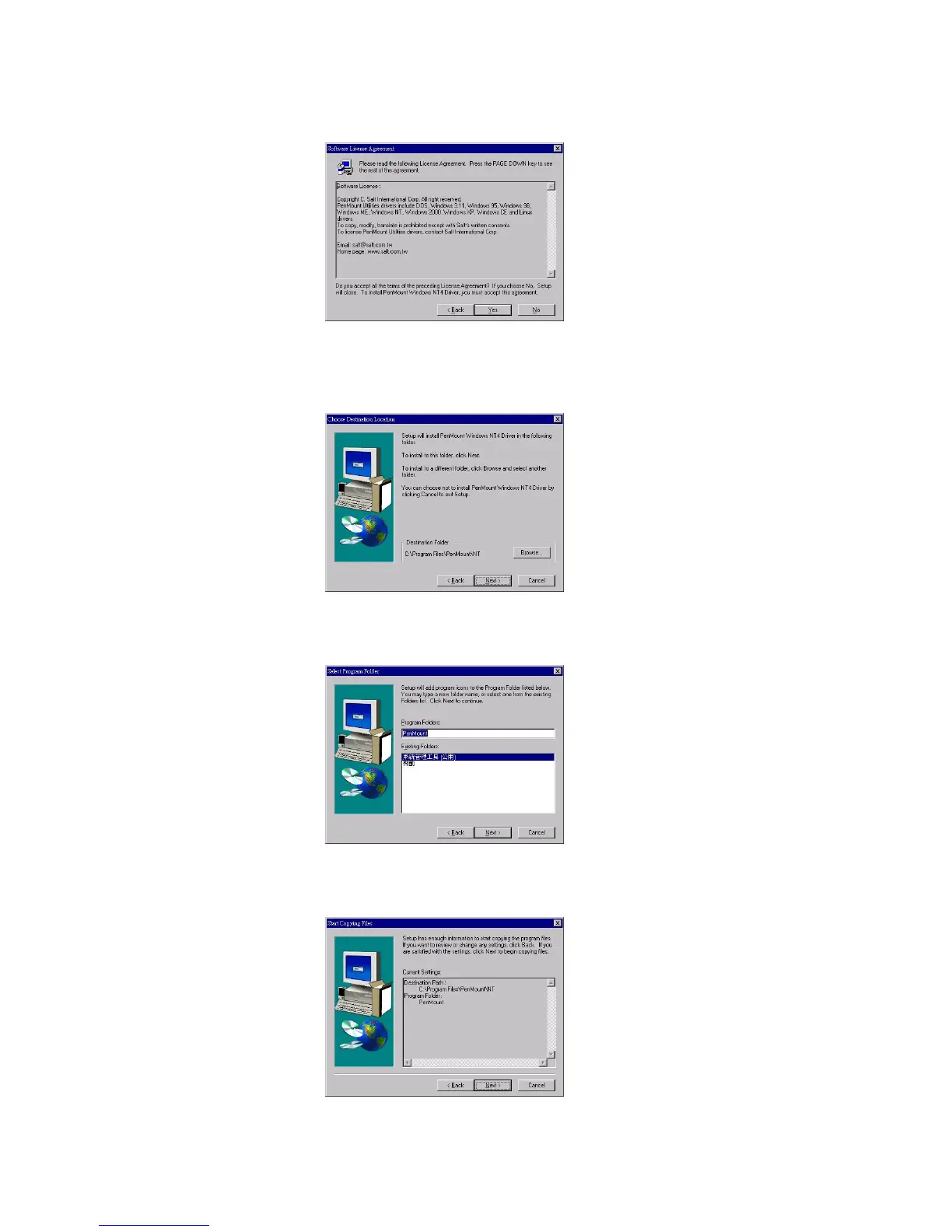
3. Software License Agreement screen appears. Select "Yes".
4. Choose Destination Location screen appears. Then install
PenMount utilities into folder: C:\Program Files\PenMount\NT. Select
"Next’ or modify the folder name to one you would like to use.
5. Select Program Folder screen appears. The default is "PenMount
Utilities". Select "Next” or change it.
6. Start Copying Files screen appears. Select "Next" to copy files to the
system.



 To Next Page