Install Drivers for 9000 Boards
31
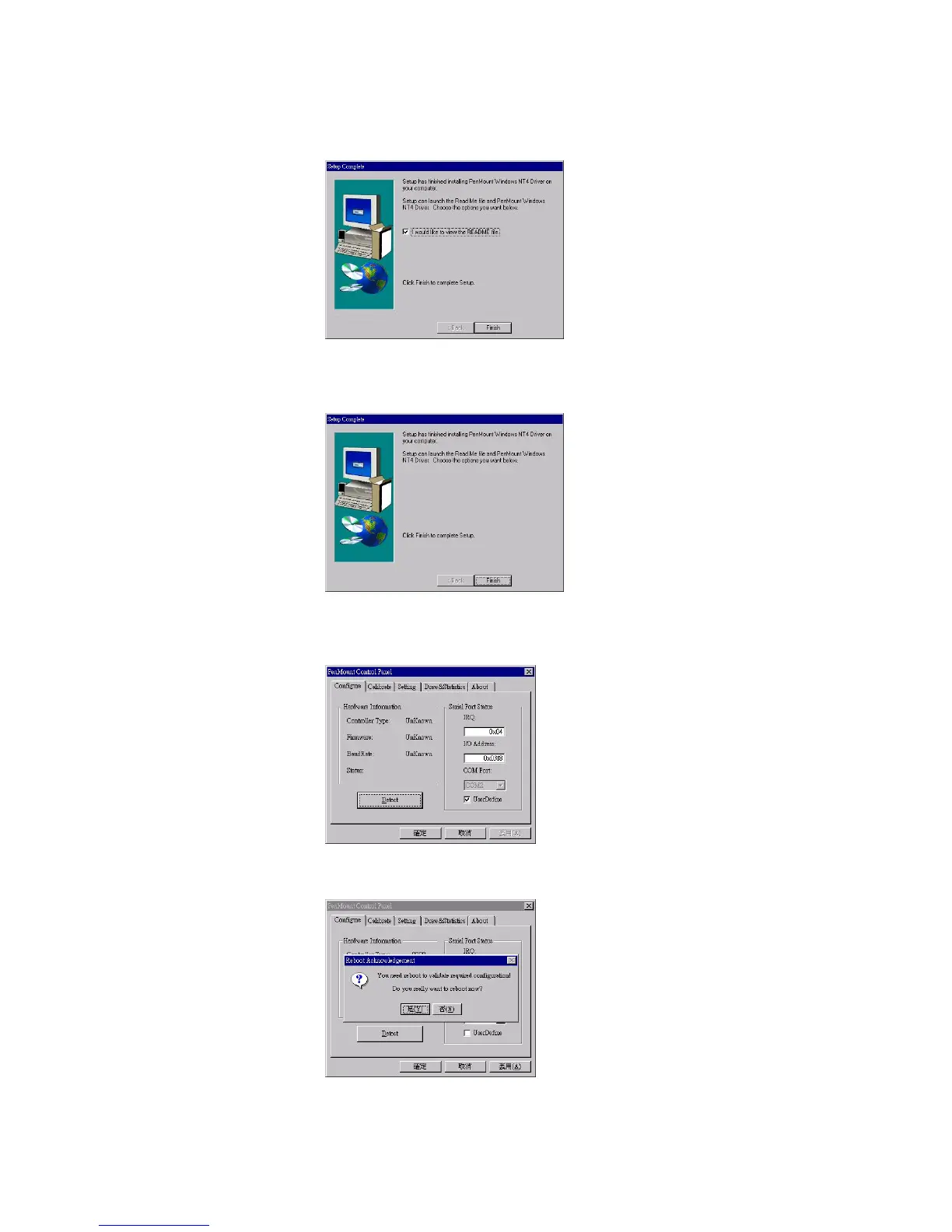
7. Setup Complete screen appears. Check “I would like to view the
README file”. Select "Finish".
8. README file appears. After reading, cancel the window and press
"Finish" again.
9. PenMount Control Panel appears. In Configure panel press the
Detect button to auto-detect the correct COM port.
10. Reboot the system.



 To Next Page