108
6
Editing / Settings
6 Press the OK button.
7 Press the four-way controller (45) to
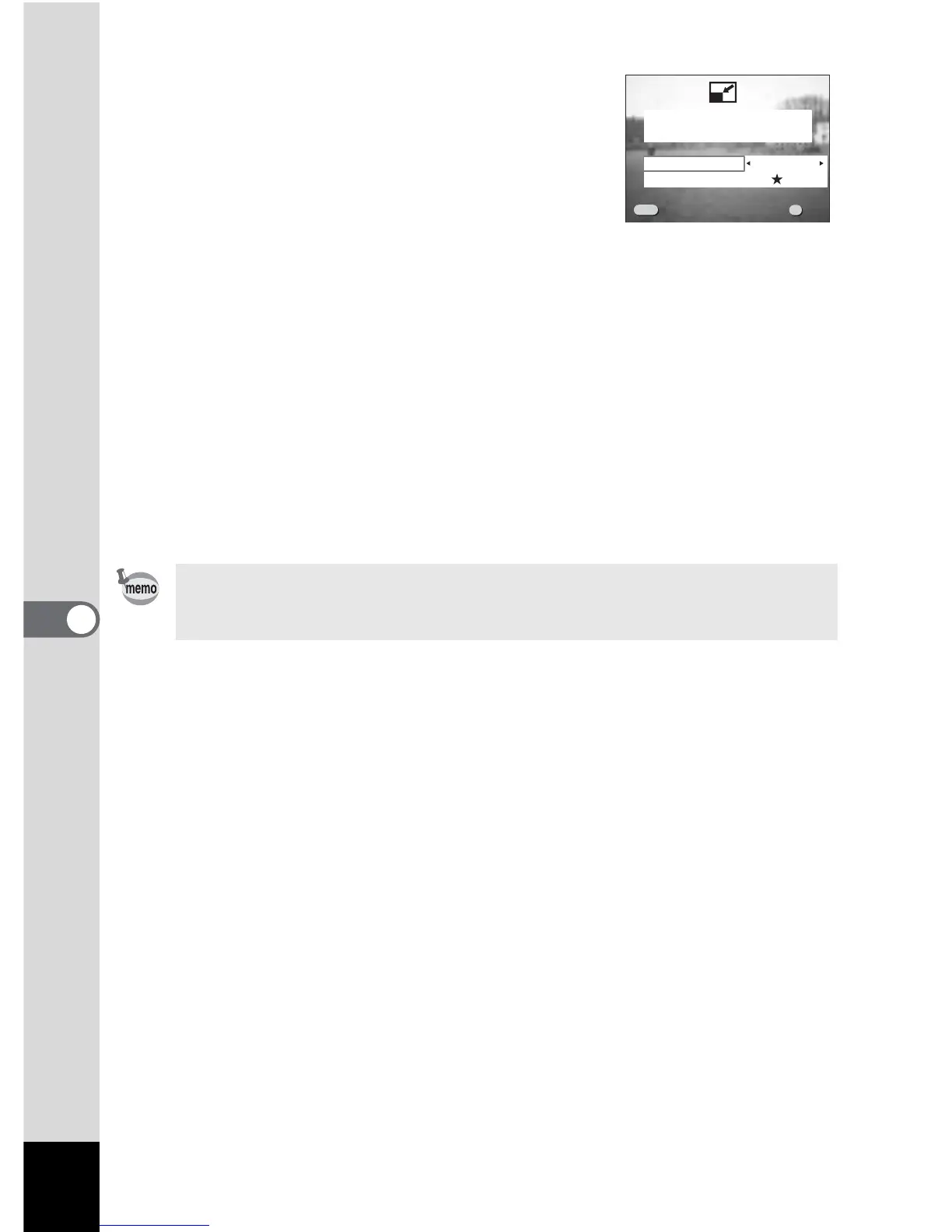
select [Recorded pixels].
8 Press the four-way roller (3).
The frame will move to [Quality Level].
9 Use the four-way controller (45) to select [Quality Level].
10 Press the OK button.
11 Use the four-way controller (23) to select [Overwrite] or
[Save as].
12 Press the OK button.
The image will be resized.
• Movie pictures cannot be resized.
• You cannot select a larger size than that of the original image.
• You cannot select a higher quality level than that of the original image.
100-0020



 To Next Page