118
6
Editing / Settings
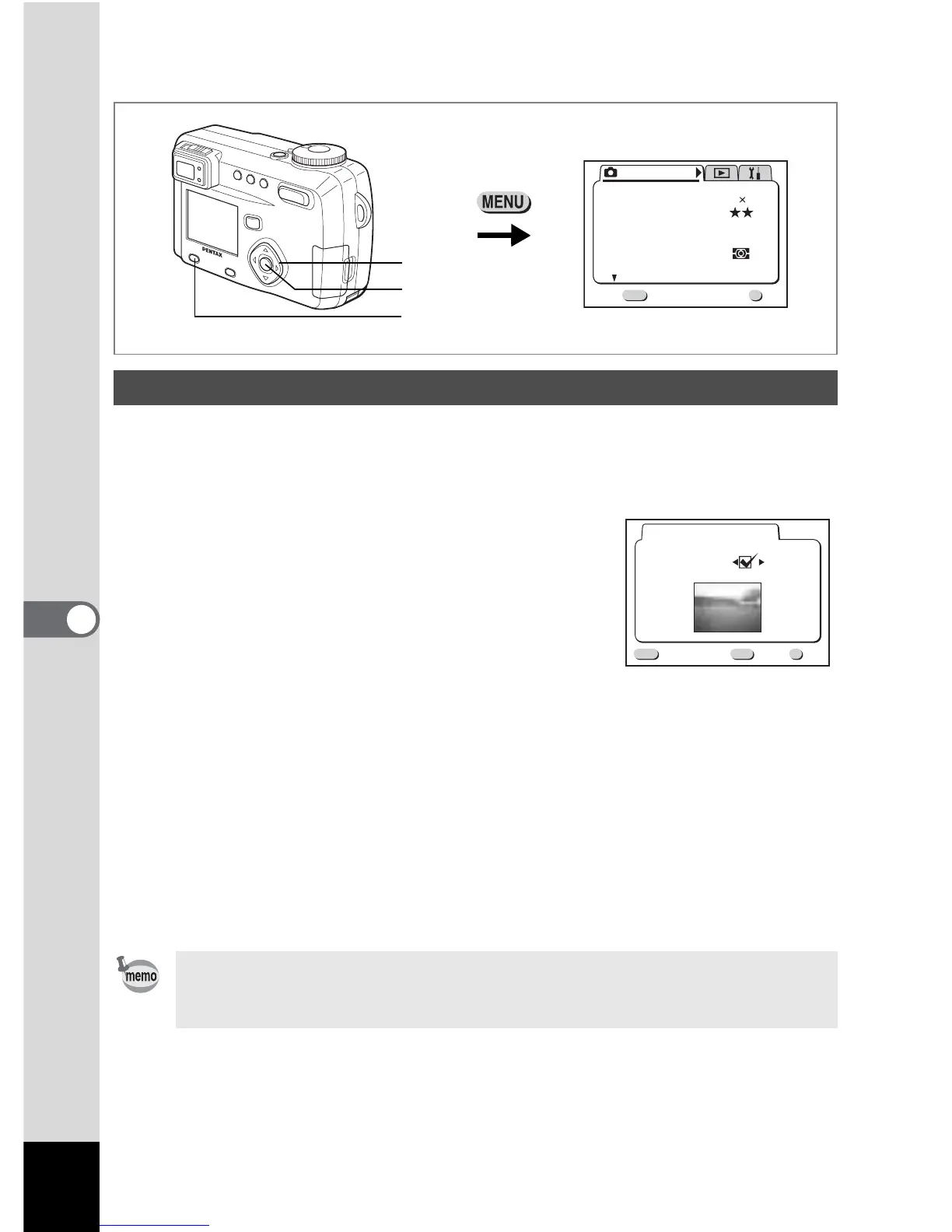
How to recall the [ B Set-up] menu
You can display an image recorded with the camera as the welcome screen when
the camera is turned on.
1 Select [Start-up Screen] on the [B Set-up] menu.
2 Press the four-way controller (5).
The Start-up screen will be displayed.
3 Use the four-way controller (45) to
select
O (On) or P (Off).
O The start-up screen is displayed.
P The start-up screen is not displayed.
4 Press the DPOF button.
5 Use the four-way controller (45) to choose the image you
want to display as the start-up screen.
6 Press the OK button three times.
The camera is ready to take or play back images.
Changing the Start-up Screen
Once the start-up screen has been set, it will not be erased even if the
original image is deleted or the SD Memory Card is formatted. To delete
the start-up screen, reset the setting. (1 p.125)
Menu / Fn button
Rec. Mode
Wide
AWB
Auto
Quality Level
White Balance
Focusing Area
AE Metering
Sensitivity
Exit
1/3
MENU
OK
OK
2592 1944
Recorded Pixels
Four-way controller
OK button
DPOF
Start-up Screen
Change Start-up Screen
MENU
OK
OK
Exit
Image



 To Next Page