53
4
Taking Pictures
Taking Pictures
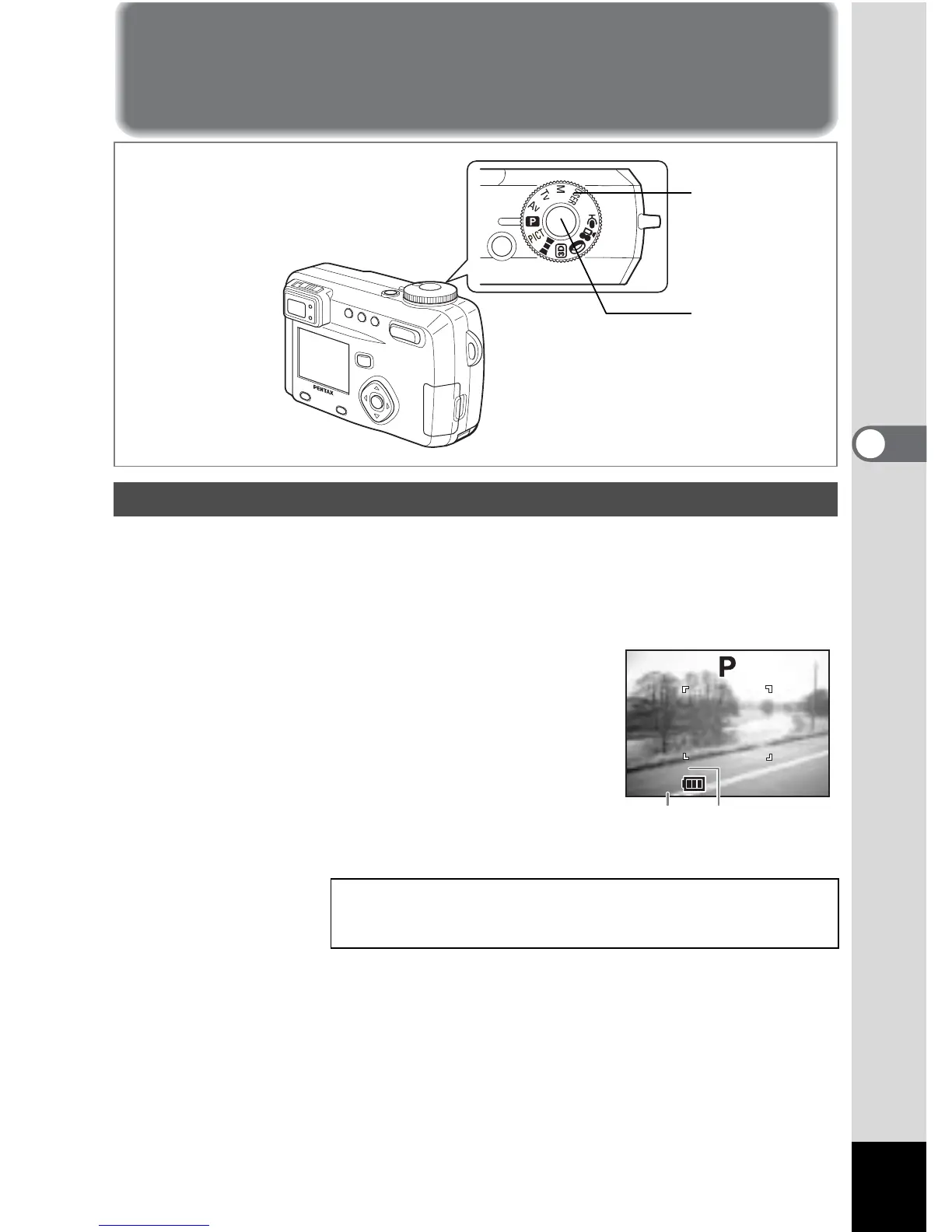
The camera automatically sets the shutter speed and aperture for taking still
pictures. However, you can select other functions such as the flash mode or
continuous shooting mode.
1 Set the mode dial to A.
2 Press the shutter release button.
The picture will be taken.
Letting the Camera Set the Exposure (Program Mode)
Using the Shutter Release Button 1 p.25
Playing back images 1 p.26
1
2
200



 To Next Page