59
Taking Pictures
4
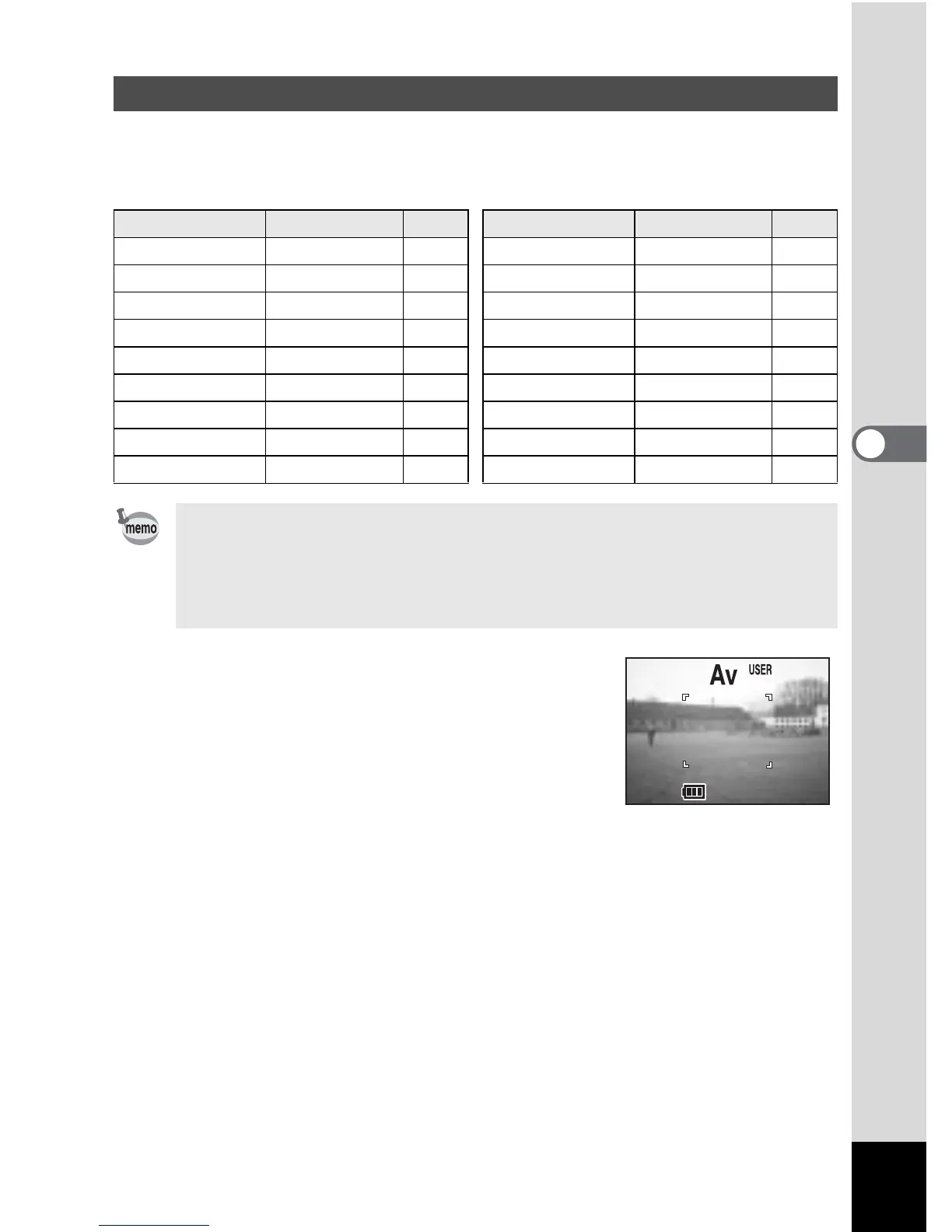
By setting the mode dial to and setting the shooting functions, the functions and
Capture mode are registered in User mode.
!Functions that can be set in User mode
1 Set the mode dial to E.
2 Press the shutter release button.
The picture will be taken.
Registering Functions in User Mode
Function Default Setting Ref. Function Default Setting Ref.
Recorded Pixels 2592 × 1944 p.43 Instant Review* 2 sec p.50
Quality Level
D p.44 Interval Shoot* – p.80
White Balance AWB p.45 Fast Fwd Movie Off p.80
Focusing Area Wide p.47 3D Mode* Parallel p.64
AE Metering
L p.48 Memory – p.87
Sensitivity Auto p.49 Sharpness Normal p.50
Flash exposure 0.0 p.52 Saturation Normal p.51
Auto Bracket* – p.84 Contrast Normal p.51
Digital Zoom On p.75 USER
e –
• For the USER mode, you can choose from the following six modes:
program, manual exposure, aperture priority, shutter priority, picture or
digital filter mode.
• Settings made for functions marked with an asterisk (*) are reflected in
other modes as well as User mode.
F2.8



 To Next Page