31
3
Common Operations
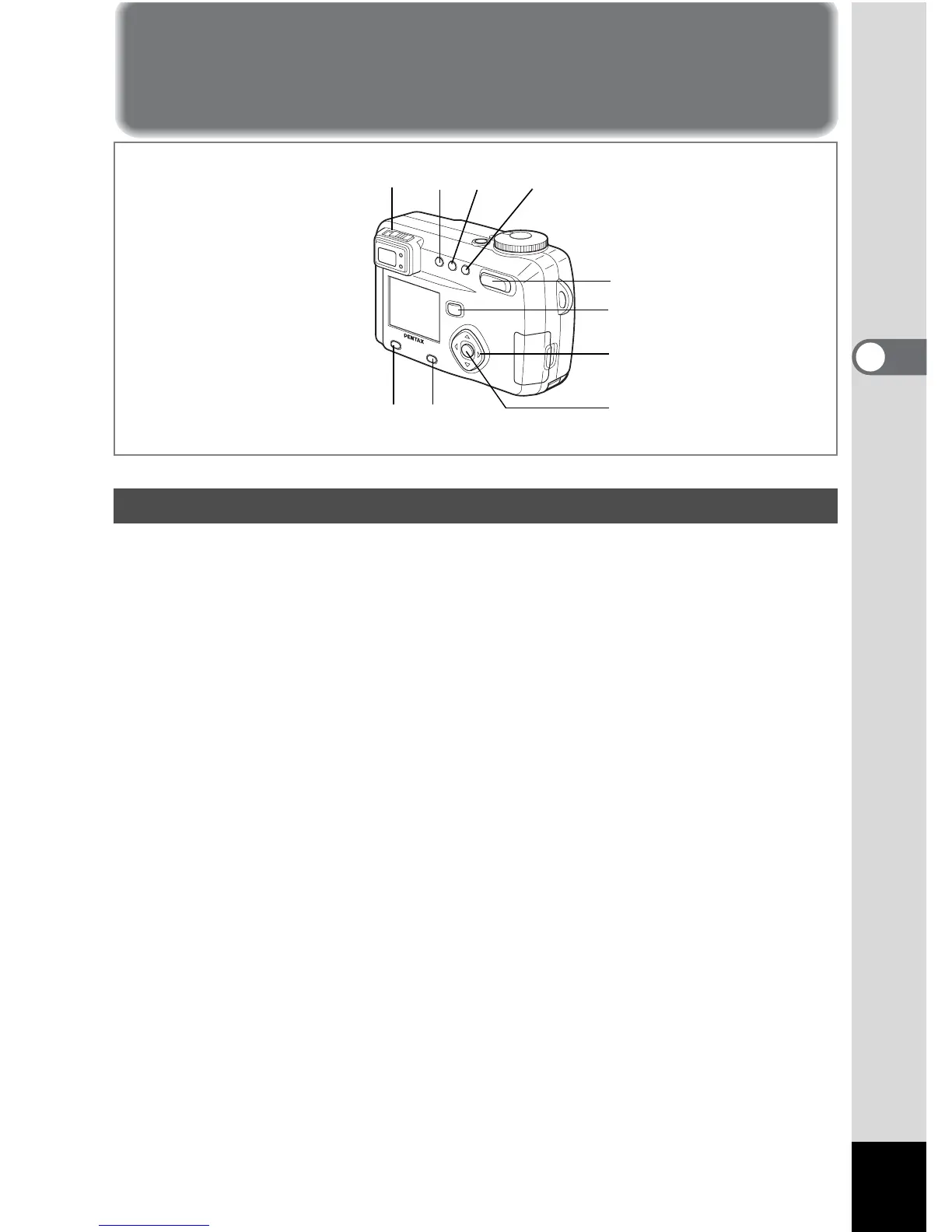
Using the Button Functions
1 Diopter adjustment lever
Adjusts the viewfinder for optimum clarity. (1 p.19)
2 b button
Changes the flash mode. (1 p.42)
3 ( button
Changes the Capture mode as follows.
Using the self-timer (
1 p.77)
Using the remote control unit (
1 p.78)
Continuous shooting (
1 p.79)
Multiple exposure shooting (
1 p.82)
Interval shooting (
1 p.80)
*When the Capture mode is set to
F G C continuous shooting, multiple
exposure shooting and Interval shooting mode will be skipped.
4 ) button
Changes the focus mode. (1 p.40)
5 Zoom button
Changes the size of the subject. (1 p.74)
Capture Mode
123 4
5
6
7 8
11 10
9



 To Next Page