92
5
Playback / Erasing
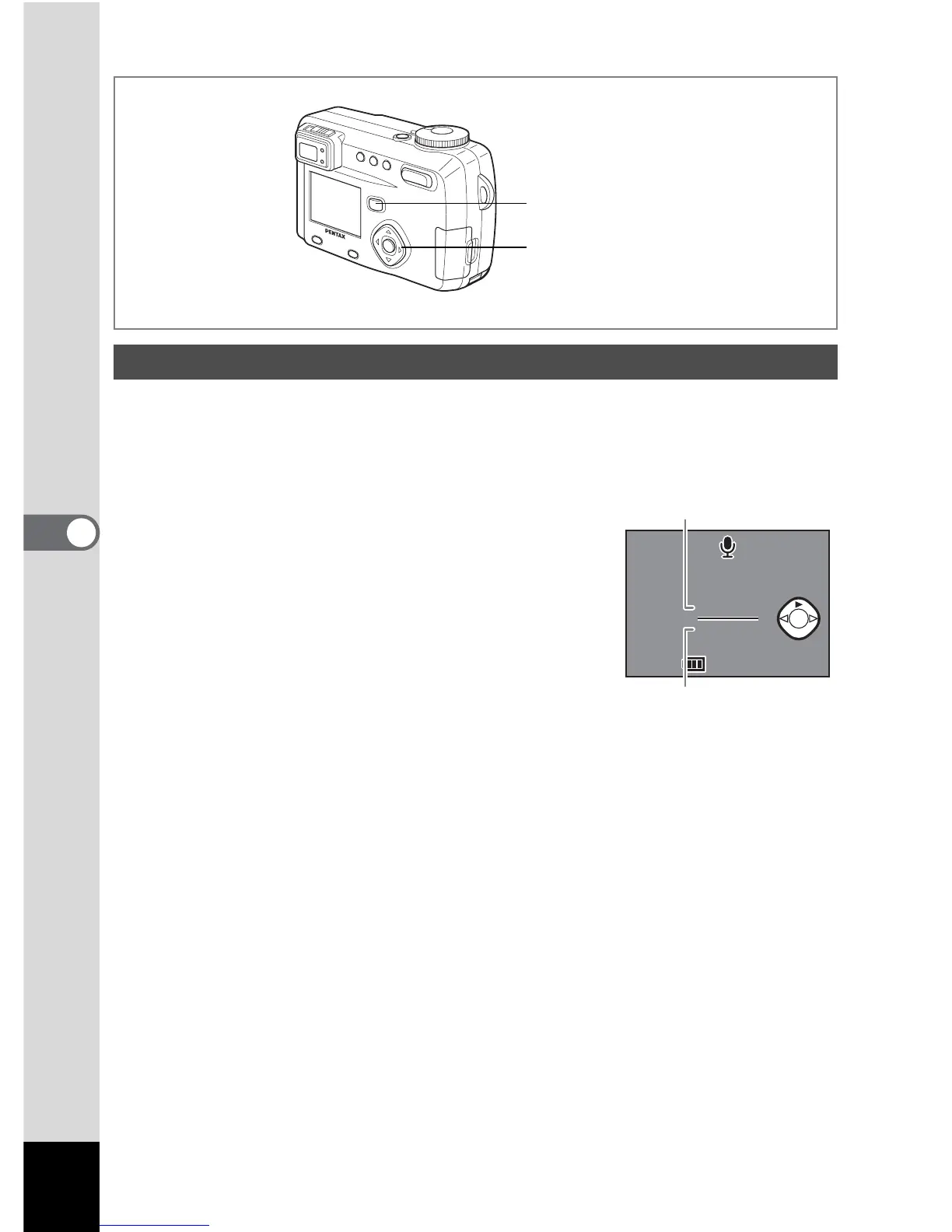
You can play back the recording you made in Voice Recording mode.
1 Enter the Playback mode and choose the recording you want
to play back with the four-way controller (45).
2 Press the four-way controller (2).
Playback will start.
• The following operations can be performed during
playback.
Four-way controller (4):Rewinds and plays back the recorded sound
Four-way controller (
5):Advances and plays back the recorded sound
Zoom /
f/y button (x):Increases the volume
Zoom /
f/y button (w):Reduces the volume
3 Press the four-way controller (3).
Sound playback will end.
4 Press the Playback button.
The camera will return to the Capture mode.
Playing Back Sound
4
1, 2, 3
11:19



 To Next Page