33
Common Operations
3
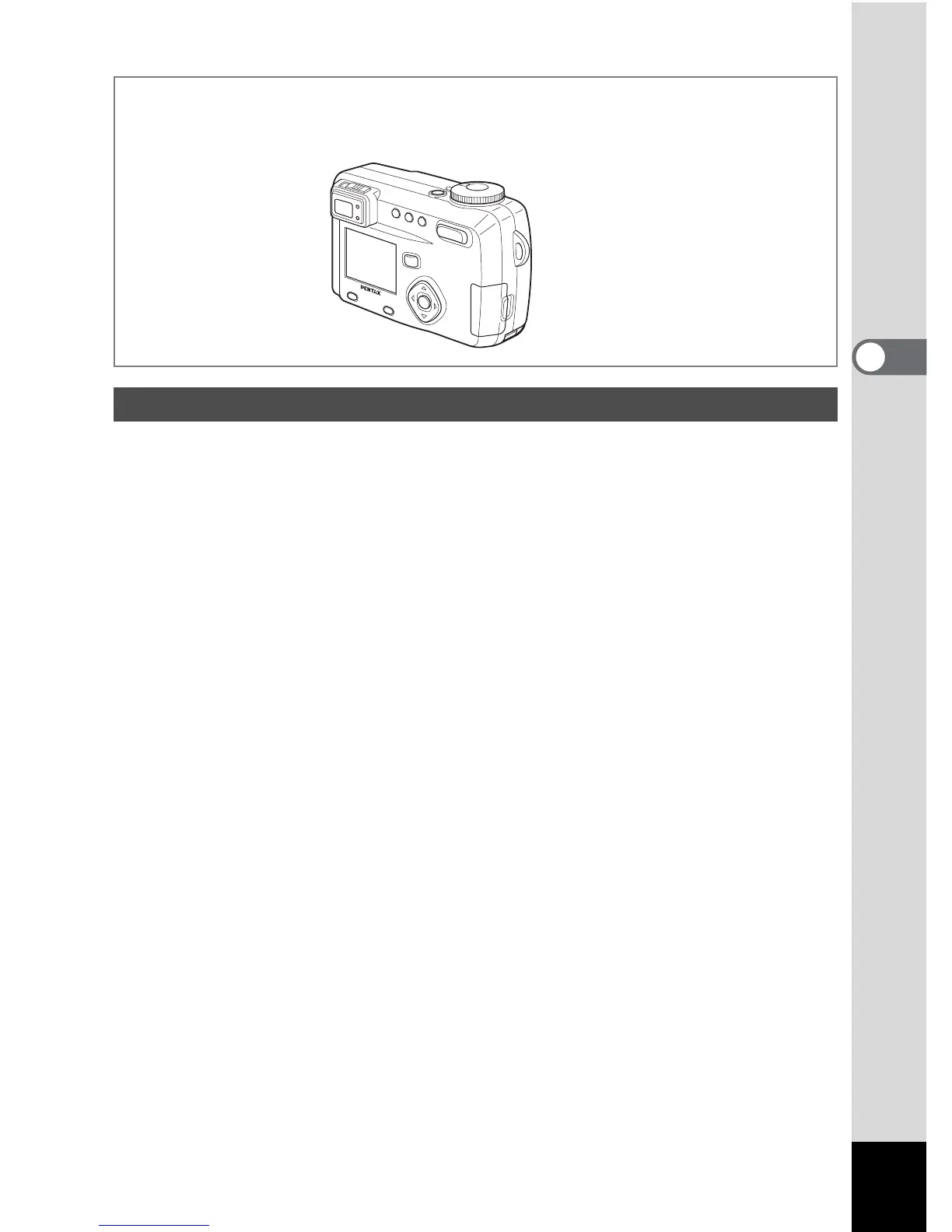
1 Z button
Protects the image from erasure. (1 p.99)
2 DPOF button
Sets the DPOF data for printing pictures. (1 p.101)
3 i button
Deletes the image. (1 p.96)
4 Zoom /f/y button
f displays nine images at once. (1 p.94)
Press -
y in normal mode to change the size of the Zoom Display image,
displayed on the LCD monitor. (
1 p.89)
5 Playback button (1 p.30)
Switches to Capture mode.
6 Four-way controller (45)
Displays images one by one. (1 p.27)
7 OK button
Saves the function selected by the menu item. (1 p.34)
When pressed in Normal Playback mode, the voice memo starts, and
when pressed again, the voice memo stops. (
1 p.90)
When pressed in Zoom Display or Nine-image Display mode, changes to
Normal Playback mode. (
1 p.89, 94)
8 Display button
Changes the information displayed on the LCD monitor. (1 p.93)
9 Menu / Fn button
Displays the active menus in Playback mode. (1 p.34)
Playback Mode



 To Next Page