77
Taking Pictures
4
E a b c A d F G D C
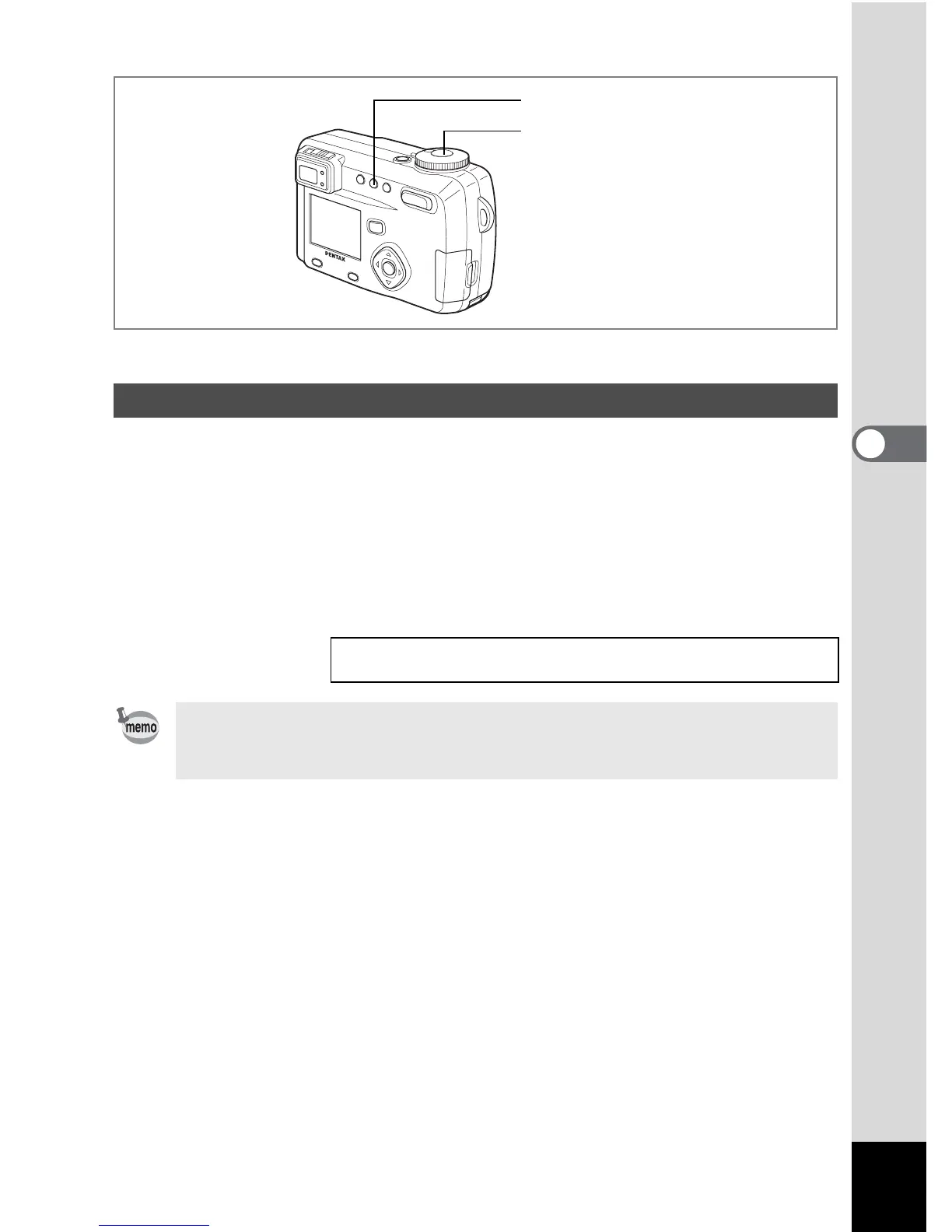
The picture will be taken 10 seconds after the shutter release button is pressed.
1 Press the ( button in Capture mode to display g on the
LCD monitor.
2 Press the shutter release button.
The self-timer is engaged and the self-timer lamp lights. The picture is
taken approximately three seconds after the self-timer lamp starts to blink.
Using the Self-timer
Playing Back Images and Sound 1 p.89
• The second count will be displayed when you turn the LCD monitor on.
• Press the shutter release button halfway while the second count is
displayed to cancel the self-timer.
1
2



 To Next Page