125
6
Editing / Settings
You can reset all the settings other than the date and time, language, Video
output format, world time and date style.
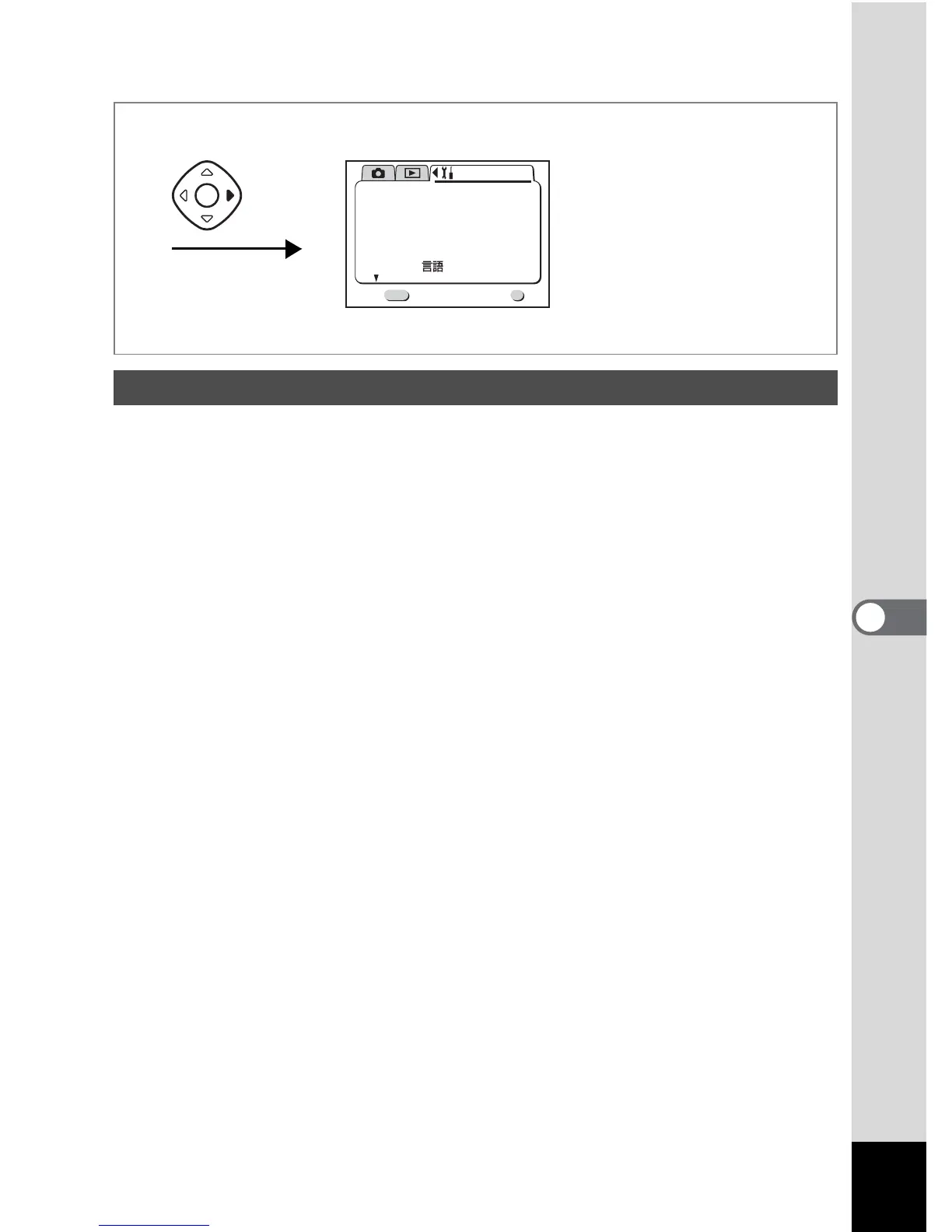
1 Select [Reset] on the [B Set-up] menu.
2 Press the four-way controller button (5).
The Reset screen will be displayed.
3 Use the four-way controller (2) to select [Reset].
4 Press the OK button.
The camera is ready to capture or play back images.
Resetting to Default Settings (Reset)
OK
OK
Exit
MENU
1/3
Set-up
Format
Sound
Date Style
mm/dd/yy
1/ 1/2003
Off
Date Adjust
World Time
Language/
English
Twice



 To Next Page