74
Taking Pictures
4
E a b c A d F G D C
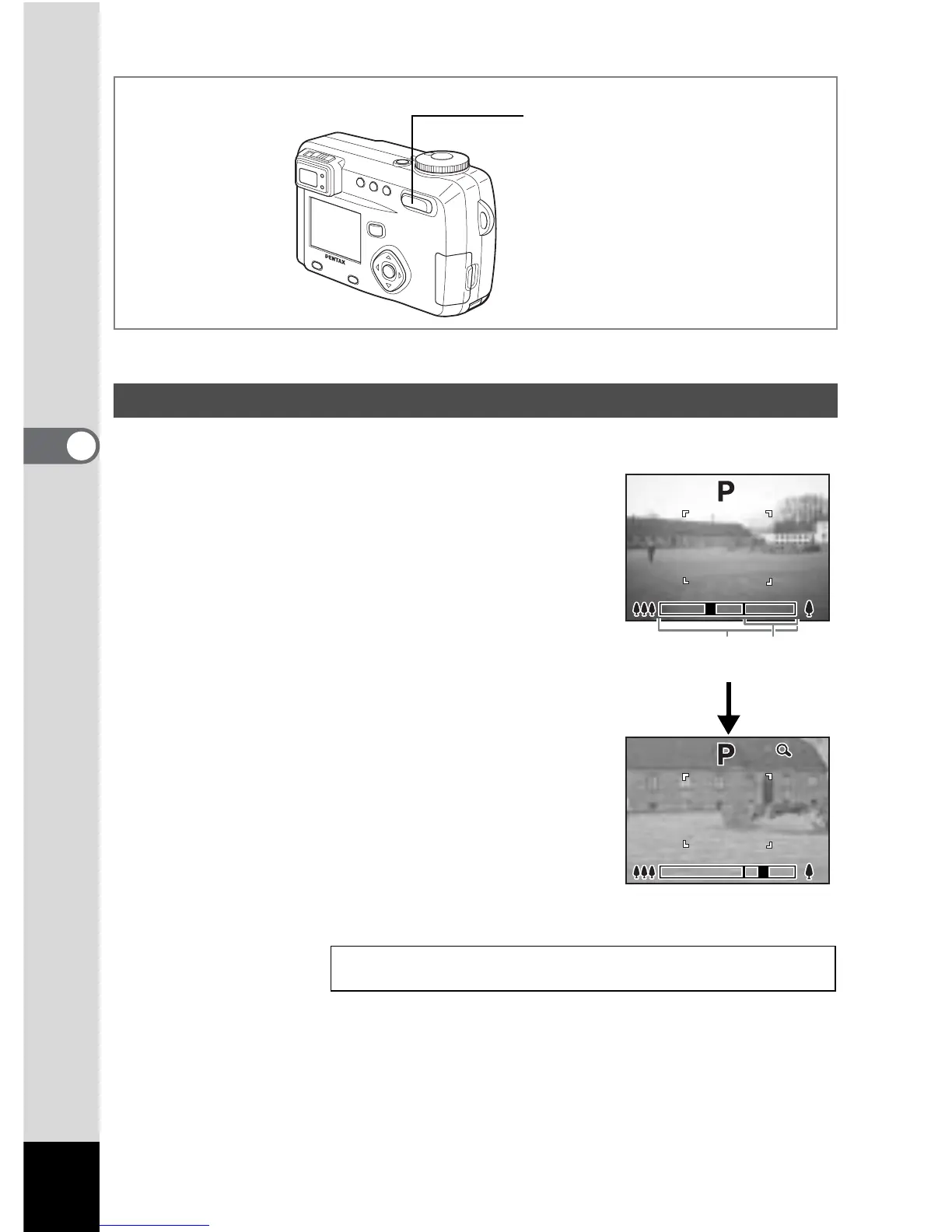
You can use the zoom to take pictures in tele or wide mode.
1 Press the Zoom button in Capture
mode.
x (Wide):makes the subject larger
w (Tele):makes the subject smaller
When the digital zoom function is disabled, you
can take pictures at up to 5× magnification using
the optical zoom.
When the digital zoom is enabled, you can
further enlarge the subject to a maximum
magnification equivalent to 20×.
Using the Zoom
Saving the Zoom Position 1 p.87
1
198



 To Next Page