75
Taking Pictures
4
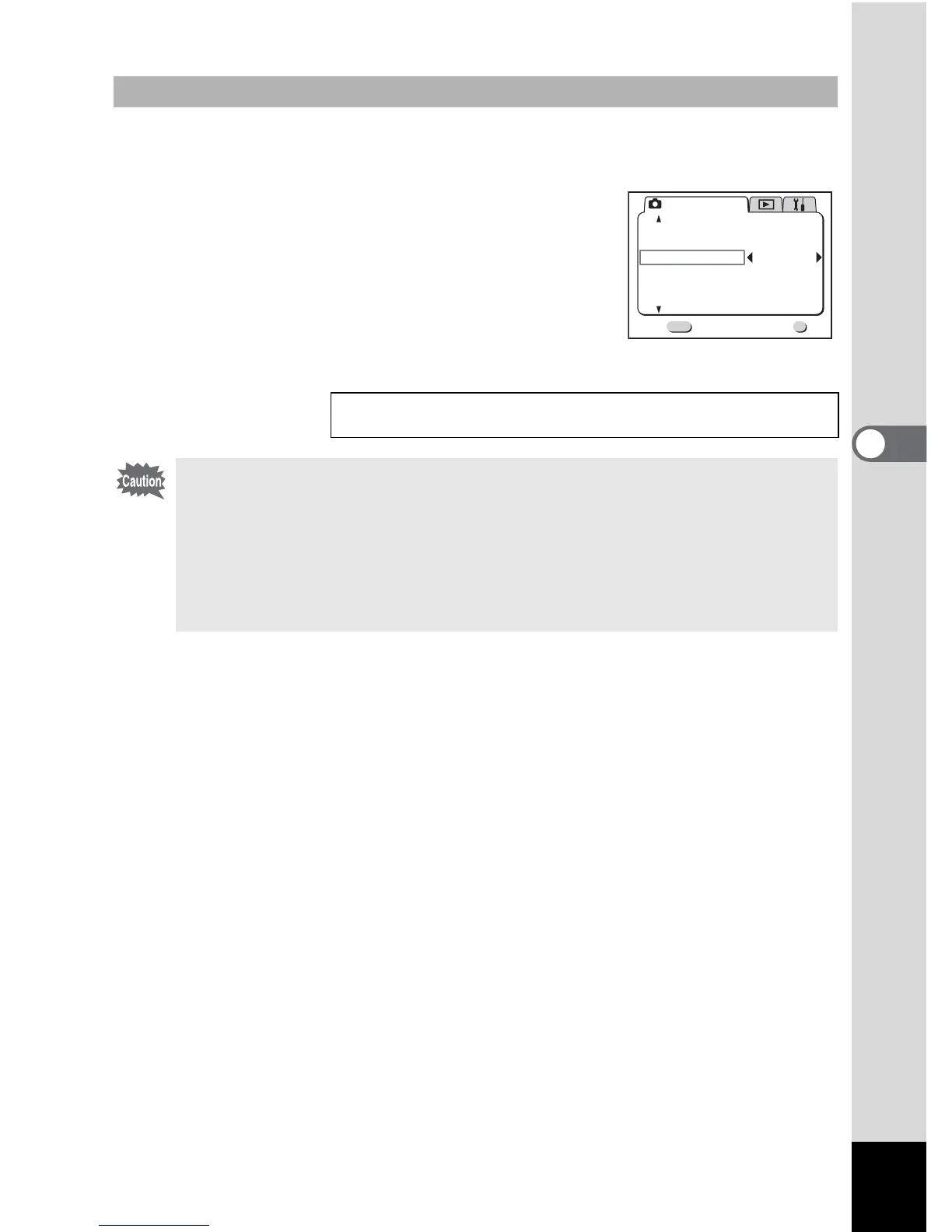
1 Press the Menu/Fn button in Capture mode.
The [A Rec.Mode] menu will be displayed.
2 Press the four-way controller (3) to
select [Digital Zoom].
3 Use the four-way controller (5) to select
[On].
4 Press the OK button.
The camera is ready to take a picture.
Enabling the Digital Zoom Function
Saving the Digital Zoom Function Setting 1 p.87
• When you turn the LCD monitor off, the digital zoom is disabled when the
digital zoom function is set to On.
• The image will be blurred when shooting an image using the digital zoom
function.
• The camera movement may occur due to high magnification. Use the
tripod to prevent it when using the digital zoom function.
• The digital zoom is enabled when taking a movie picture.
Rec. Mode
Exit
2/3
MENU
OK
OK
Auto Bracket
Digital Zoom
Instant Review
Interval Shoot
Off
On
2sec
Fast Fwd Movie
Flash Exp. Comp.
0.0



 To Next Page