110
6
Editing / Settings
The digital filters include filters that can apply a red, blue, or green or other color
filter to images, a soft filter, and a filter to adjust the brightness of images. In digital
filter mode, you can use these filters to modify images.
!Color filters
The color filters include a black and white filter, sepia, red, pink, purple, blue,
green, and yellow filters. When you select a color filter, the image is displayed on
the LCD monitor with the filter effect applied and you can save the modified
image.
!Soft filter
You can save the image with a soft effect when you apply the soft filter.
!Brightness filter
You can save the image as darker or lighter image when you apply the brightness
filter.
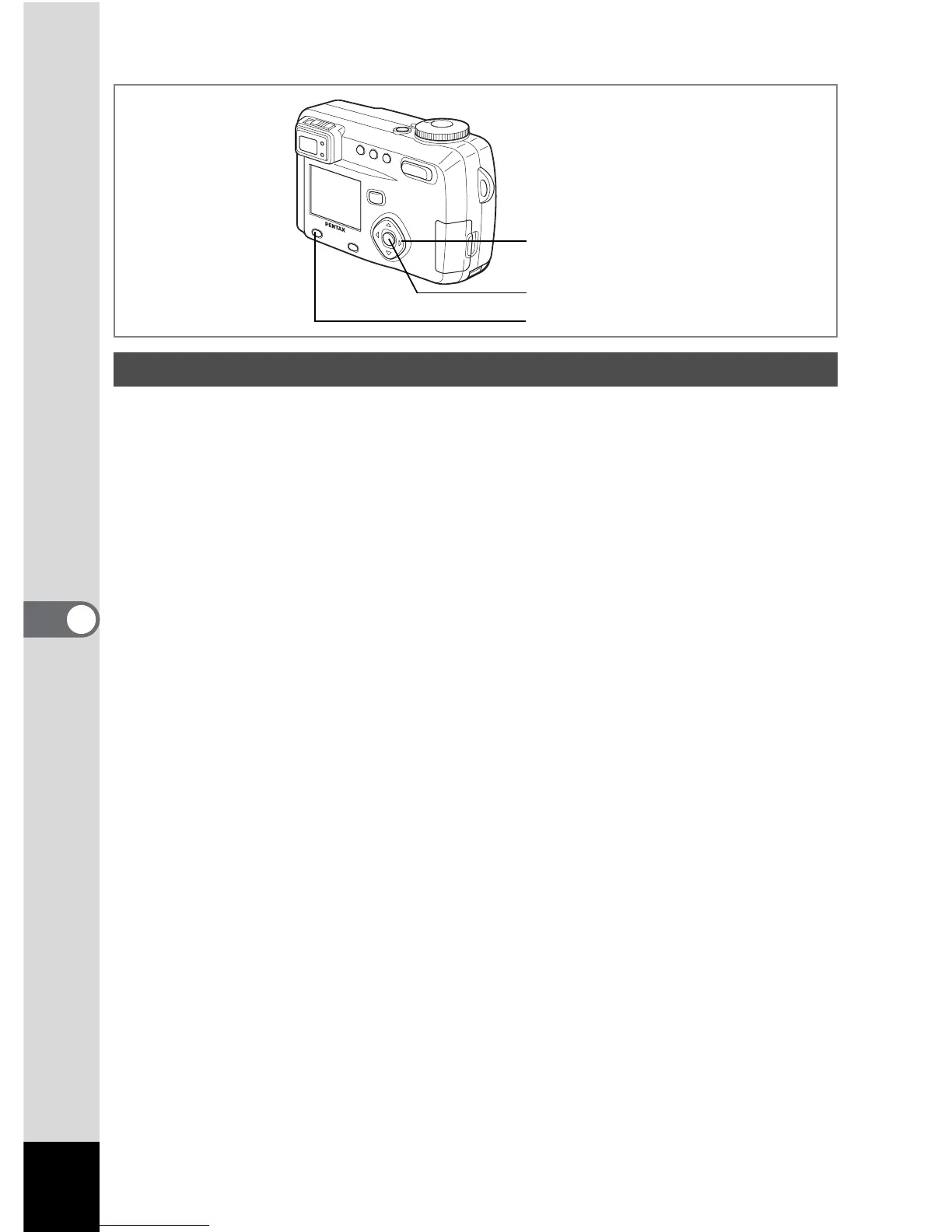
Using Digital Filters to Edit Images
Menu / Fn button
Four-way controller
OK button



 To Next Page