107
6
Editing / Settings
Editing / Settings
Editing Images
You can make the file smaller than the original by changing the size and quality
of a selected image. After changing the size, the image can be saved as a new
image or written over the original image.
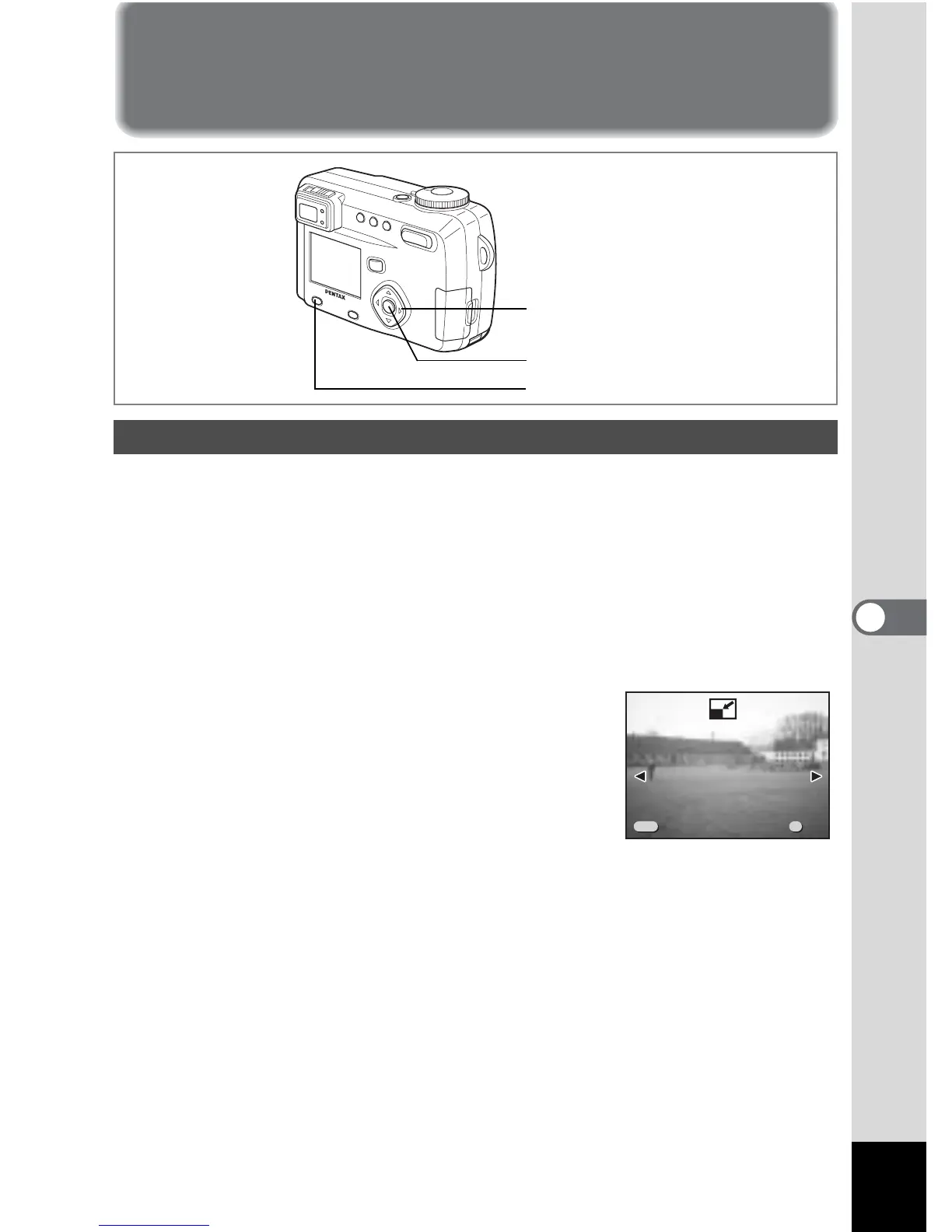
1 Press the Menu / Fn button.
2 Press the four-way controller (5).
The [Q Playback] menu will be displayed.
3 Use the four-way controller (23) to select [Resize].
4 Press the four-way controller (5).
The Resize screen will be displayed.
5 Use the four-way controller (45) to
choose the image you want to resize.
Changing the Image Size
Menu / Fn button
Four-way controller
OK button
100-0020



 To Next Page