116
6
Editing / Settings
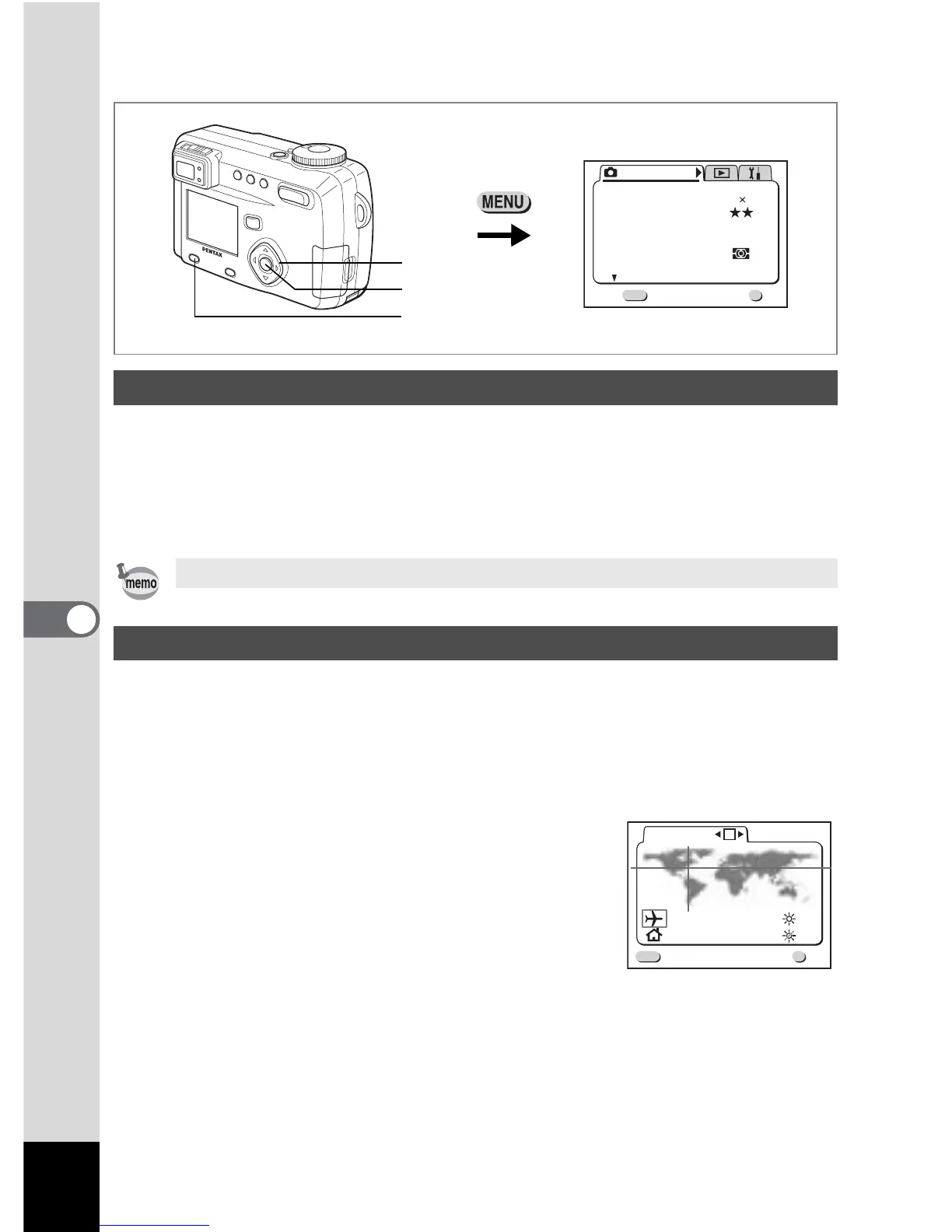
How to recall the [B Set-up] menu
You can change the initial date and time settings.
1 Select [Date Adjust] on the [B Set-up] menu.
2 Press the four-way controller (5).
The date screen will be displayed.
The city and time selected in “Initial Settings” (p.20) serve as the Home Time
setting.
You can display the time in a city other than the Home Time city
(World Time) when shooting or playing back.
1 Select [World Time] on the [B Set-up] menu.
2 Press the four-way controller (5).
The World Time screen will be dis-played.
Changing the Date / Time
See “Setting the Date and Time” (p.22) for the setting procedure.
Setting the World Time
Menu / Fn button
Rec. Mode
Wide
AWB
Auto
Quality Level
White Balance
Focusing Area
AE Metering
Sensitivity
Exit
1/3
MENU
OK
OK
2592 1944
Recorded Pixels
Four-way controller
OK button
NYC
TYO
17:18
04:18
World Time
MENU
OK
OK
Exit



 To Next Page