26
2
Quick Start
Quick Start
Playing Back Still Pictures
You can display the still picture.
1 Press the Playback button after taking a picture.
The image taken will be displayed on the LCD monitor.
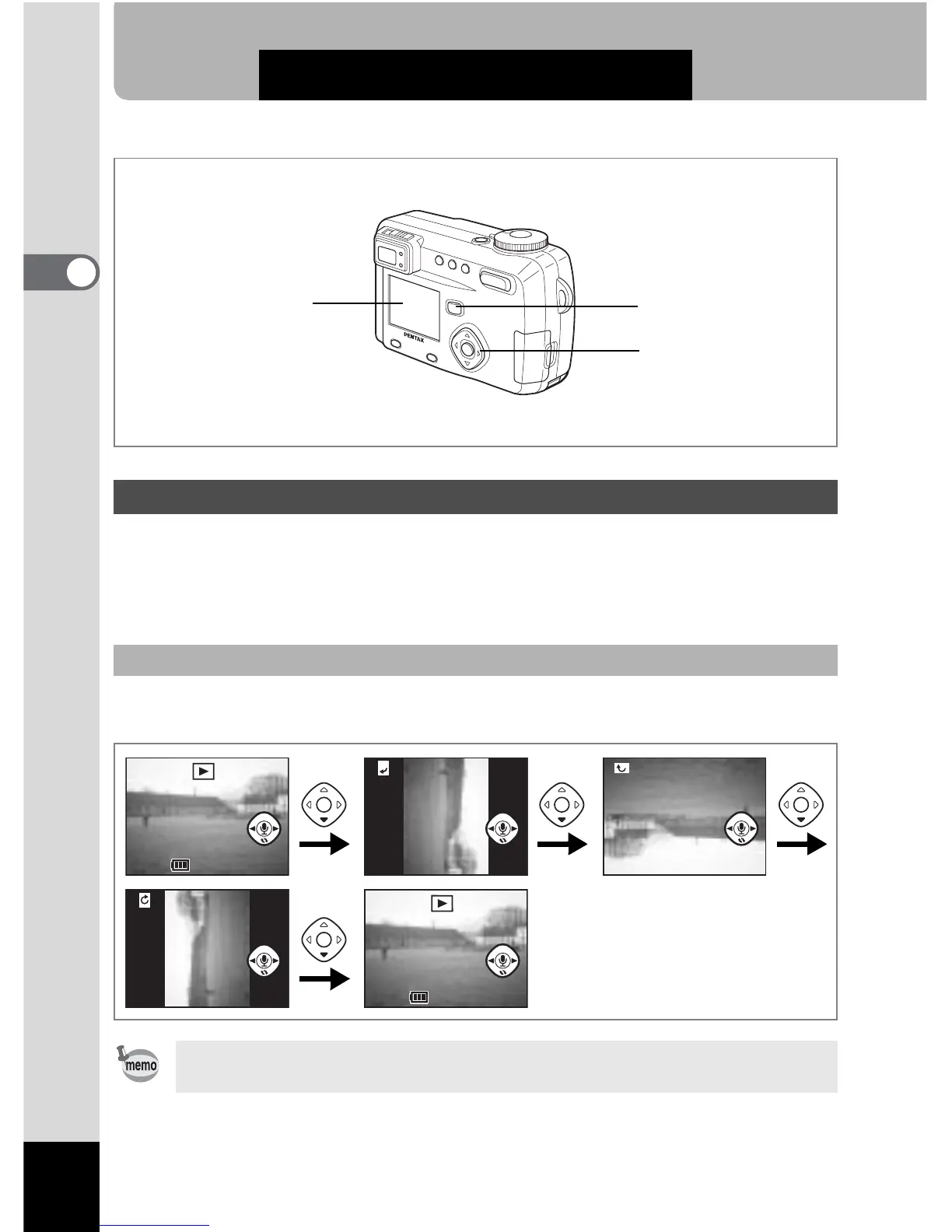
The image will be rotated 90° clockwise each time your press the four-way
controller (
3)
.
Playing Back Images
To rotate the displayed image
• You cannot rotate movie pictures.
• You cannot rotate images while playing back a voice memo.
Four-way controller
LCD monitor
Playback button
100-0019



 To Next Page