58
Taking Pictures
4
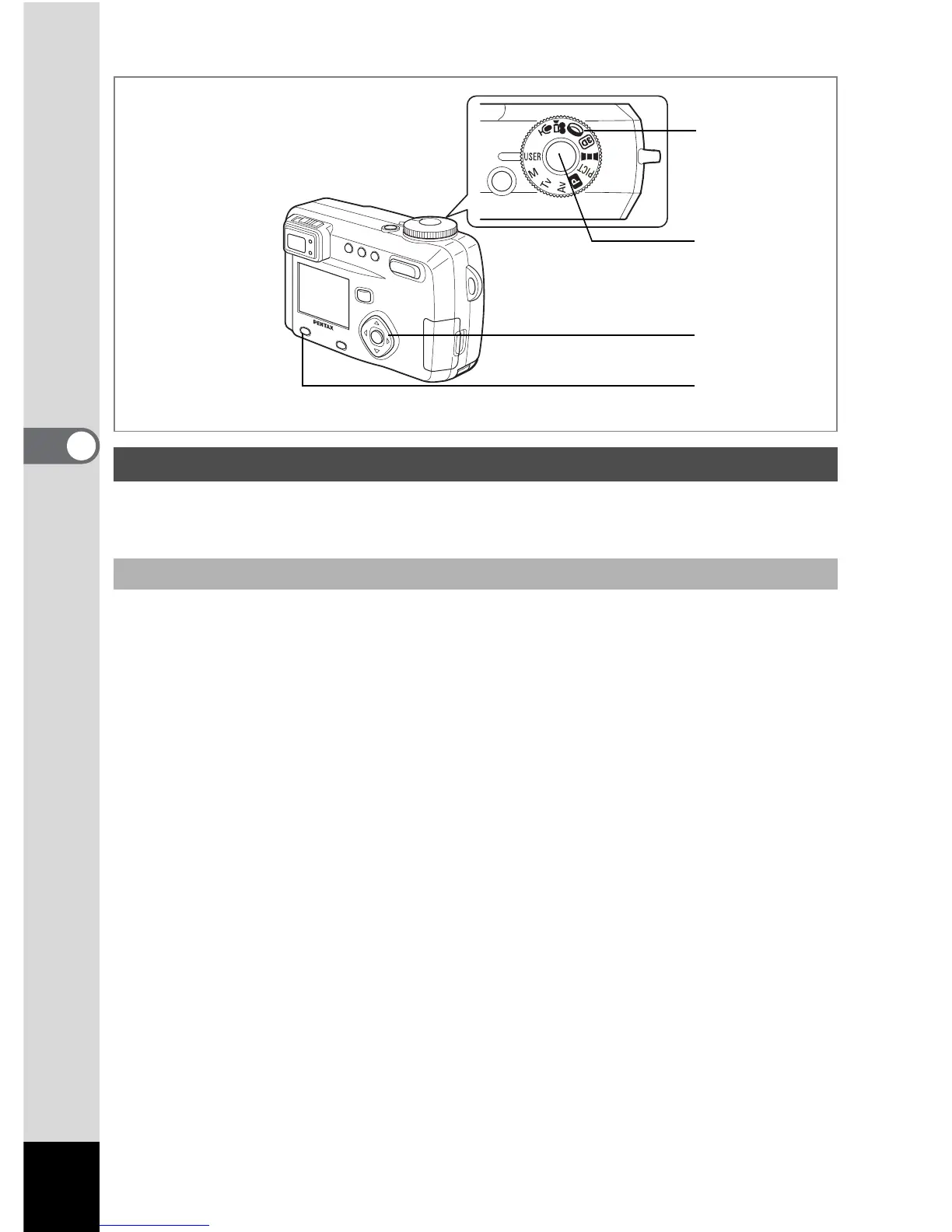
Register Capture mode or functions that you use frequently and then align the
mode dial to
E to quickly take pictures using your preferred settings.
1 Set the mode dial to E.
2 Set the [A Rec. Mode] items to your preferred settings.
3 Press the four-way controller (23) to select [E].
4 Press the four-way controller (45) to select a Capture mode
to be saved.
The set functions and Capture mode are registered in [User Mode].
See the table on the next page for the functions that can be set in the User
mode.
5 Press the shutter release button.
Using Preset Function Settings (User Mode)
Registering a function
1
5
3, 4
2



 To Next Page