95
5
Playback / Erasing
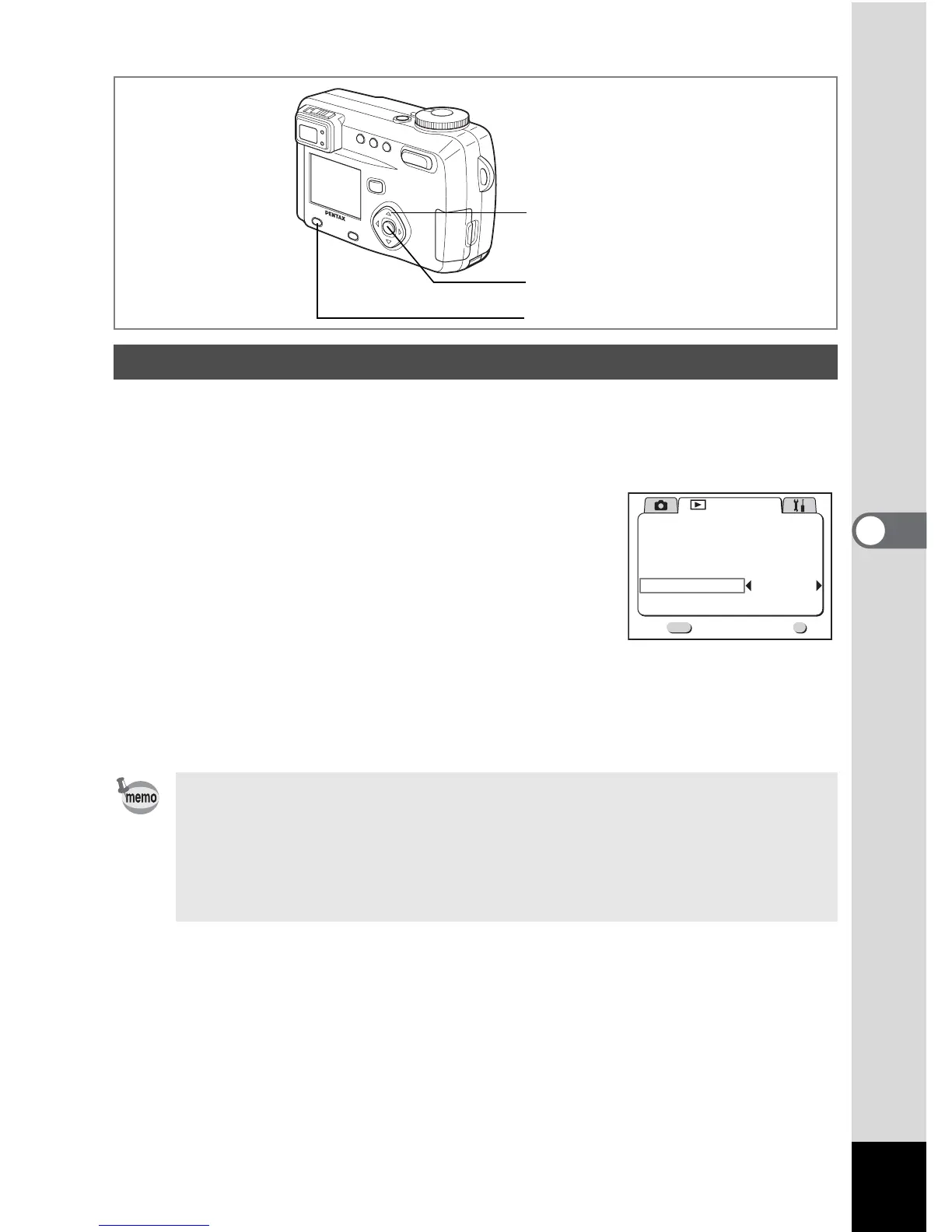
You can play back all the images on the SD Memory Card continuously.
1 Enter the Playback mode and choose the image with which to
start the slideshow with the four-way controller (45).
2 Press the Menu / Fn button.
The [Q Playback] menu will be displayed.
3 Select [Slideshow] with the four-way
controller (
3).
4 Use the four-way controller (45) to
change the playback interval.
Choose from the following: 3 sec, 5 sec, 10 sec, 20 sec, 30 sec.
5 Press the OK button.
Playback will start at the set interval.
Slideshow
• The slideshow will stop when you press the four-way controller, or any
buttons such as the Menu / Fn button during continuous playback.
• The slideshow will continue until you press any button.
• Movie pictures and pictures with a voice memo will be played through to
the end before the next picture is played back, regardless of the set
playback interval.
5
1, 3, 4
2
OK
OK
Playback
Resize
Trimming
Alarm
Slideshow
PictBridge
Digital Filter
3sec
Off
Exit
MENU
1/1



 To Next Page