123
6
Editing / Settings
1 Enter the Capture mode and press the
Menu / Fn button and the four-way
controller key (
2345) on which a
function is registered at the same time.
2 Press the four-way controller
(
2345) while pressing the Menu
/ Fn button to change the setting.
3 Release the Menu / Fn button.
The setting is saved and the camera is ready to take the picture.
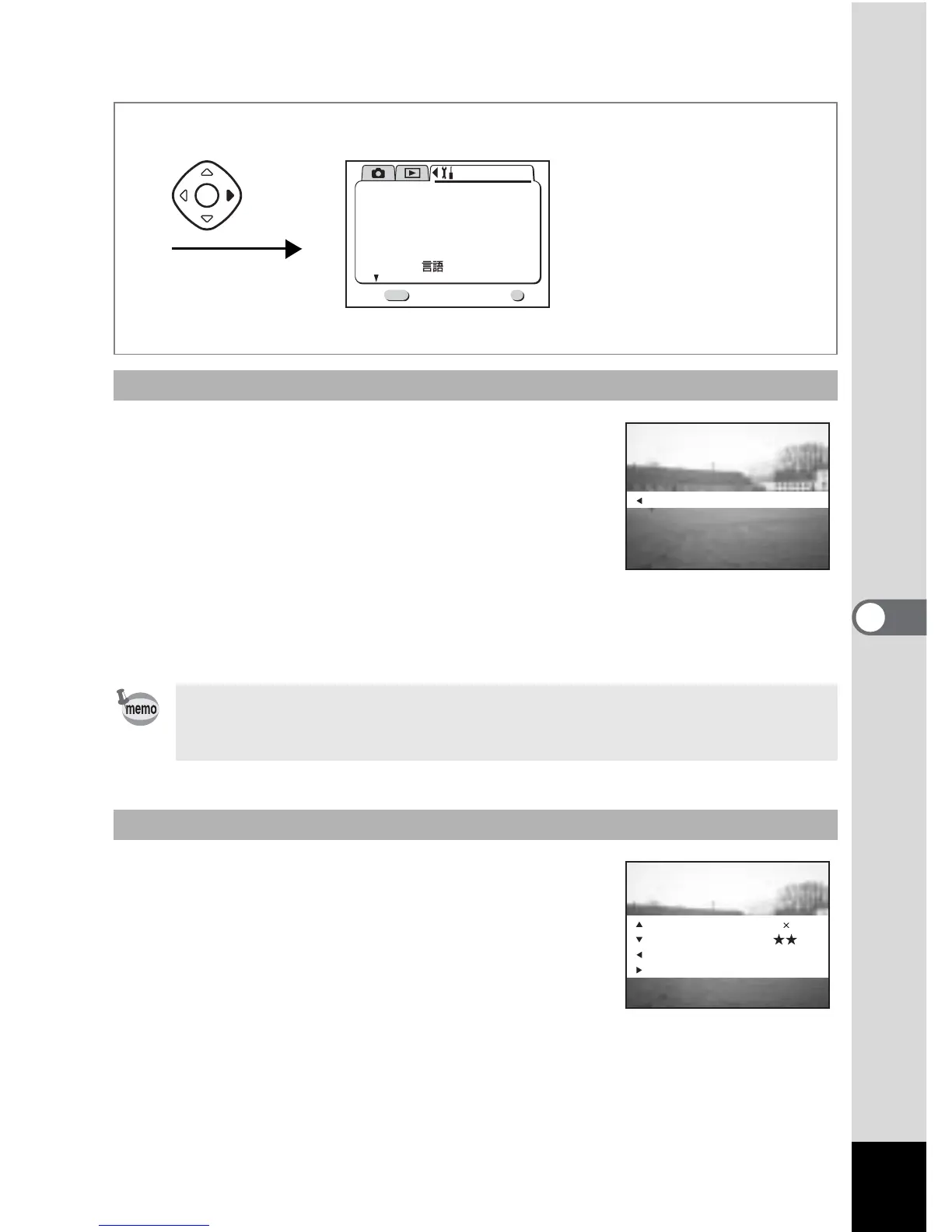
1 Press the Menu / Fn button and the
Display button at the same time.
The function settings will be displayed.
Retrieving a function
If the flash exposure is set by using the four way controller (23), the four-
way controller (2) can only be designated for compensation increase and
the four-way controller (3) to compensation decrease.
Checking the status
OK
OK
Exit
MENU
1/3
Set-up
Format
Sound
Date Style
mm/dd/yy
1/ 1/2003
Off
Date Adjust
World Time
Language/
English
Twice
White Balance
AWB
Recorded Pixels
Quality Level
White Balance
Focusing Area Wide
AWB
2288 1712



 To Next Page