71
Taking Pictures
4
1 Set the Mode dial to D.
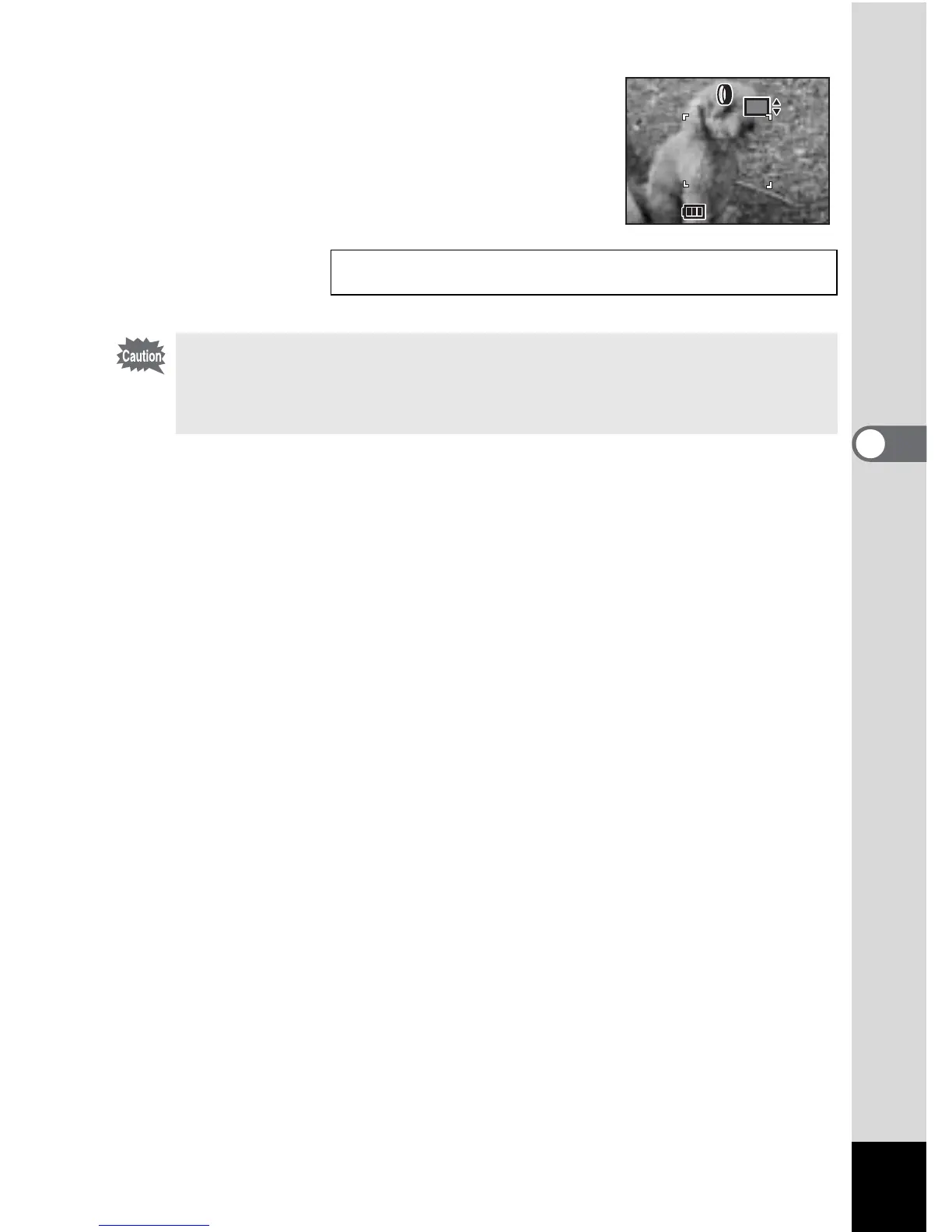
2 Use the four-way controller (23) to
select a digital filter to use.
3 Press the shutter release button.
The picture will be taken.
Playing back still pictures 1 p.26
The four-way controller (23) becomes the manual focus button and cannot
be used to change the filter when the focus mode is set to manual. Press the
OK button once and then use the four-way controller (23) to change the
filter to change the filter.
200



 To Next Page