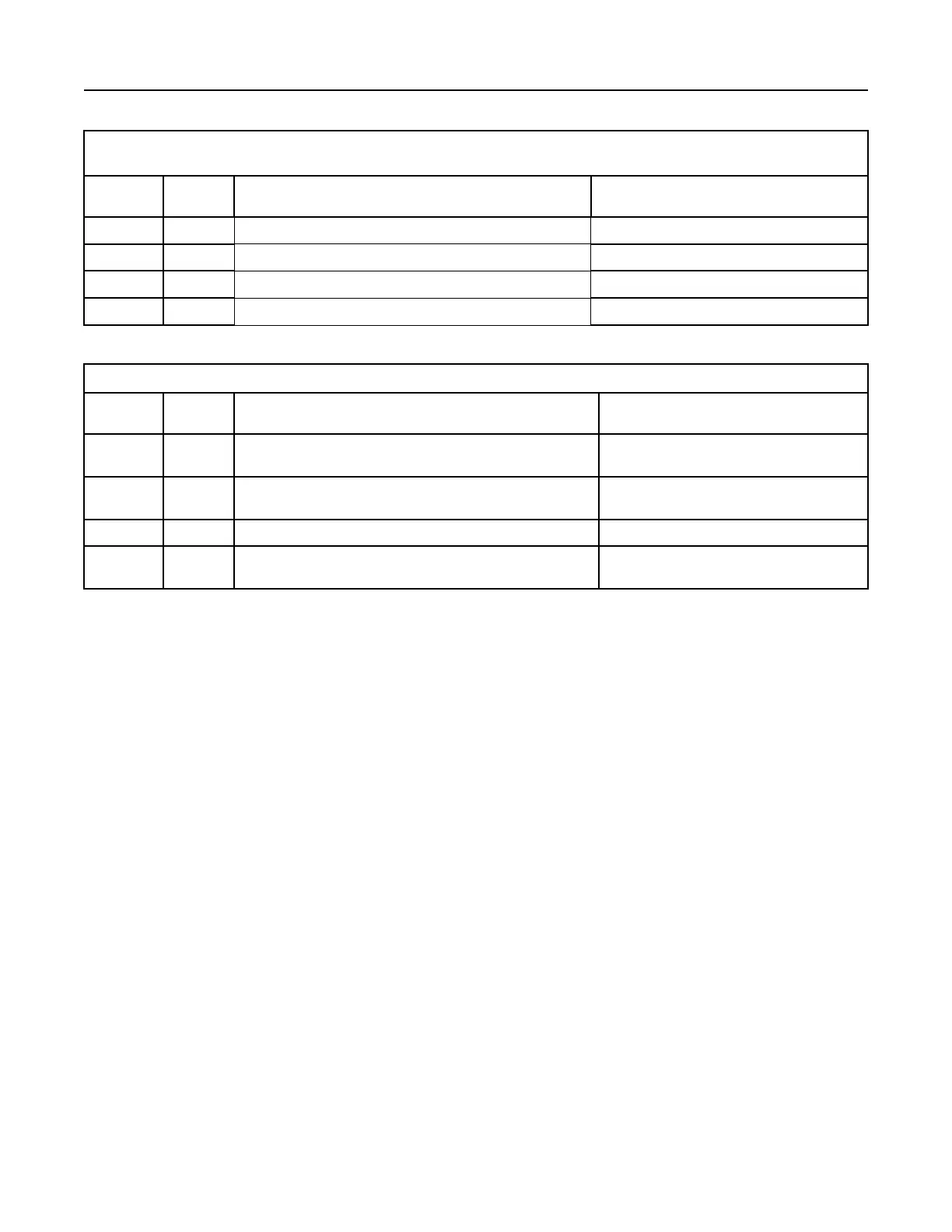
(Table 243, contd)
Codes That Clear With Each Key Cycle
J1939
Code
PDL
Code
Customer Action Clearing Conditions
5571-0 E1264 (2) Cycle key OFF for 2 minutes, then turn key ON Circuit Check (Auto)
5625-3 3513-3 Cycle key OFF for 2 minutes, then turn key ON Circuit Check (Auto)
5625-4 3513-4 Cycle key OFF for 2 minutes, then turn key ON Circuit Check (Auto)
7440-31 E1645 (1) Cycle key OFF for 2 minutes, then turn key ON Circuit Check (Auto)
Table 244
Codes That Stay Active Through Key Cycles
J1939
Codes
PDL
Codes
Customer Action Clearing Conditions
27-3 3407-3 Cycle key OFF for 2 minutes and then run engine per Clearing
Conditions
Rectification completed and NRS system oper-
ating OK.
27-4 3407-4 Cycle key OFF for 2 minutes and then run engine per Clearing
Conditions
Rectification completed and NRS system oper-
ating OK.
2791-5 3405-5 Code must be cleared with the electronic service tool The electronic service tool is required.
5298-17 E2180 (1) Cycle key OFF for 2 minutes and then run engine per Clearing
Conditions
Rectification completed and “Aftertreatment Re-
covery Procedure” completed successfully.
i06071355
Test ECM Mode
“Test ECM Mode” is a feature in the software that can
be used to help troubleshoot an engine that may
have a fault in the Electronic Control Module (ECM).
This feature allows a standard ECM to be used as a
test ECM. This feature eliminates the need to stock a
test ECM.
1. Search for the latest flash file for the engine.
Note: If a newer software version is available for the
engine, install the newest software on the suspect
ECM. If the new software does not eliminate the fault,
continue with this procedure.
2. Use the “Copy Configuration” feature on the
electronic service tool to copy the parameters from
the suspect ECM.
Note: If the “ECM Replacement” feature cannot be
used, record the programmed values into the
“Parameters Worksheet” . Also record the system
configuration parameters.
3. Disconnect the suspect ECM. Temporarily connect
the test ECM to the engine. Do not mount the test
ECM on the engine.
4. Flash program the test ECM with the newest
software that is available.
5. Start the “Test ECM Mode” on the electronic
service tool. Access the feature through the
“Service” menu. The electronic service tool will
display the status of the test ECM and the hours
that are remaining for the “Test ECM Mode” .
Note: “Test ECM Mode” can only be activated if the
engine serial number has not already been
programmed during normal operation of the ECM. If
the engine serial number is programmed with the
ECM not in “Test ECM Mode” , the ECM can never be
used as a test ECM.
6. Use the “Copy Configuration” feature on the
electronic service tool to program the test ECM.
Note: If the “ECM Replacement” feature cannot be
used, program the test ECM with the values from the
following worksheets:
• Parameters Worksheet
• Configuration Parameters
7. Program the engine serial number into the test
ECM.
Note: The “Test ECM Mode” must be activated
before the engine serial number is programmed into
the ECM.
UENR4469-36 507
Service
Copyright of Perkins Engine Company Limited. NOT FOR REPRINTING OR RESALE











 To Next Page