8. Verify that the test ECM eliminates the fault.
When the “Test ECM Mode” is activated, an internal
timer sets a 24 hour clock. This clock will count down
only while the ECM is powered and the keyswitch is
in the ON position. After the ECM has counted down
the 24 hour period, the ECM will exit the “Test ECM
Mode” . The parameters and the engine serial
number will be set.
If the test ECM eliminates the fault, the engine can be
released while the “Test ECM Mode” is still active.
Once an ECM has been activated in the “Test ECM
Mode” , the ECM will stay in the “Test ECM Mode”
until the timer times out. Anytime prior to the “Test
ECM Mode” timing out, the “Test ECM Mode” can be
reset to 24 hours.
If the ECM is used as a test ECM for more than one
engine, reactivate the “Test ECM Mode” . The
reactivation will reset the parameters to default
values. Then use the “Copy Configuration” feature to
program the parameters into the test ECM or
manually program the parameters to the correct
values.
i06177741
ECM Software - Install
Use this procedure to troubleshoot the electrical
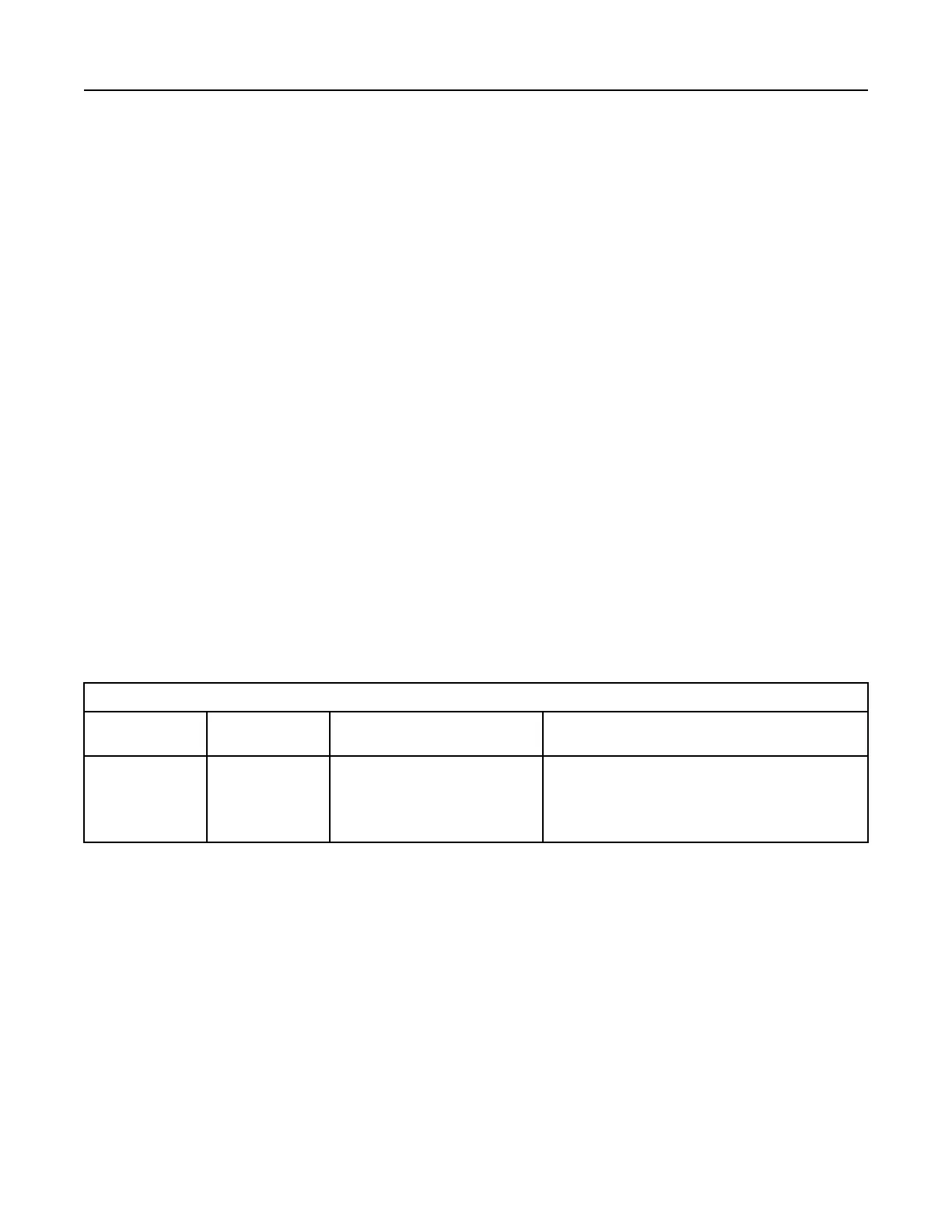
system if the diagnostic code in Table 245 is active.
Table 245
Diagnostic Trouble Code for ECM Software
J1939 Code PDL Code
Code Description
(code descriptions may vary)
Comments
631-2 253-2
Calibration Module : Erratic, Intermit-
tent, or Incorrect
The flash file is for a different engine family or for a differ-
ent engine application.
The engine will not start. Clearing this diagnostic code re-
quires factory passwords. The personality module code
must be reset to zero.
Flash Programming – A method of loading a flash
file into the Electronic Control Module (ECM)
The electronic service tool is used to install a flash
file into the ECM. The flash programming transfers
the flash file from the PC to the ECM.
Flash Programming a Flash File
1. Obtain the part number for the new flash file.
Note: If the part number for the flash file is not
available, use “PTMI” on the Perkins secured web
site.
Note: The engine serial number must be available in
order to search for the part number of the flash file.
2. Connect the electronic service tool to the
diagnostic connector.
3. Turn the keyswitch to the ON position. Do not start
the engine.
4. Select “WinFlash” from the “Utilities” menu on the
electronic service tool.
Note: If “WinFlash” will not communicate with the
ECM, refer to Troubleshooting, “Electronic Service
Tool Does Not Communicate”.
5. Flash program the flash file into the ECM.
a. Select the engine ECM under the “Detected
ECMs” .
508 UENR4469-36
Service
Copyright of Perkins Engine Company Limited. NOT FOR REPRINTING OR RESALE











 To Next Page