INSTRUMENT PANEL
•
Fuel Economy
• Average Speed
• Engine Hours
• Idle Hours
• % Idle Hours
• Fuel Used
• Idle Fuel Used
• % Idle Fuel Used
• Sweetspot Hours
• Cruise Control Hours
• Average Engine % Load
• Drive Hours
• PTO Hours
• % PTO Hours
• PTO Fuel Used
• % PTO Fuel Used
• PTO Economy
The cluster
mounted trip reset button
is used to zero and clear accumulated
trip data. Short presses toggle
between the odometer view, and the
4 trips. Holding the button when on a
particular trip will zero the stored data
and also automatically set the cleared
trip to “active” status.
Using the
MCS knob while in this
screen will only activate or deactivate
a trip function.
NOTE
PTO
options in the display will only be
shown if the vehicle is equipped with a
PTO.
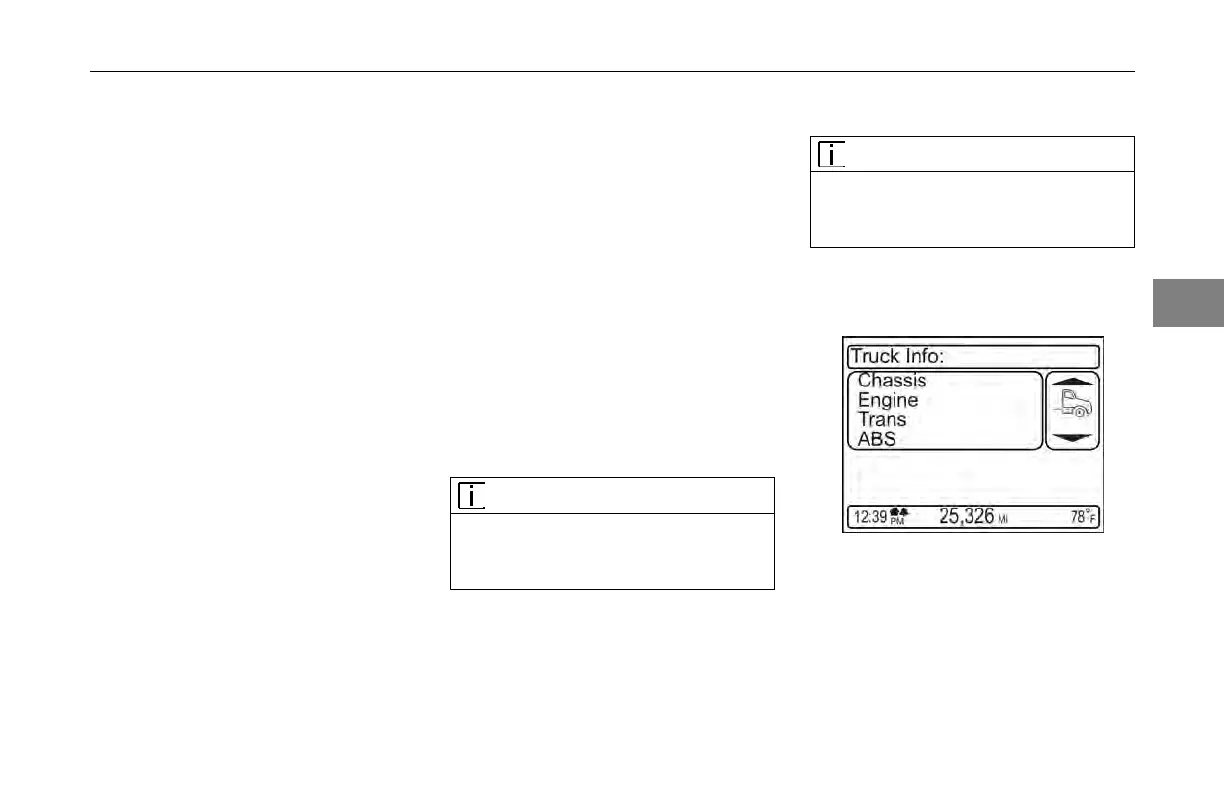
Truck
Information
NOTE
Only available
truck information will be
shown (e.g., manual transmissions do
not have a software version).
This information
is available when the
vehicle is parked.
1. Chassis Information
a. Chassis Number
b. Fleet ID
c. CECU Software Version #
3
(04/13) Y53-6047–2C 3-25



 To Next Page