40
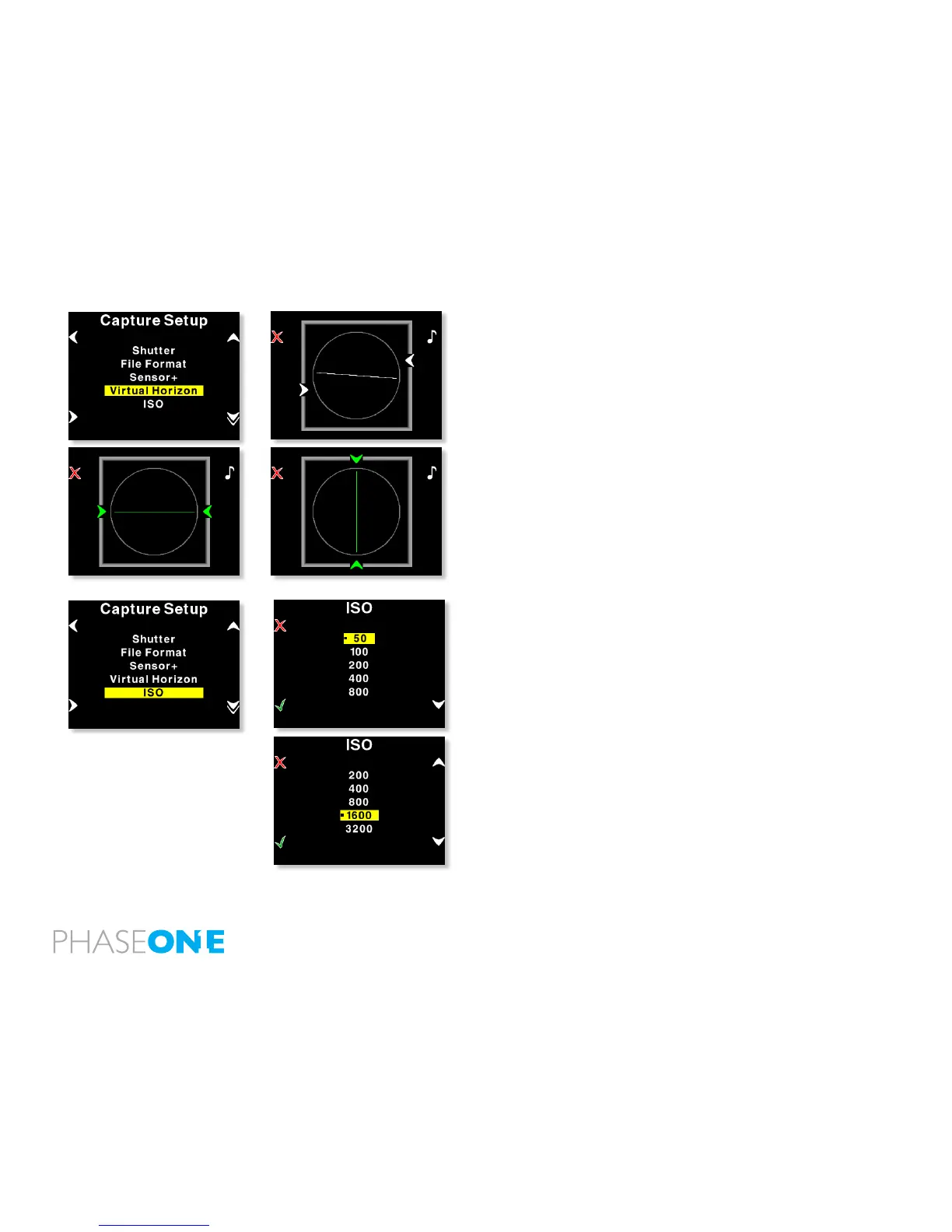
Virtual Horizon
The Virtual Horizon is your guide to keeping your camera in perfect
horizontal or vertical position, the menu disappear and you will see the
virtual horizon guiding you to level you capture perfectly, the line will be
green, when in level.
You can choose to get a sound when the horizon is precisely on
target.
ISO settings
In the ISO Menu, choose from ISO 50 to ISO 800 depending on the
conditions you want. if you are working in Sensor+ mode you can
choose between ISO 200-3200.
In general the higher the ISO value, the more noise in the image. This
means that for optimal image quality, it is a better strategy to have
more light in the scene, or adjusting the f-stop on the camera, than just
turning to a higher ISO.
When the preferred ISO setting is set press the “Enter” button to conrm
the choice (green check-mark).



 To Next Page