QUICK INSTALLATION
QUICK START UP
You already have an aerial.
Your aerial is correctly pointed at the terrestrial transmitter
corresponding to your area.
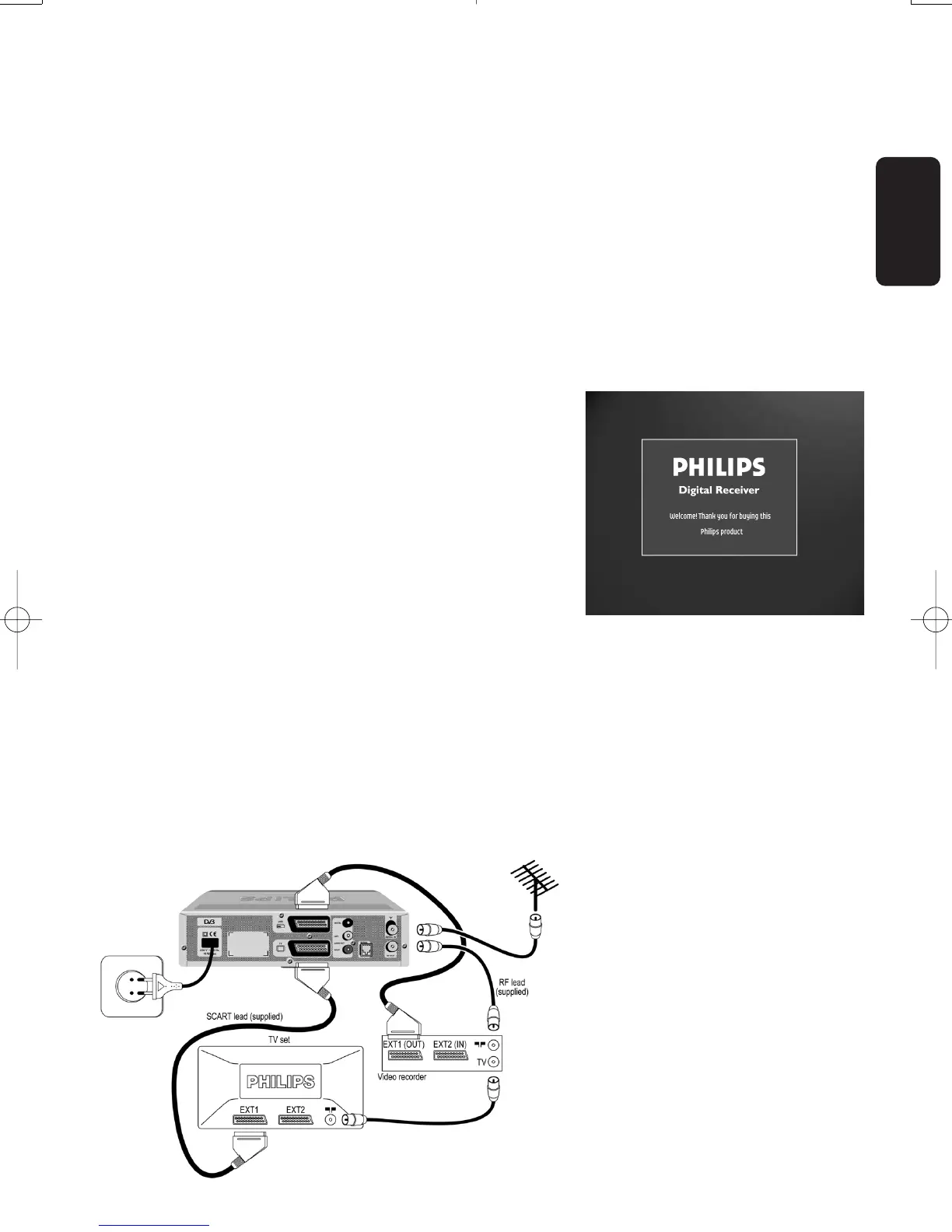
Your digital receiver connection is according to the diagram
depicted in chapter 5.1 or 5.2.
Your digital receiver is ON and the “WELCOME” screen is
displayed for a short time.Then the “First Installation” screen
is displayed.The selection is on “Language”.
- Select the desired language using the
u or i button.
- Press the
y button to move to “Country”.
- Select the desired country and press “OK”.
The next screen allows you to select the TV format.
- Press the
u or i button to select the appropriate TV
format and press “OK”.
The receiver starts scanning for channels and reports
scanning progress and number of channels found.When
scanning is completed:
- Either scanning was performed successfully and the
number of channels found is displayed.You can start
watching TV.
- Or scanning failed and the “Channel installation failed”
screen is displayed.If so proceed to chapter 6.2.
Note: If the first installation has already been performed
successfully but you want to set another country, use the
Reinstallation feature, available from the Setup menu.
English
QUICK INSTALLATION 3
Doc.DTR2000 version N/B 19/12/03 9:01 Page 3



 To Next Page