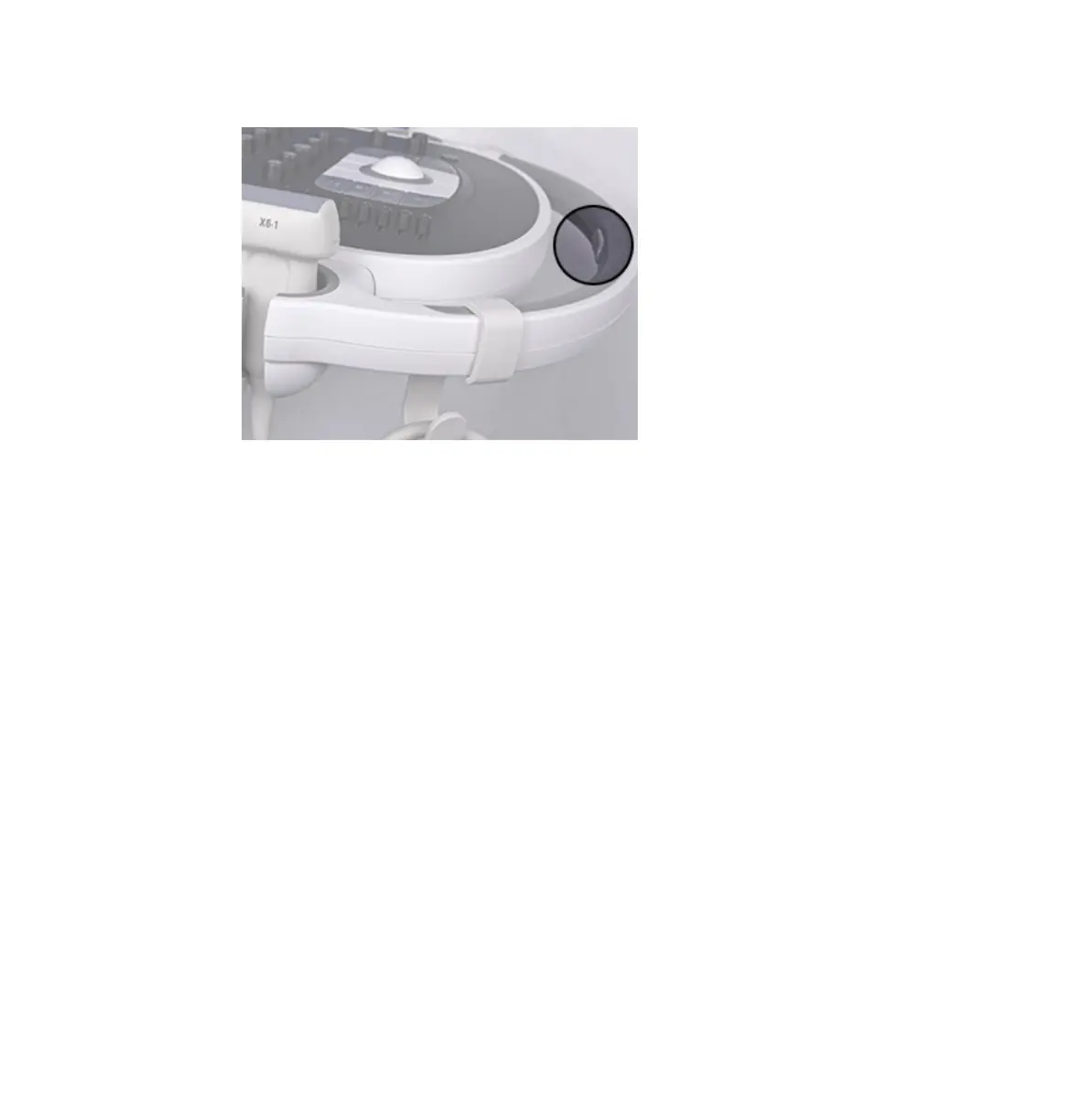
Control Module Release Button
4. Disconnect all external cables, including those to power, network, and external devices.
Secure all cables, transducers, and accessories so that they do not interfere with the
wheels.
5. Retract the keyboard.
6. Lock the monitor arm by pressing the articulating sections of the arm together.
Moving the System
Preparing the System
EPIQ 7 User Manual 4535 617 25341 109



 To Next Page