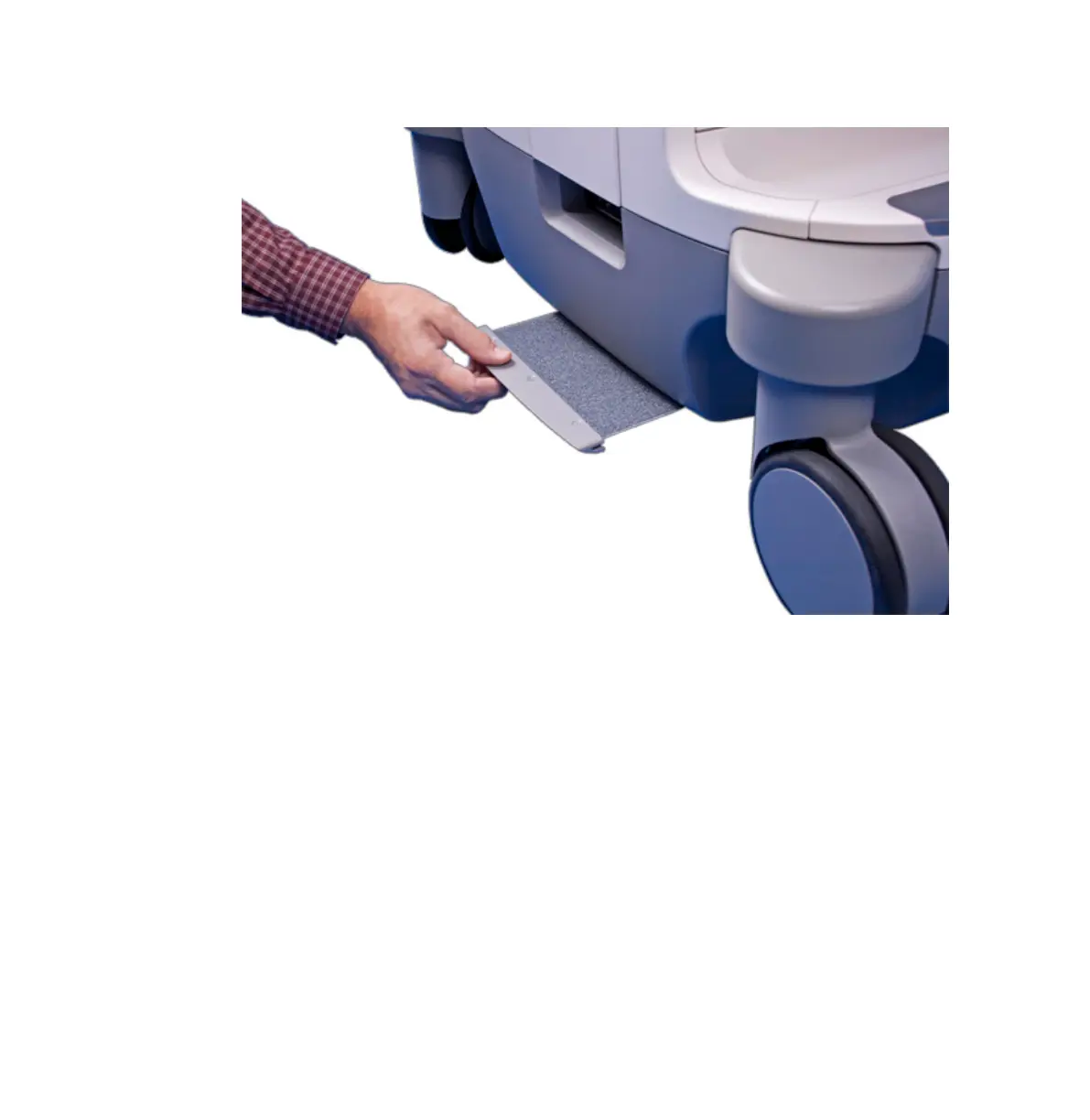
Removing the System Air Filter
Specifying and Resetting the Air Filter Maintenance Status
1. Press Support.
2. In Philips SupportConnect, click Test/Utilities.
3. Click Check Filter Status.
4. To change the cleaning interval for the air filter, under Filter Cleaning, type the number of
days in Interval.
5. To reset the interval after cleaning the filter, under Filter Cleaned, click Done.
6. To exit SupportConnect, touch Close.
Transducer Maintenance
Transducers require proper care, cleaning, and handling. Reasonable care includes inspection,
cleaning, and disinfection or sterilization, as necessary.
Cleaning and Maintaining the System
System Maintenance
EPIQ 7 User Manual 4535 617 25341 293



 To Next Page