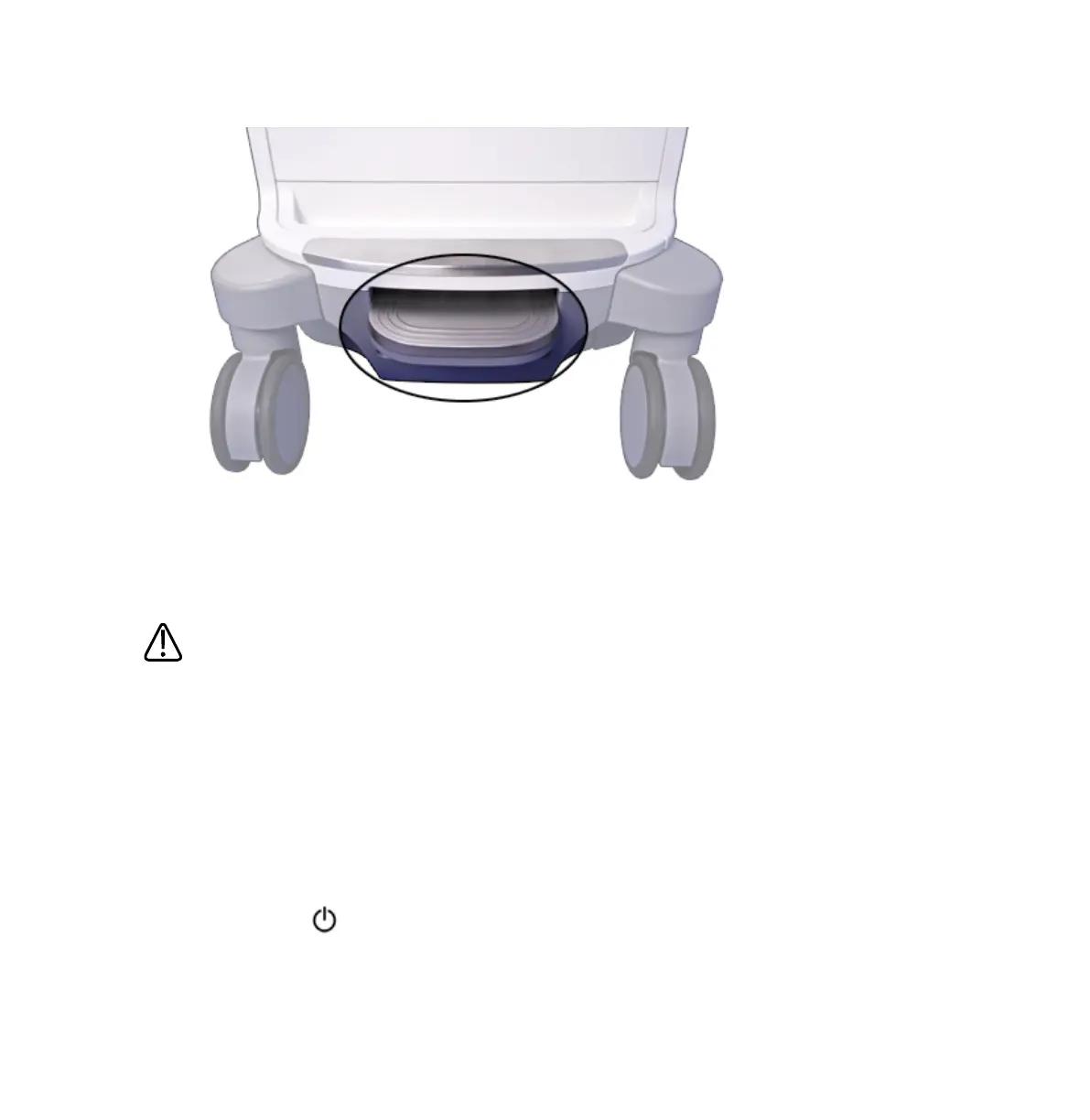
Brake/Steering Lock Pedal
Setting Up After Moving
CAUTION
If the system behaves abnormally after moving, contact your Philips representative
immediately. The components are installed securely and can withstand considerable shock;
however, excessive shock can cause a system failure.
1. With the system in position, set the brakes, connect the power, network, and other cables
from the system to the appropriate wall receptacles.
2. Release the monitor from its locked transport position.
3. Position the monitor where you want it.
4. Squeeze the release button on the front handle and position the control module to the
position you want.
5. Press the (On/Off) control to turn on the system.
Preparing the System
Moving the System
112 EPIQ 7 User Manual 4535 617 25341



 To Next Page