2. On the System tab, touch Setups.
3. Click Data Security.
4. On the User Settings tab, click Change Password.
5. For Old Password, type your current password, and then press the Tab key.
6. For New Password, type the new password you want to use, and then press the Tab key.
7. For Confirm Password, type your new password again.
8. Click OK.
9. To exit setups, click Close.
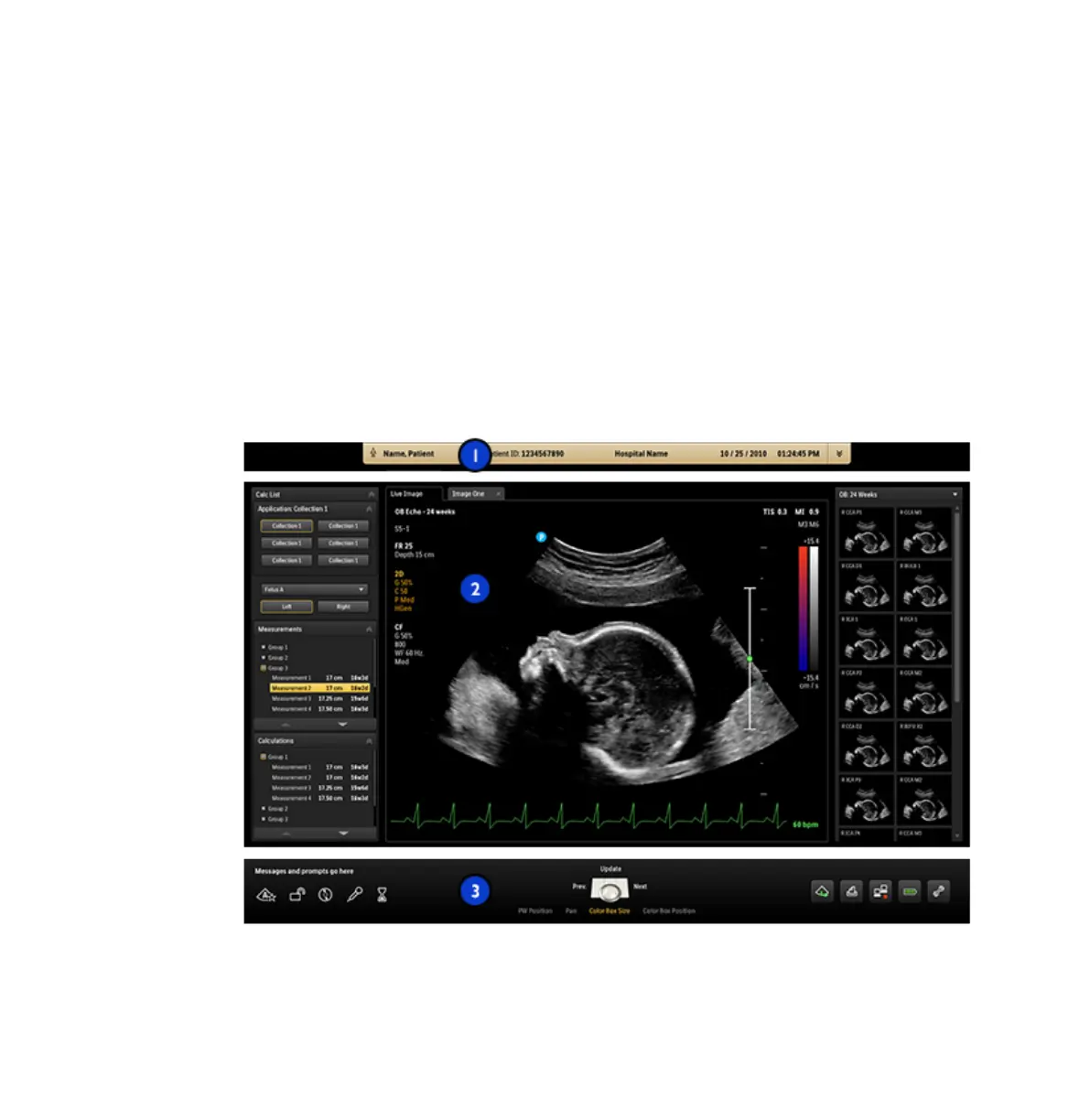
Imaging Display
The imaging display contains three, distinct regions:
Imaging Display
Imaging Display
Using the System
EPIQ 7 User Manual 4535 617 25341 135



 To Next Page