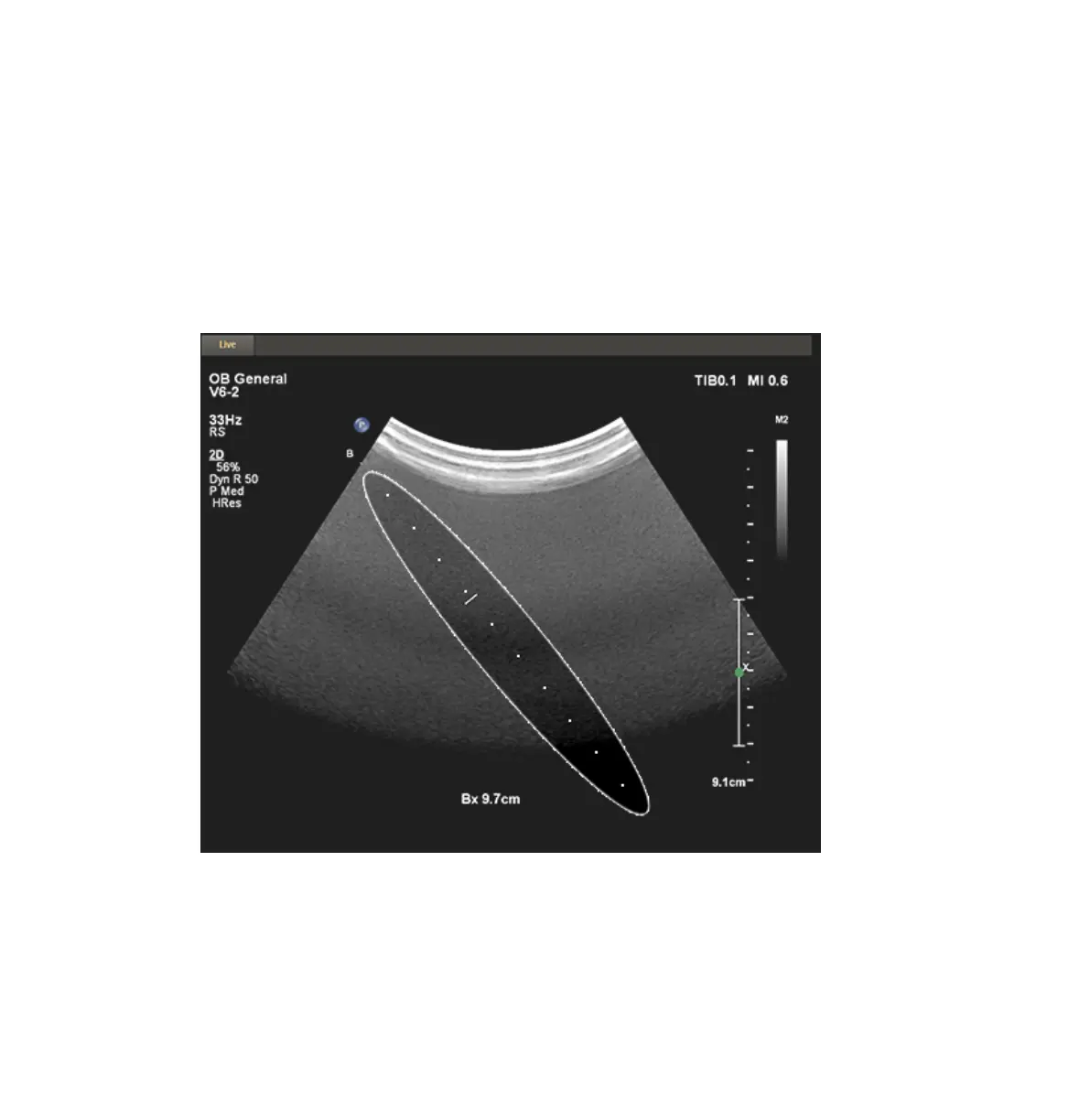
Moving the Biopsy Depth Cursor
A depth cursor appears on the biopsy guideline. The distance from the origin of the biopsy
guide to the depth cursor appears at the bottom of the imaging screen.
Rotate the trackball to move the depth cursor along the guideline. The Bx measurement value
changes to reflect the distance between the biopsy guide reference point origin and the depth
cursor.
Biopsy Depth
Biopsy Guides
Moving the Biopsy Depth Cursor
248 EPIQ 7 User Manual 4535 617 25341



 To Next Page