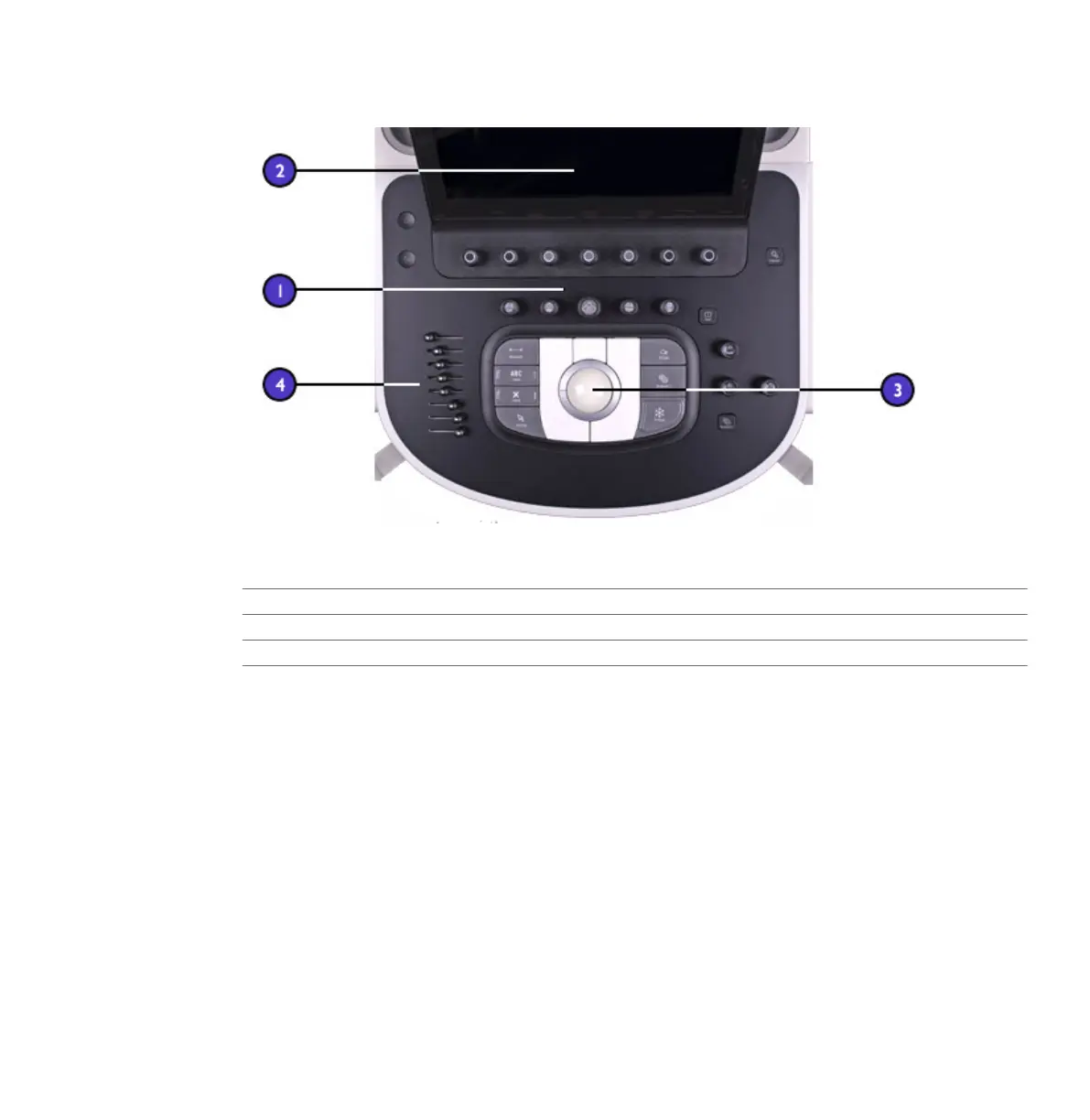
Control Module
1 Control panel
2 Touch screen
3 Trackball
4 TCG slide controls
You can adjust the position of the control module vertically and side-to-side. You can also
swivel the control module.
Beneath the control panel is a retractable keyboard. The keyboard is used to enter patient data,
comments, and text annotation on images.
System Components
System Overview
EPIQ 7 User Manual 4535 617 25341 91



 To Next Page