Configuration and diagnostics
7278_en_04 PHOENIX CONTACT 3-13
Load the last stored
configuration
This option can be used to reload the last configuration saved on the device or the PC. All
modifications made to the configuration since it was last saved are lost.
3.2.4.1 Switch station
Reboot To trigger a reboot via the web interface, enter a valid password. Save the configuration
beforehand, so that configuration modifications are retained or can be activated via a
restart.
"Ports" menu
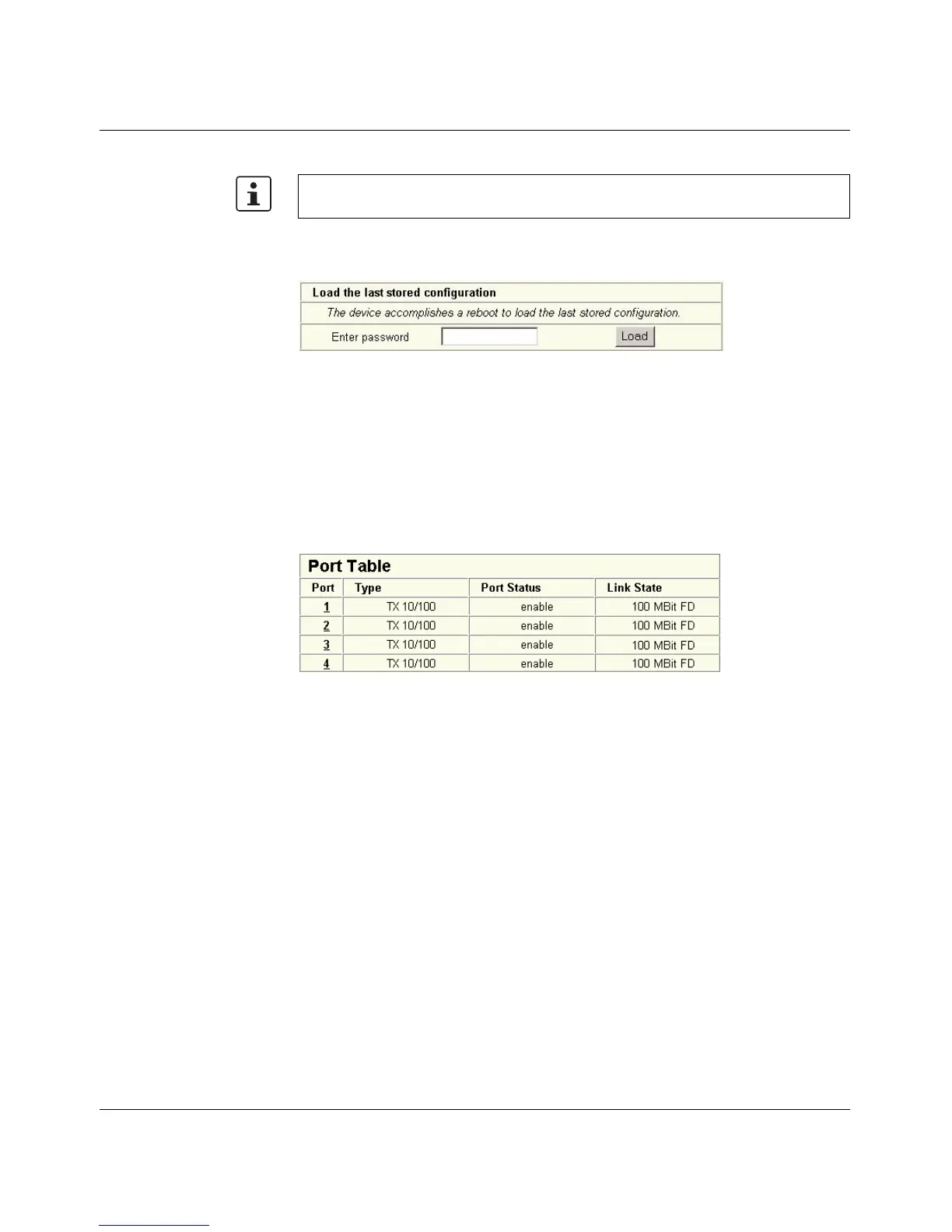
Port Table Overview of all available ports. Clicking on the relevant port number opens a port-specific
page ("Port Configuration").
Figure 3-17 "Port Table" web page
"Port Configuration Table" menu
This menu provides an overview of the important configuration settings for all ports and also
provides the option to set the status, transmission mode, and link monitoring function for all
existing ports.
WBM can only be called using a valid IP address. Once the switch has been reset to its
default settings, it has no valid IP address.



 To Next Page