Configuration and diagnostics
7278_en_04 PHOENIX CONTACT 3-17
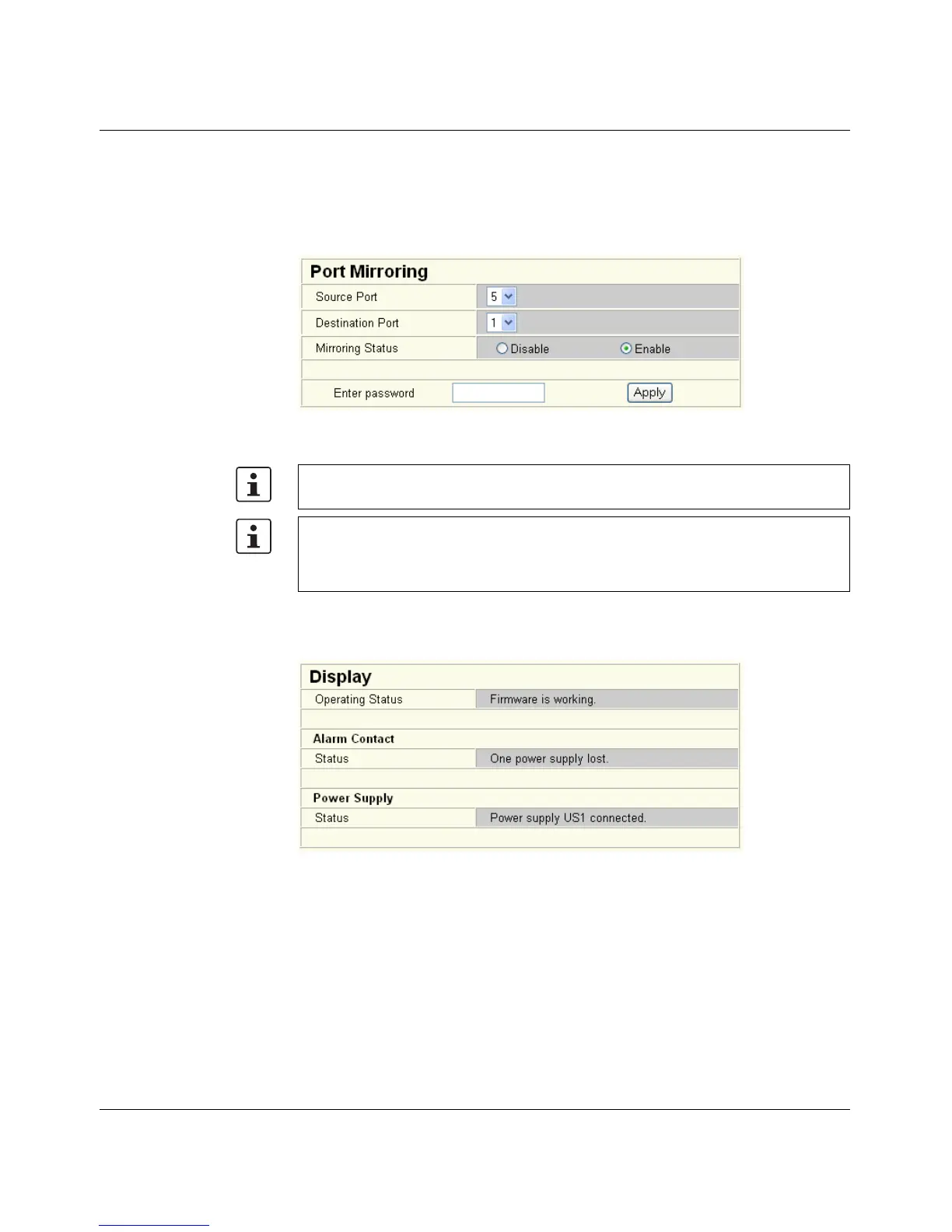
"Port Mirroring" menu
Activation/deactivation and setting of port mirroring. Port mirroring is used to passively read
input or output data that is being transmitted via a selected port. To do this a measuring
instrument (PC) is connected to the destination port, which records the data, yet must not
itself be activated.
Figure 3-21 "Port Mirroring" web page
"Diagnostics/Display" menu
The "Display" menu contains some status information about the switch.
Figure 3-22 "Display" menu
WBM prevents the same ports from being set, i.e., the source port and destination port
must differ.
The port capacity is calculated according to the set transmission parameters. Example: A
source port is operated at 100 Mbps and reaches a capacity of 5%. The destination port
is operated at 10 Mbps. Therefore, with the same volume of data the destination port
reaches a capacity of 50%.



 To Next Page