8. SYSTEM SETTINGS MENU.
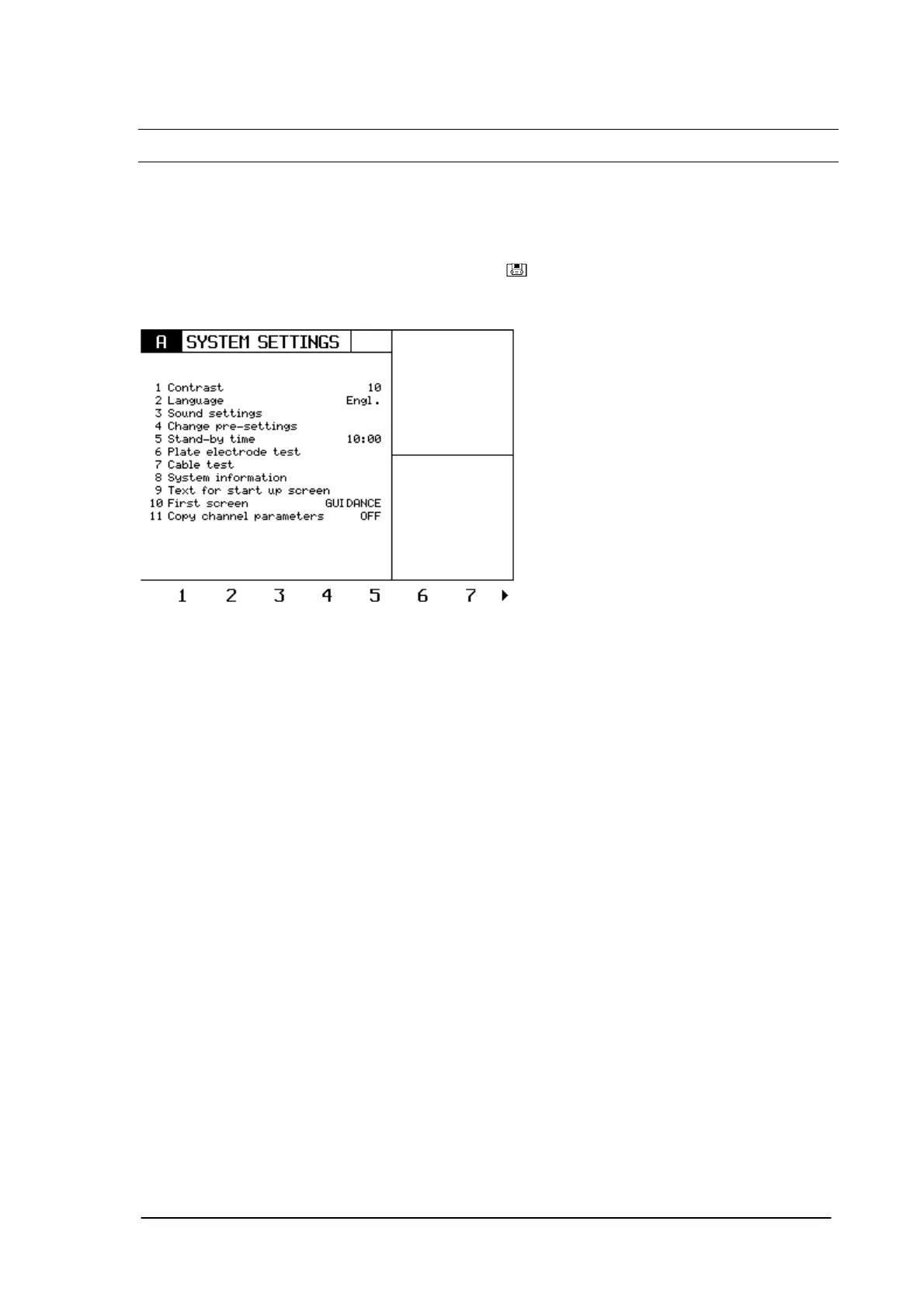
The system settings menu allows the user to personalize a number of parameters and to perform a
cable and electrode test.
It is also the menu between the main menu and the service menu.
In order to select the system settings menu, press the
key.
The following screen appears:
8.1 Contrast settings.
It is possible to set the contrast between 1-10.
Factory setting: 10.
8.2 Language.
There are four different languages available in the West European version:
- English.
- Nederlands.
- Français.
- Deutch.
There are also four different languages available in the South European version:
- English
- Italian
- Spanish
- Portuguese
8.3 Sound settings.
Pressing key 3 enters the sound settings menu, were different sound settings can be done.
Phyaction Guidance E/C – service manual version 0.5 Page 29



 To Next Page