14. REPLACEMENT PROCEDURES.
When handling static sensitive devices such as PC boards of the Guidance E/C, the following
precautions should be observed:
- Persons should be earthed by means of a wrist strap.
- Ground all electrical equipment, work bench, soldering iron…
The following PCB’s are installed in the Guidance E:
- Main PCB.
- ET output filter PCB.
- Vacuum PCB.
- Keyboard PCB.
- Display PCB.
14.1 Cover.
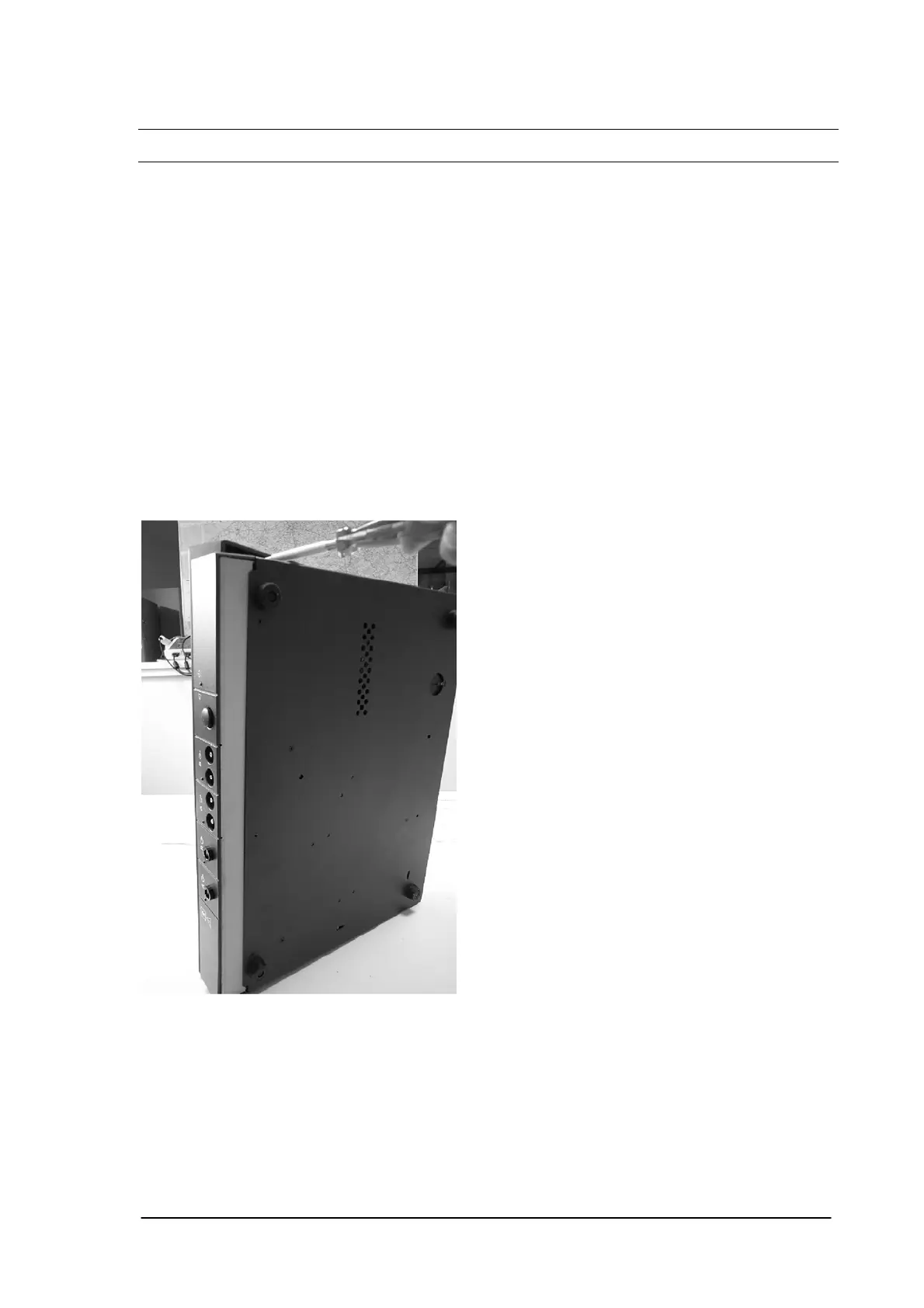
Removal: Switch off the unit and remove the mains cable from the mains entrance.
Close the display and install the unit on the side panel.
Remove 6 screws at both sides of the cover.
Caution: Disconnect the flatwire between the cover and the main PCB.
Installation: The installation is in reverse order of the removal procedure.
Phyaction Guidance E/C – service manual version 0.5 Page 53



 To Next Page