To reset this values, see point 8.3.
9.2 Error history.
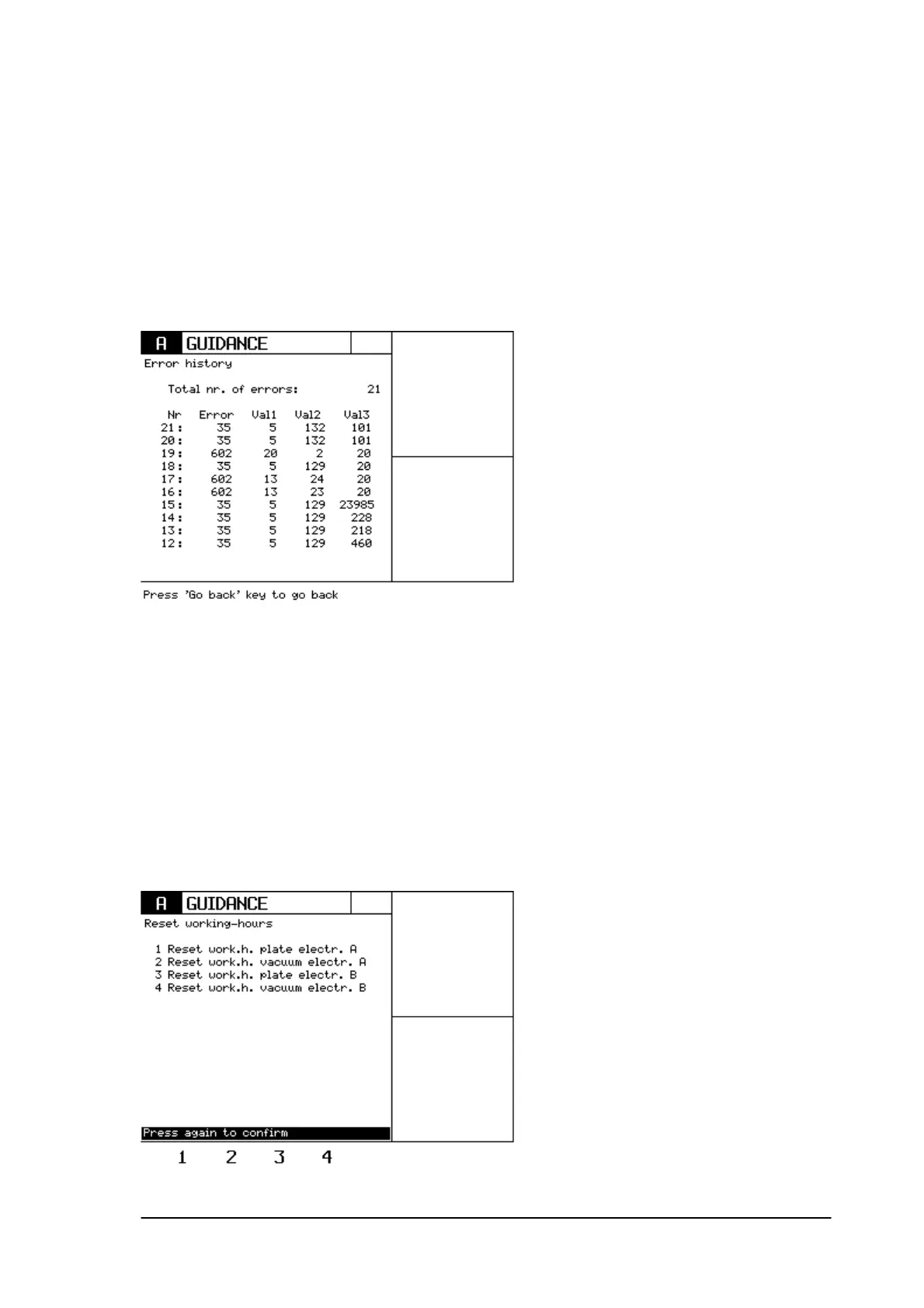
Enter this menu by pressing ‘2’.
This menu will give detailed information of the last 10 errors that have been occurred.
This is an important tool to detect a problem, especially when it concerns intermittent errors.
It is possible to see the last 10 errors.
Nr: the error number (maximum value:
Val 1: The second column gives the error number.
9.3 Reset working hours.
In case electrodes or cables are replaced, it is recommended to put the particular working-hours
indication to zero.
Select the accessory that needs to be reset and confirm with the same key to reset to zero.
Phyaction Guidance E/C – service manual version 0.5 Page 37



 To Next Page