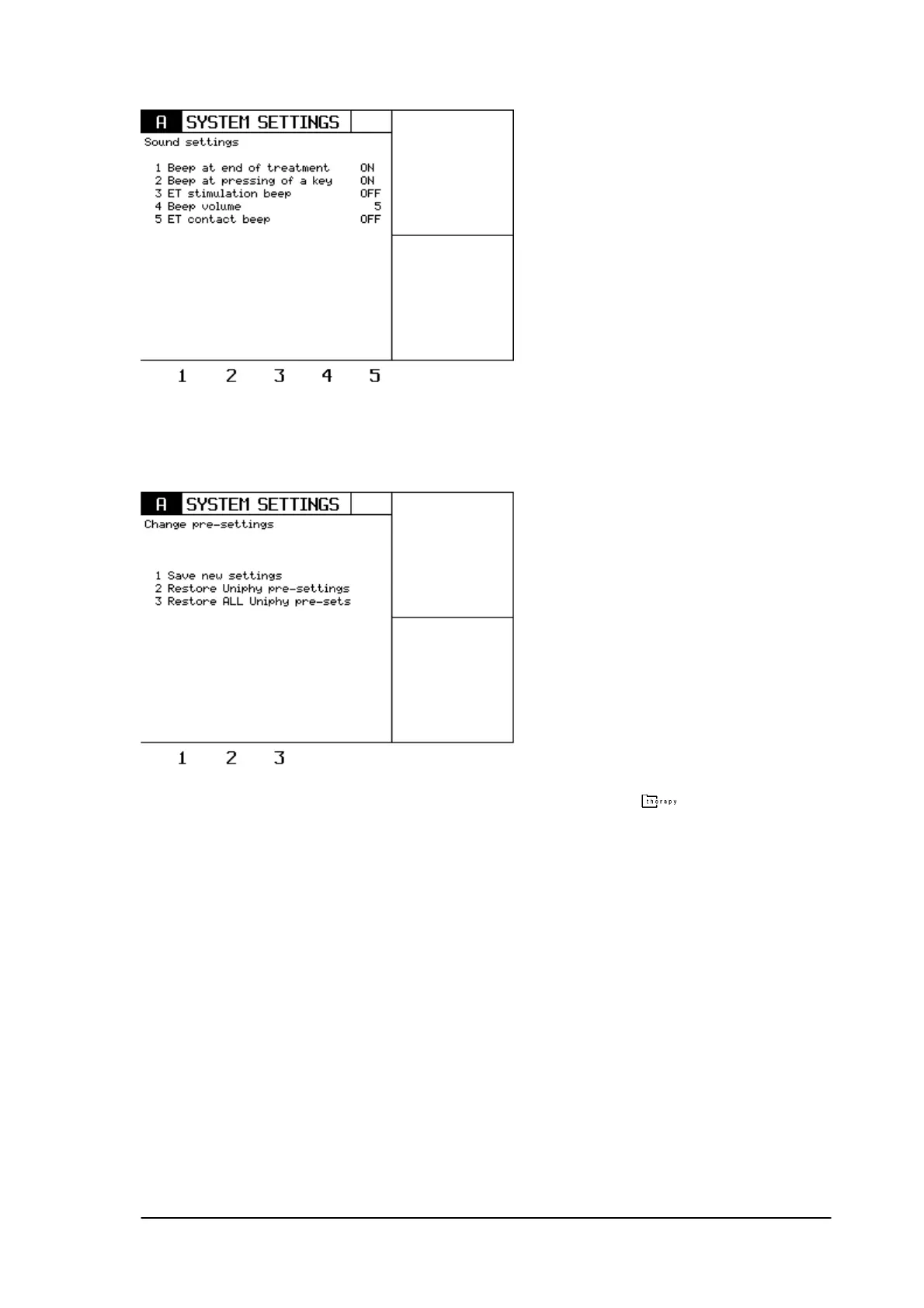
8.4 Change pre settings.
Pressing key 4 in the system settings menu, enters the pre-settings menu.
GymnaUniphy nv. advises standard treatments in the THERAPY menu (
)
. However, these
parameters can be changed and stored in memory.
Select a treatment in the Therapy menu and change one or more parameters.
Now press the System settings key an go to the pre-settings menu. The new parameter of this
program can now be stored by pressing key 1 (save new settings).
In order to restore the Uniphy pre-settings of one particular therapy, first select the therapy and then
press the system settings key .
Press key 2 in order to restore the original Uniphy settings for this particular program.
In order to restore all the Uniphy presets (for every fixed therapy), press key 3.
8.5 Stand by time.
The standby time can be changed to 20 min, 15 min, 10 min, 5 min or can be switched off.
8.6 Plate electrode test.
Phyaction Guidance E/C – service manual version 0.5 Page 30



 To Next Page