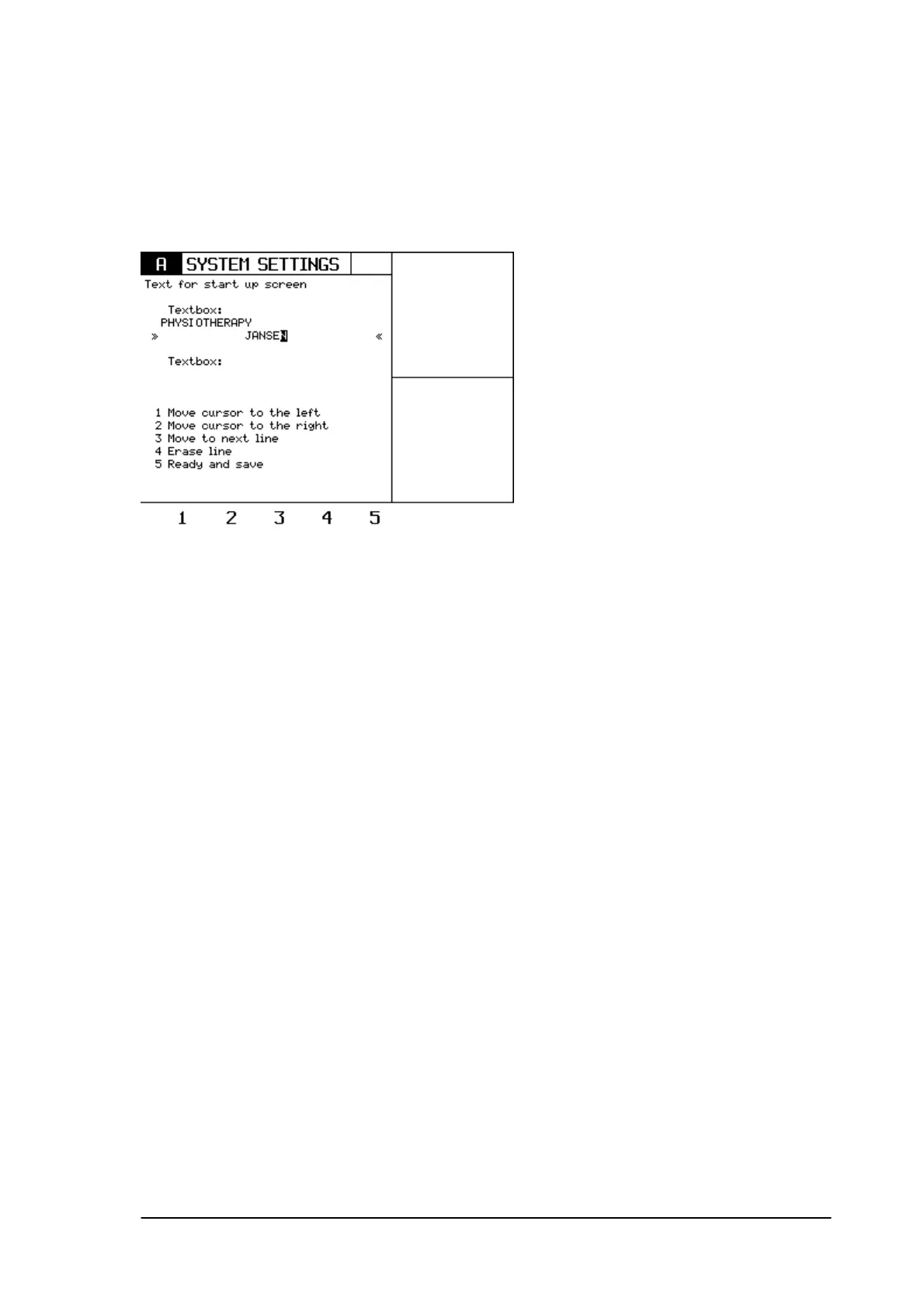
8.9 First screen.
When the unit is switched on, the unit will give a start-up screen. It is possible via the ‘first screen’
menu, to program the name of the Physiotherapist into this start-up screen.
8.10 Copy parameters.
When this parameter is switched ON, the selected current on channel A can easily be copied to
channel B. Just press the B-key and the same parameters will be copied to the B channel.
Phyaction Guidance E/C – service manual version 0.5 Page 35



 To Next Page