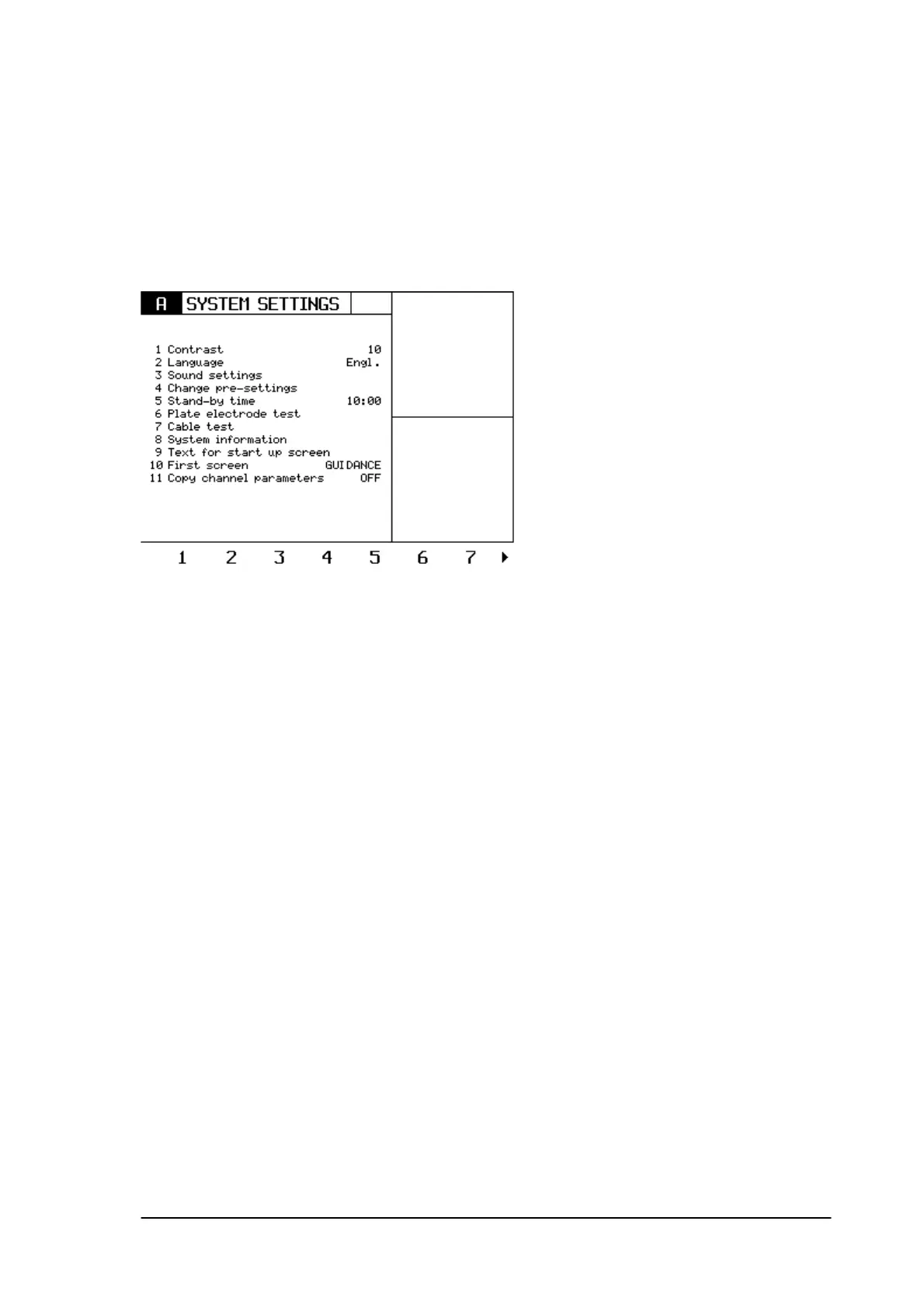
9.4 Reset all user settings.
It is possible to reset all the settings the user had made to the factory settings.
The following items will be set to factory settings:
All settings of the system settings menu:
All self made programs.
9.5 Total reset settings.
This menu resets the user settings as well as the counting working hours and the error history.
/ All these settings are stored in the serial eeproms on the main PCB. If a main PCB needs to be
replaced, always perform a total reset.
9.6 Special service menu.
In the service menu, press the sixth blue key. A special service menu appears.
Phyaction Guidance E/C – service manual version 0.5 Page 38



 To Next Page