9. SERVICE MENUS.
The Guidance-E/C has a built in service menu which allows to check different important service
issues.
To enter the service menu, first go to the ‘ system settings’ menu (
)
and then press the ‘Pause’ key
(
)
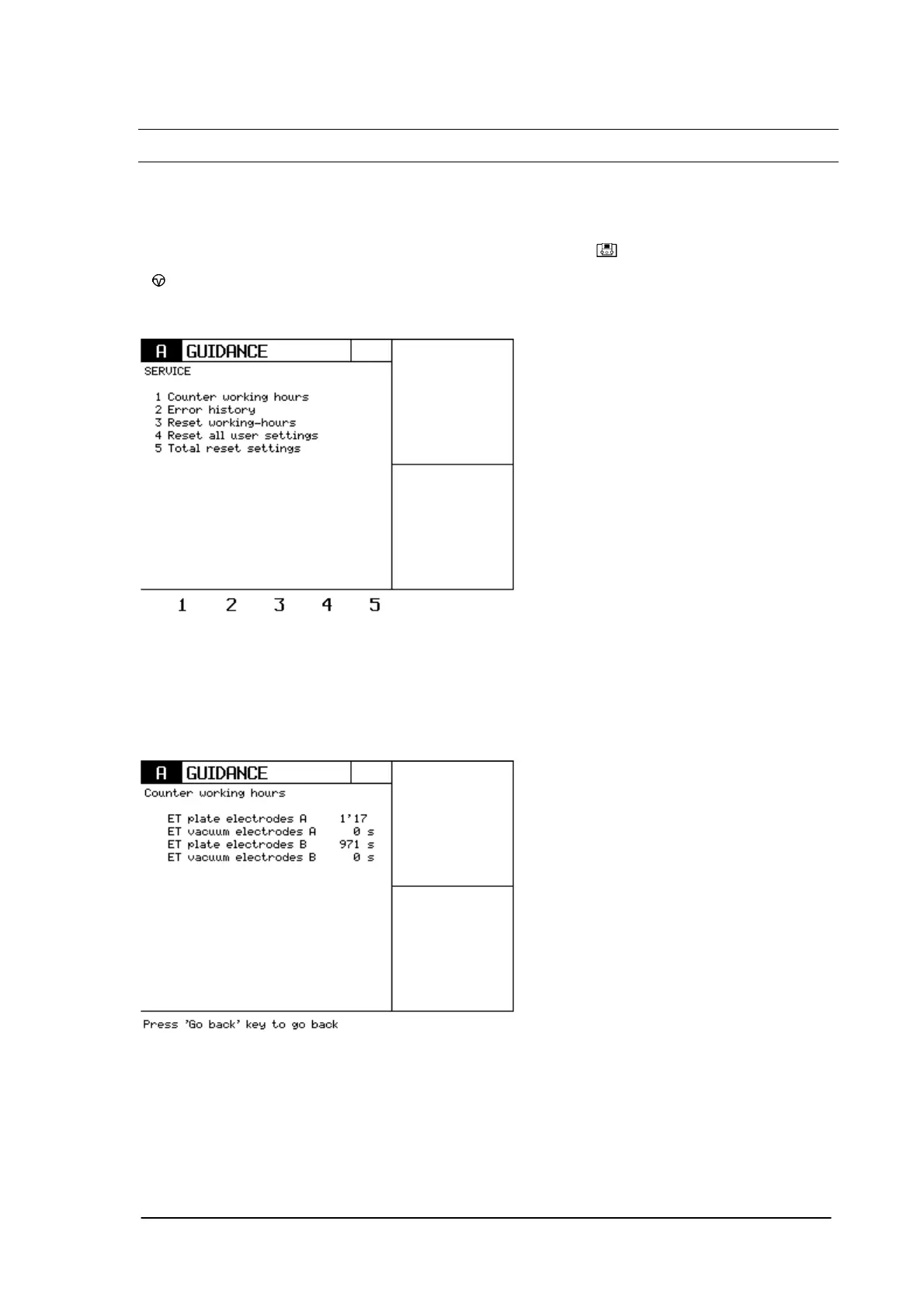
for about 5 seconds. The following screen will appear.
9.1 Counter working hours.
Enter this menu by pressing ‘1’.
This menu will give you the following information.
If you have detected a problem with the electrodes or with the patient cable, this menu will show you
how many hours the different accessories have been used.
It is obvious that this information will only be reliable if the customer didn’t replace the electrodes or
cables by himself.
Phyaction Guidance E/C – service manual version 0.5 Page 36



 To Next Page