10. UPGRADING SYSTEM SOFTWARE
10.1 General information.
The software of the Phyaction Guidance can be updated without opening the enclosure of the device.
There is a flash memory on the main PCB that can be reprogrammed using the serial RS232 interface
on the left side of the unit.
The advantage of this system is that downloading software is cheaper than replacing a
microcontroller, plus there is no risk of ESD because the device stays closed.
/ The Medical Device Directive does not allow end users to reprogram medical devices. This is only
reserved to authorized service personnel.
10.2 Which tools are required ?
- In order to download the software, a PC with a Pentium processor and DOS version 5.X or higher
is required.
- The file with the software to be programmed (provided on 3.5 inch diskette)
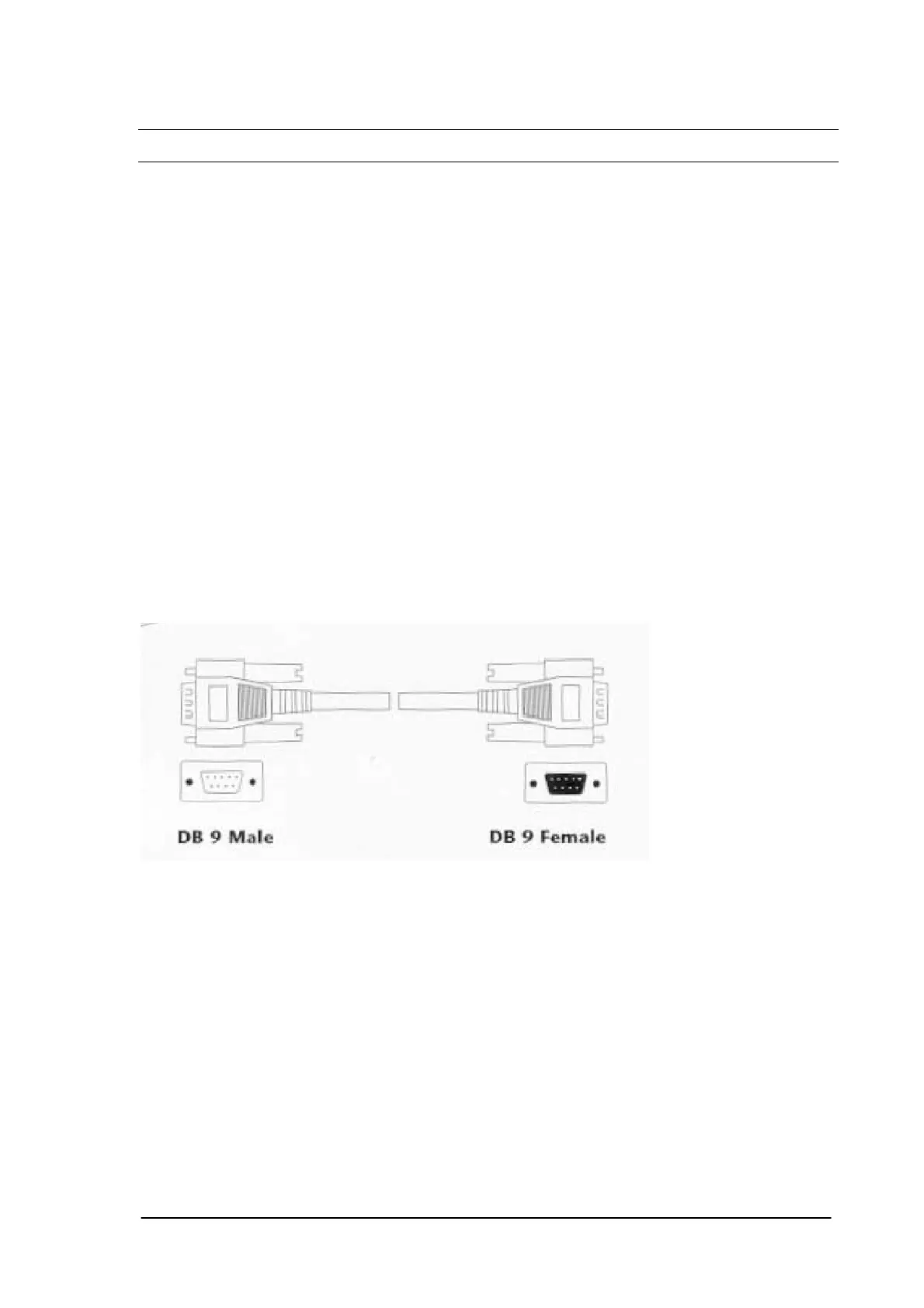
- A RS 232 cable with a 9 pins male sub-D connector at the Guidance end and a 9 or 25 pins female
sub-D connector at the PC end.
- An unzip program like PKUNZIP or WINZIP.
10.3 Downloading the software.
- Start the PC and unzip the software on the disk.
- Connect the RS 232 cable between the PC and the Guidance E/C
- Switch on the unit and wait until the main menu appears.
- Run the program Flash1.bat when the device is connected to COM 1 or Flash2.bat when the device
is connected to COM 2.
- The PC will connect to the Guidance and the download procedure will start.
The following screen will appear on the PC:
Phyaction Guidance E/C – service manual version 0.5 Page 40



 To Next Page