Selecting Instruments
Using the TONE-Botton
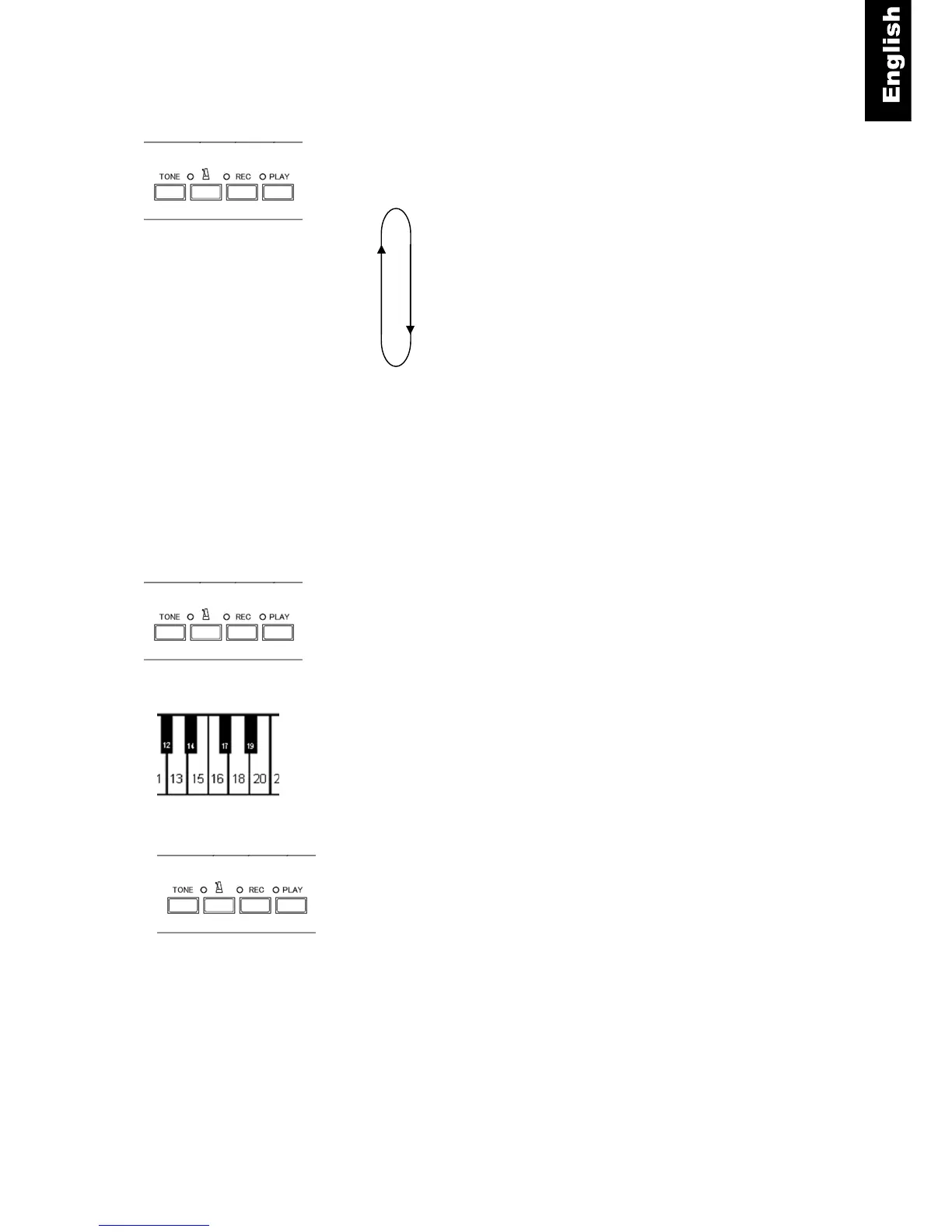
TONE button - 8 different instruments can be selected by
pressing the “TONE” button on the control box. Each push of the
“TONE” changes to the next instrument in sequence as follows:
Note:
A sample of each instrument will sound with
each push of the “TONE” button.
Selecting Instruments Using the TONE-Button in conjunction with piano keys - 88
different instruments can be selected using the “TONE” button in
conjunction with the piano keys (including the 8 instruments listed
above).
TONE button + Piano Key - Push and hold the “TONE” button
Then press one of the piano keys for the tone desired.
(See the keyboard chart on the following page.) A sample of each
tone will sound with each key pressed.
Release the “TONE” button once you have selected an
instrument.
Note
• If the power is turned off, the tone will return to Piano.
• Some of the tones have pre-set effects (such as chorus & reverb) as part of their default setting. In
some cases, the effect may continue when a different tone is selected, depending on the tone
selected.
• The rotary speaker effect is pre-set on the following tones: Warm Organ, Percussive Organ,
Drawbar Organ 1, Drawbar Organ 2, Rock Organ. When these tones are selected, the damper
pedal acts as a switch which changes the speed of the rotary effect.



 To Next Page